
3D Printing for Beginners (2026): From Zero to First Print
Start 3D printing today. Printer recommendations under $300, material guide, and step-by-step to your first successful print.
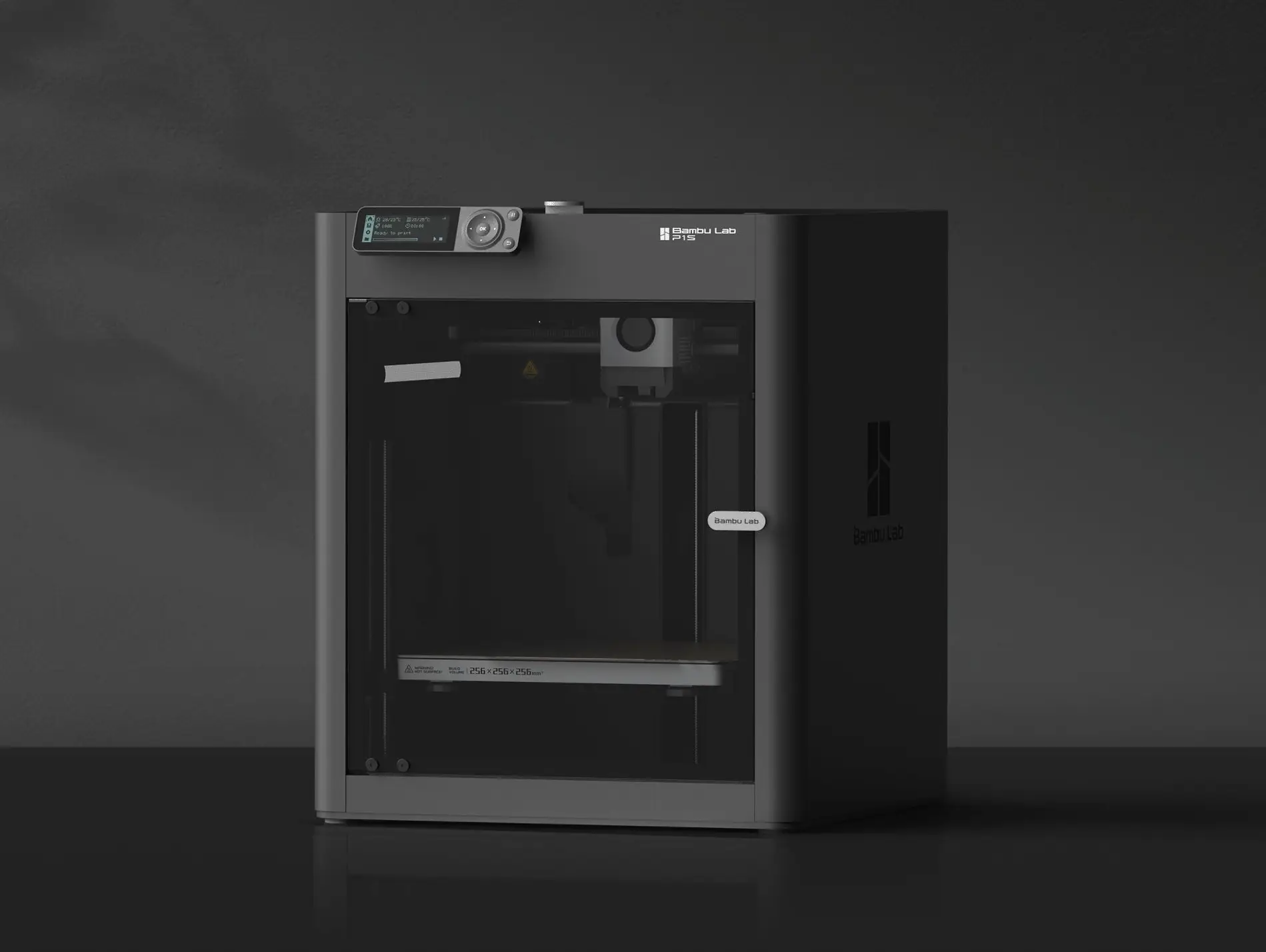
3D printing is one of the most fascinating hobbies you can start today. With a 3D printer, you transform digital designs into tangible objects - from practical household items to spare parts to creative artwork.
In this comprehensive 3D printing beginner guide, I’ll explain everything you need to know to get started. By the end, you’ll understand which printer suits you, what materials you need, and how to create your first successful print.
What Is 3D Printing and How Does FDM Work?
In FDM 3D printing (Fused Deposition Modeling), plastic filament is pushed through a heated nozzle and built up layer by layer into an object. Imagine drawing with a hot glue gun - only much more precise and computer-controlled. (Not sure if FDM is right for you? Read our FDM vs Resin comparison to understand the key differences.)
The Printing Process in Detail
- Create or download a 3D model - You need an STL or 3MF file
- Slice it - Software breaks the model into printable layers
- Print - The printer builds the object layer by layer
- Post-processing - Remove support structures, optionally sand
The entire process takes anywhere from 30 minutes to several hours depending on object size.
Which 3D Printer for Beginners? The Best Options in 2026
Choosing your first 3D printer is crucial for your success when getting into 3D printing. Here are the best options for beginners:
Budget Pick: Creality Ender 3 V3 SE (~$200)
The Ender 3 V3 SE offers unbeatable value for money:
- Automatic bed leveling
- Direct drive extruder
- 220x220x250mm print volume
- Huge community for support
Perfect for: Tinkerers who like to experiment and learn.
Premium Pick: Bambu Lab A1 Mini (~$219)
The A1 Mini is the Tesla of beginner printers:
- Fully automatic - unbox and print
- Extremely fast (up to 500mm/s)
- Excellent print quality
- AMS-compatible for multi-color printing
Perfect for: Anyone who wants to start immediately without tinkering.
More details in our Best 3D Printers Under $300 comparison.
3D Printing Materials for Beginners Explained
Filament is the consumable material in FDM printing. Here are the most important materials for getting started with 3D printing:
PLA - The Perfect Beginner Material
PLA (Polylactic Acid) should be your first material:
- Print temperature: 190-220°C
- Bed temperature: 50-60°C (optional)
- Pros: No warping, low odor, easy to print
- Cons: Not heat resistant, brittle under stress
Price: $15-25 per kg for good quality.
PETG - The Next Step
Once you’ve mastered PLA, PETG is the logical progression:
- Print temperature: 230-250°C
- Bed temperature: 70-80°C (required)
- Pros: More flexible, heat resistant, waterproof
- Cons: Stringing issues, sticks strongly to bed
TPU - Flexible Prints
For flexible objects like phone cases or gaskets:
- Requires direct drive extruder
- Prints slower
- Very durable and long-lasting
Slicer Software: Making Your Models Print-Ready
The slicer converts 3D models into printer commands (G-code). For 3D printing beginners, I recommend:
Bambu Studio (free)
Perfect for Bambu Lab printers, but usable with others:
- Intuitive user interface
- Predefined profiles
- Automatic supports
PrusaSlicer (free)
The industry standard for open source:
- Works with all printers
- Detailed settings
- Large community
Cura (free)
Especially for Creality printers:
- Huge plugin library
- Easy to get started
- Marketplace for extensions
Your First 3D Print: Step by Step
Now it gets practical. Here’s how to create your first successful print as a 3D printing beginner:
Step 1: Set Up and Calibrate Your Printer
- Follow your printer’s instructions
- Run the automatic bed leveling
- Load the filament correctly
Step 2: Download a Test Model
For your first print, I recommend the “3D Benchy” - the community’s standard test model. You can find it free on:
Step 3: Slice with Default Settings
- Import the STL file into your slicer
- Select your printer profile and PLA material
- Use the standard settings (0.2mm layer height)
- Export the G-code
Step 4: Print and Observe
- Transfer the G-code to the printer
- Watch the first layer closely
- The Benchy takes about 1-2 hours
Step 5: Analyze the Result
Compare your Benchy with reference images online. Common problems:
- Elephant foot: Bed too hot or too close
- Stringing: Adjust retraction settings
- Warping: Clean bed better or heat more
Where Do I Find 3D Models to Print?
As a 3D printing beginner, you don’t need to design yourself. These platforms offer millions of free models:
Free Platforms
- Printables.com - Best quality, curated by Prusa
- Thingiverse.com - Largest selection
- MyMiniFactory.com - Curated designs
- Cults3D.com - Mix of free and paid
Creating Your Own Models
If you want to create your own designs later:
- TinkerCAD - Perfect for beginners (browser-based)
- Fusion 360 - Professional, free for hobbyists
- Blender - For organic shapes
Common Beginner Mistakes in 3D Printing to Avoid
Almost all beginners make these mistakes - save yourself the frustration:
Mistake 1: Wrong Bed Leveling
The print bed must be perfectly leveled. The first layer determines success or failure. Use automatic leveling and check it regularly.
Mistake 2: Buying Cheap Filament
$15 for 1kg PLA is okay. $10 is too cheap. Bad filament causes:
- Clogged nozzles
- Inconsistent prints
- More frustration than savings
Recommended brands: Bambu Lab, Prusament, eSun, Polymaker.
Mistake 3: Too Complex First Projects
Start with the Benchy, then small practical objects. Not a 20-hour project with supports and overhangs right away.
Mistake 4: Not Cleaning the Print Bed
Oil from fingers prevents adhesion. Clean the bed before every print with isopropyl alcohol (IPA 99%).
Mistake 5: No Patience with the First Layer
The first layer must be perfect. If it doesn’t stick, cancel the print and re-level - don’t let it continue.
More on this in our article about the 10 most common 3D printing beginner mistakes.
Is 3D Printing Worth It? Costs and Benefits
A fair question for anyone interested in 3D printing:
Initial Costs
- Printer: $200-400 for good beginner models
- Filament: $20/kg, a Benchy uses about 15g
- Accessories: $50-100 (spatula, IPA, spare nozzles)
Total investment: $300-600 to get started.
Running Costs
- Filament: $15-25 per kg
- Electricity: about $0.10-0.20 per print hour
- Spare parts: Nozzles ($5), beds ($20)
What Can You Do With It?
- Practical: Hooks, holders, organizers, spare parts
- Creative: Figures, decorations, gifts
- Functional: Prototypes, custom parts
- Commercial: Etsy shop, contract work — see our guide on selling 3D prints online
Find a detailed cost-benefit analysis in Is a 3D Printer Worth It?.
The 3D Printing Community: Help and Inspiration
You’re not alone! The 3D printing beginner community is extremely helpful:
Reddit Communities
- r/3Dprinting - General questions
- r/ender3 - For Creality users
- r/BambuLab - For Bambu users
- r/functionalprint - Practical inspiration
Discord Servers
Almost every printer manufacturer has an active Discord with quick help.
YouTube Channels
- Makers Muse - Detailed reviews
- Teaching Tech - Technical tutorials
- 3D Printing Nerd - Entertaining and informative
Next Steps After This Guide
You now have the basic knowledge for getting into 3D printing. Here’s your action plan:
- Choose a printer - Our recommendations under $300
- Order PLA filament - Preferably from the printer manufacturer
- Install a slicer - Bambu Studio or PrusaSlicer
- Print the Benchy - Your first success
- Join a community - Reddit or Discord
Getting started with 3D printing is easier than ever. With the right expectations and some patience, you’ll quickly achieve impressive results.
Ready for the next step? Check out what you should 3D print first for practical project ideas.
Related Articles
The Ultimate Guide to 3D Printing (2026)
Your complete guide to 3D printing—from choosing your first printer to selling your prints. Everything beginners need to start their 3D printing journey.
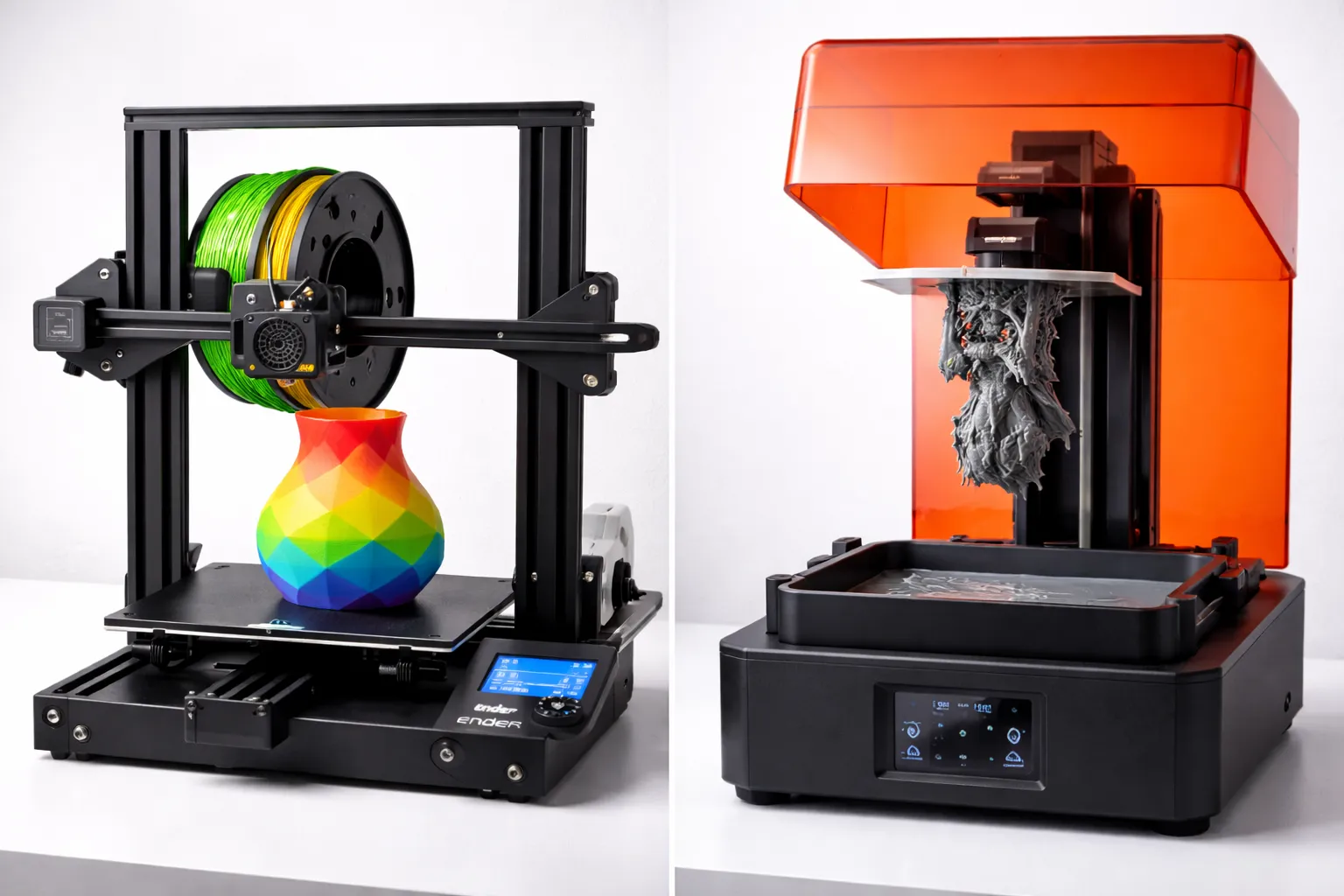
FDM vs Resin 3D Printing: Which One Should You Choose?
FDM vs resin 3D printing — we compare cost, print quality, safety, and ease of use with real examples to help you pick the right technology for your project.
Step-by-Step: Your First AI-Planned Trip with ChatGPT (2026 Tutorial)
A beginner-friendly tutorial for planning your first trip with ChatGPT. Follow along step-by-step from your first prompt to a complete travel itinerary.