
9 AI Travel Planning Mistakes That Ruin Trips (And How to Avoid Them)
AI travel planning can go wrong. Learn the most common mistakes travelers make with ChatGPT and other AI tools, and how to get better results.
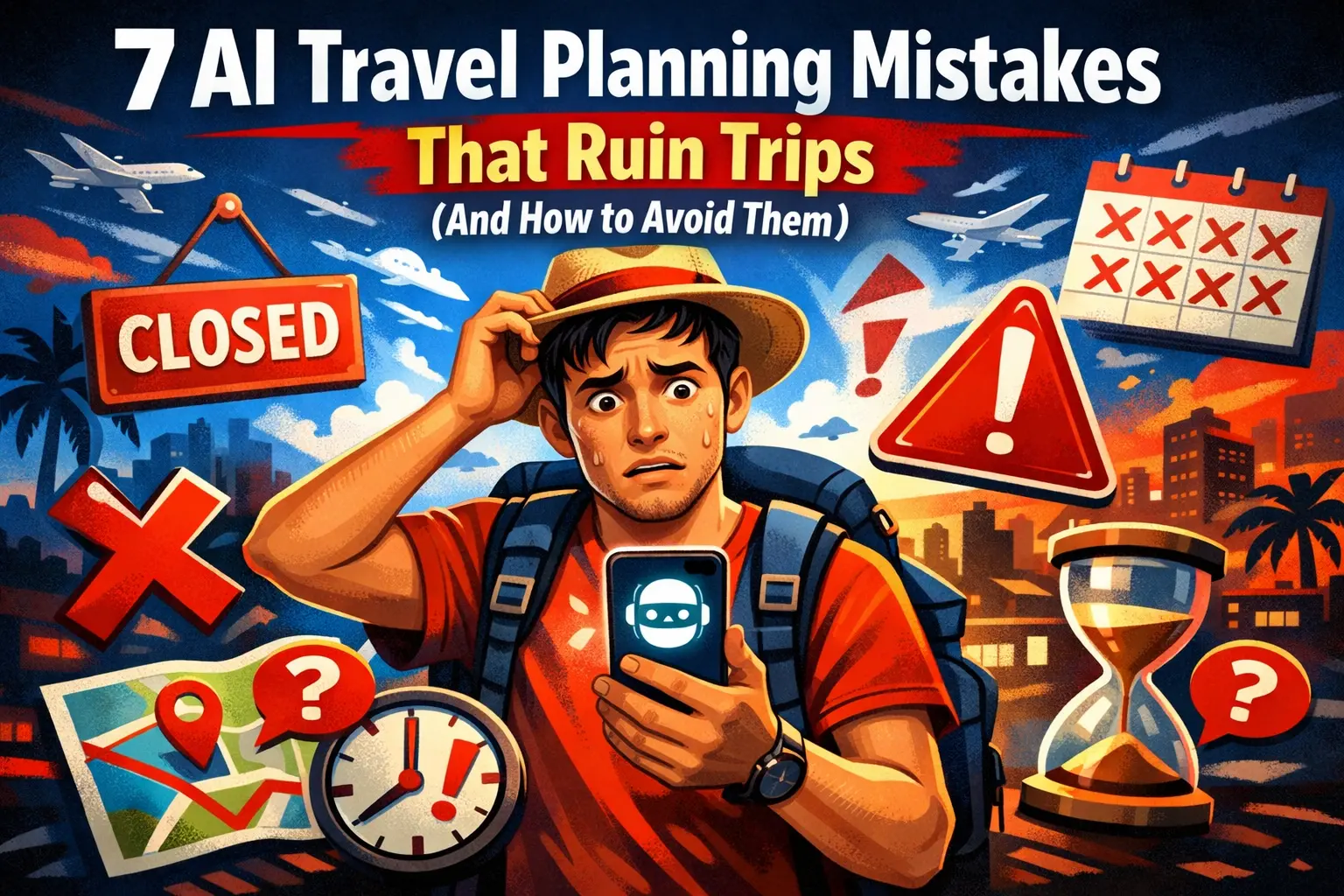
AI travel planning tools are incredible—until they send you to a restaurant that closed two years ago, schedule a “quick 10-minute walk” that takes 45 minutes in tropical heat, or pack your days so full you need a vacation from your vacation.
Here are the 9 most common mistakes and how to avoid them.
Mistake #1: Trusting AI Travel Times
What happens: ChatGPT says “Then walk 15 minutes to your next stop.” In reality, that 15 minutes becomes 35 minutes when you account for:
- Traffic lights and crossings
- Heat and humidity (hello, Southeast Asia)
- Getting lost once or twice
- That coffee shop you spotted
- Actually enjoying the walk instead of speed-walking
Real example: One AI itinerary for Portland sent a traveler across opposite sides of the city, suggested “short walks” to restaurants miles away, and had them arriving at attractions just before closing.
The fix:
- Always verify distances in Google Maps
- Add 50% to any walking time AI suggests
- In hot climates, assume half the walking speed
- Build buffer time between activities
Mistake #2: Overplanning Your Days
What happens: You ask AI for a “full day” itinerary and it delivers exactly that—a schedule packed from 8am to 10pm with no breathing room.
AI doesn’t understand:
- You might want to linger at that amazing café
- Sometimes the best travel moments are unplanned
- Museum fatigue is real
- You’re on vacation, not a military operation
The fix:
- Ask for “relaxed” or “flexible” itineraries
- Plan 3-4 activities max per day
- Always include “free time” blocks
- Use this prompt: “I want a realistic itinerary with buffer time. I’d rather do fewer things well than rush through everything.”
Mistake #3: Not Verifying Business Information
What happens: AI recommends a restaurant, you show up hungry, and… it’s been closed for months. Or the hours have changed. Or it moved.
Studies show 90% of AI itineraries contain at least one error, and business information is often the culprit.
Why it happens: AI’s knowledge has a cutoff date. Restaurants open and close constantly. Hours change seasonally. COVID permanently changed many businesses.
The fix:
- Google the restaurant name + “closed” before planning around it
- Check Google Maps for current hours and reviews
- Have backup options for each meal
- For must-visit places, call ahead or check social media
Mistake #4: Ignoring Booking Requirements
What happens: AI suggests visiting a popular attraction without mentioning you need to book 3 weeks in advance. You show up and… sold out.
Common culprits:
- Popular museums (Vatican, Louvre, etc.)
- Tours with limited capacity
- Restaurants that require reservations
- Trains and buses in peak season
Real example: A traveler using AI to plan Japan didn’t know JR Pass rules had changed or that certain trains require seat reservations. The AI’s “simple” train itinerary became a logistical nightmare.
The fix:
- Always ask: “What needs to be booked in advance for this trip?”
- Research each major attraction individually
- Use a prompt like: “For each activity, tell me if advance booking is required and how far ahead”
Mistake #5: Blindly Following AI Recommendations
What happens: AI says something is a “must-see” and you prioritize it over your actual interests. Then you waste half a day at an attraction that wasn’t really your thing.
AI doesn’t know:
- Your actual preferences (beyond what you told it)
- That you secretly hate museums
- That you’d rather spend 3 hours at one great spot than rush through 5 “highlights”
The fix:
- Research AI’s recommendations before committing
- Always ask “Why?” - “Why should I visit this? What type of traveler would love it?”
- Be honest about your preferences in prompts: “I get bored in museums after 30 minutes”
- Skip “must-sees” that don’t excite you—it’s your trip
Mistake #6: Using AI for Last-Minute Information
What happens: You ask ChatGPT if a restaurant is open right now, or if there’s a festival today, or what the weather will be—and trust the answer.
The problem: AI doesn’t have real-time information. Even AI with web access can miss current conditions.
What AI CAN’T reliably tell you:
- Current business hours
- Today’s weather
- Real-time transit schedules
- Current prices
- Whether something is currently open or closed
The fix:
- Use AI for planning, not real-time decisions
- For current info, use Google Maps, official websites, or just call
- Ask AI: “What should I check right before visiting?” instead of trusting static answers
Mistake #7: Ignoring Dietary Restriction Research
What happens: You have celiac disease, a nut allergy, or specific dietary needs. You ask AI about food options and trust the generic answer. Then you arrive and realize the local cuisine is a minefield.
Why it matters: AI often oversimplifies dietary advice. “Many dishes are rice-based” doesn’t help when soy sauce (containing wheat) is in everything, or when cross-contamination is common.
The fix:
- Ask AI for specific unsafe ingredients in that cuisine (not just dishes to avoid)
- Get phrases translated for explaining your condition
- Research which restaurant types understand your needs
- Have AI create a “restaurant card” you can show servers
- Always verify AI’s suggestions with recent traveler reports from people with the same dietary needs
Real example: In Southeast Asia, soy sauce contains wheat and is used in many dishes that look gluten-free. Fish sauce is usually safe. AI often misses these details unless you specifically ask.
Useful prompt:
I have [condition] traveling to [destination].
What specific ingredients in local cuisine contain hidden [allergen]?
What dishes look safe but aren't?
Create a phrase card I can show restaurants.
Mistake #8: Skipping Travel Insurance Research
What happens: You buy the cheapest travel insurance without understanding what’s covered. Then something goes wrong, and you discover your $30 policy doesn’t cover motorbike accidents, adventure activities, or emergency evacuation.
Why AI helps: AI can research destination-specific healthcare costs, common claim issues, and what coverage you actually need.
The fix:
- Ask AI about typical medical costs in your destination
- Research whether evacuation coverage is important for your region
- Check if your planned activities (scuba, skiing, motorbikes) need special coverage
- Use AI to understand policy exclusions before buying
Useful prompt:
I'm traveling to [destination] for [X weeks].
What travel insurance coverage do I actually need?
What activities require special coverage?
What are typical medical costs if I get hospitalized there?
What do insurance policies usually exclude that surprises travelers?
Key insight: Emergency evacuation can cost $50,000-100,000+ from remote locations. A basic policy might not include this. In countries like Cambodia, evacuation to Thailand is often necessary for serious injuries.
Mistake #9: Not Iterating on AI Responses
What happens: You accept AI’s first response as final. But AI often gives generic, safe recommendations the first time.
Why it matters: The magic of AI planning happens in the follow-up. The first response is a starting point, not a destination.
Weak approach:
- You: “Plan 3 days in Tokyo”
- AI: [generic itinerary]
- You: [accepts it]
Strong approach:
- You: “Plan 3 days in Tokyo”
- AI: [generic itinerary]
- You: “Make it less touristy. I’ve seen the highlights on Instagram—what would a local do?”
- AI: [better itinerary]
- You: “Day 2 looks too packed. What would you cut?”
- AI: [realistic itinerary]
- You: “Add more food experiences—I want to eat my way through Tokyo”
- AI: [perfect itinerary]
The fix:
- Treat the first response as a draft
- Push back: “That seems too touristy” / “That’s too busy” / “What would YOU actually do?”
- Ask for alternatives: “Give me 3 different versions of this day”
- Refine until it feels right
The Verification Checklist
Before finalizing any AI-generated itinerary, verify:
| Item | Check With |
|---|---|
| Distances/travel times | Google Maps |
| Opening hours | Official website or Google Maps |
| Prices | Official website |
| Booking requirements | Official website |
| Recent reviews | TripAdvisor, Google, Reddit |
| Current status (still open?) | Google search “[name] closed” |
The Right Mindset for AI Travel Planning
Think of AI as a smart but slightly out-of-touch friend who:
- Has great ideas and suggestions
- Knows a lot about many places
- Sometimes remembers things that are no longer true
- Tends to overestimate how much you can do in a day
- Needs you to fact-check the details
Use AI for the creative and structural work. Handle the verification and logistics yourself.
Related Articles
- ChatGPT Mastery Guide — Avoid AI mistakes in general
- AI Travel Planning Hub — Complete travel guide
- ChatGPT Travel Prompts — Better prompts
- Best AI Trip Planners — Choose the right tool
- AI Tools Guide — All AI tools compared
Related Articles
ChatGPT for Travel Planning: 19 Prompts That Actually Work
Copy-paste these proven ChatGPT prompts to plan your next trip. From destination research to day-by-day itineraries, these prompts save hours.

How I Planned My 2-Week Malaysia Trip with ChatGPT (What Worked & What Didn't)
A real trip planned with AI. I share what ChatGPT got right, what it missed, and how it helped us find gluten-free food across Malaysia.
Step-by-Step: Your First AI-Planned Trip with ChatGPT (2026 Tutorial)
A beginner-friendly tutorial for planning your first trip with ChatGPT. Follow along step-by-step from your first prompt to a complete travel itinerary.