
Bambu Lab A1 Mini vs. Creality Ender 3: Which Printer for Beginners?
Bambu Lab A1 Mini or Creality Ender 3 V3? The ultimate comparison of the two most popular beginner 3D printers in 2026 with all pros and cons.
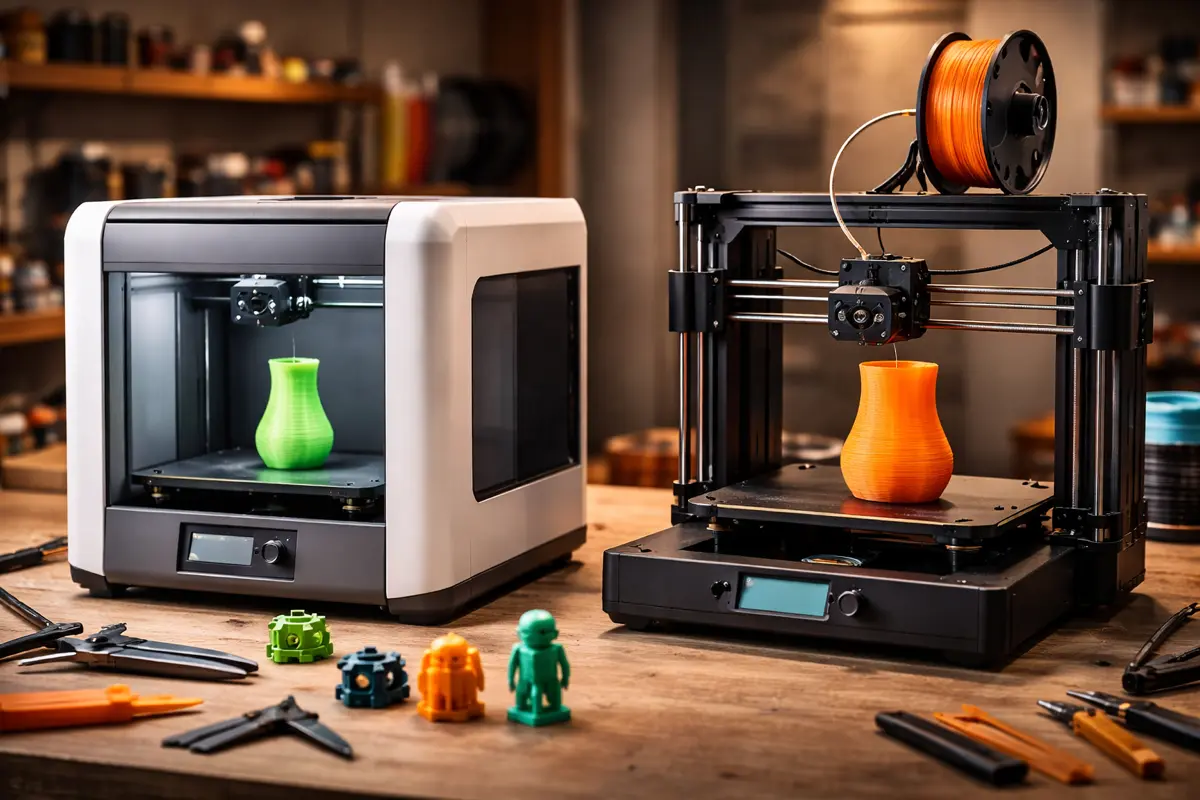
The question of whether to grab a Bambu Lab A1 Mini or a Creality Ender 3 is something every newcomer to 3D printing is asking in 2026. Both are solid entry points, but they are built for very different people.
In this deep dive, I’ll break down the real-world differences so you can decide which one actually belongs on your desk.
Bambu A1 Mini vs. Ender 3: Overview
| Feature | Bambu Lab A1 Mini | Creality Ender 3 V3 SE | Creality Ender 3 V3 |
|---|---|---|---|
| Price | ~$219 | ~$200 | ~$280 |
| Print Volume | 180x180x180mm | 220x220x250mm | 220x220x250mm |
| Max Speed | 500mm/s | 250mm/s | 250mm/s |
| Auto-Leveling | Fully automatic | CR Touch | CR Touch |
| Setup Time | 20 minutes | 30-45 minutes | 30-45 minutes |
| Noise Level | ~48dB | ~55dB | ~52dB |
| Multi-Color | AMS Lite (upgrade) | Not available | Not available |
Bambu Lab A1 Mini: Strengths and Weaknesses
The A1 Mini Is Perfect for You If…
You just want to print. If you’re the type of person who wants the “Apple experience” where you unbox it and start making things immediately, this is your machine. Visit the official Bambu Lab website for more details.
Strengths of the Bambu A1 Mini
1. True Plug & Play The A1 Mini basically manages itself. When you turn it on for the first time, it runs through its own checklist:
- It tunes out its own vibrations.
- It maps the print bed.
- It calibrates the filament flow.
- It nails the first layer every time. You literally just load the plastic and hit go.
2. Top-Tier Print Quality The quality you get out of this tiny machine is wild. It rivals printers that cost $500 or more. You get clean surfaces, sharp corners, and almost none of that annoying “stringing” you see on cheaper printers.
3. Incredible Speed At 500mm/s, it’s a little beast. You can churn out a Benchy (the standard test boat) in under 20 minutes.
4. Actually Good Software Bambu Studio is probably the best free slicer out there right now. The cloud printing and remote monitoring actually work, and the automatic material profiles save you a lot of headache.
5. Whisper Quiet At 48dB, it’s quiet enough to keep in a bedroom or on your desk while you’re on a Zoom call.
Weaknesses of the Bambu A1 Mini
1. Smaller Print Volume The 180mm cube is the biggest dealbreaker. It’s plenty for 90% of what people actually print, but if you want to make a full-sized helmet or a large storage box, you’re going to run out of room.
2. Closed Ecosystem Bambu is a bit like a “walled garden.” You can’t really mess with the firmware, and while you can use any filament, the system works best when you buy their specific stuff.
3. Pricey Spare Parts If you need a new nozzle, you’re looking at about $15 for an official one. Compare that to the $2 nozzles you can find for the Ender.
Creality Ender 3: Strengths and Weaknesses
The Ender 3 Is Perfect for You If…
You love to tinker. If you’re the kind of person who wants to understand exactly how your machine works and isn’t afraid to pick up a wrench, the Ender 3 is your “driving school.” Explore the official Creality website for the full Ender 3 lineup.
Strengths of the Ender 3 Series
1. Unbeatable Price The Ender 3 V3 SE is usually around $200. Saving that $80 means you can buy four or five extra rolls of filament to start practicing with.
2. Massive Community Since millions of people own an Ender 3, there isn’t a single problem that hasn’t already been solved on Reddit or YouTube. If you get stuck, the internet has your back.
3. More Room to Print The 220x220x250mm build plate gives you significantly more space than the A1 Mini. This is the printer you want for cosplay parts, bigger functional tools, or large vases.
4. Dirt Cheap Parts Everything on an Ender is replaceable and cheap. You can buy a pack of 10 nozzles for $5 and find replacement motors or belts at basically any 3D print shop online.
5. You Own the Machine It’s open-source. You can change the firmware, add crazy hardware mods, and customize it until it’s barely recognizable as an Ender anymore.
Weaknesses of the Ender 3 Series
1. Expect a Learning Curve Even with the newer V3 models, you should plan to spend some time assembling it carefully and fine-tuning the settings. Your first few prints might not be perfect.
2. Slower Speed (on the SE) If you go for the budget SE model, it prints at 250mm/s. That’s not slow, but it’s half the speed of the Bambu. That 20-minute Benchy will take you 45 minutes or more.
3. More Maintenance You’re the mechanic here. You’ll need to check the belt tension, keep an eye on the bed leveling, and troubleshoot the occasional clog yourself.
4. It’s a Bit Loud At 55dB, you’re definitely going to hear the fans. It’s more of a “garage or workshop” printer than a “living room” printer.
Head-to-Head: The Key Categories
Print Quality
Winner: Bambu Lab A1 Mini The Ender 3 can print just as well, but the Bambu does it every time without you having to mess with the settings.
Speed
Winner: Bambu Lab A1 Mini It’s twice as fast as the budget Ender. Only the more expensive Ender 3 V3 matches its pace.
Print Volume
Winner: Creality Ender 3 It gives you about 70% more total space. Size matters if you’re building big stuff.
User-Friendliness
Winner: Bambu Lab A1 Mini (By a mile) The Bambu is a tool; the Ender is a hobby in itself.
Value for Money
Winner: It depends on your time. If you have a job and a busy life, the Bambu is better value because it doesn’t waste your time. If you’re a student or on a tight budget, the Ender gives you more hardware for your dollar.
Which Printer for Which User?
Buy the Bambu Lab A1 Mini if:
- You want to print, not tinker.
- You don’t have a technical background and don’t want one.
- You live in an apartment and need something quiet.
- You want the option for multi-color printing later.
Buy the Creality Ender 3 if:
- You’re on a tight budget.
- You actually like fixing things and learning how they work.
- You need the space for big projects.
- You want to join a massive community of modders.
My Personal Recommendation
For most beginners in 2026, I’d tell you to get the Bambu Lab A1 Mini.
The $80 extra you pay is basically a “frustration tax” that you’re paying to avoid. You’ll be printing successful models within an hour of the mailman arriving.
But: If you really want to understand the “soul” of 3D printing, or if you need to print a full-sized Mandalorian helmet, the Ender 3 V3 series is still the way to go.
Upgrade Paths: What’s Next?
From the Bambu A1 Mini:
- AMS Lite ($200): Let’s you print in 4 colors at once.
- Bambu Lab P1S ($700): If you want to start printing “tough” plastics like Nylon or ABS.
From the Ender 3:
- Klipper Firmware (Free/Cheap): To squeeze even more speed out of it.
- All-metal Hotend ($30): So you can print at higher temperatures.
- Linear Rails ($50): For even smoother movements and better quality.
Conclusion
The Bambu Lab A1 Mini wins for anyone who just wants a working appliance. It’s consistent, fast, and incredibly easy to use.
The Creality Ender 3 wins for the builders. It’s got the volume and the community, and it teaches you everything about the craft.
Both are great choices—you just have to decide if you want to be a “maker” or a “printer mechanic.”
Found your winner? Check out our 3D Printing Beginner Guide for your first steps, or see what you should print first. Still deciding between FDM and resin technology? Read FDM vs Resin Printing. For all our 3D printing content, visit the 3D Printing Guide.
Related Articles
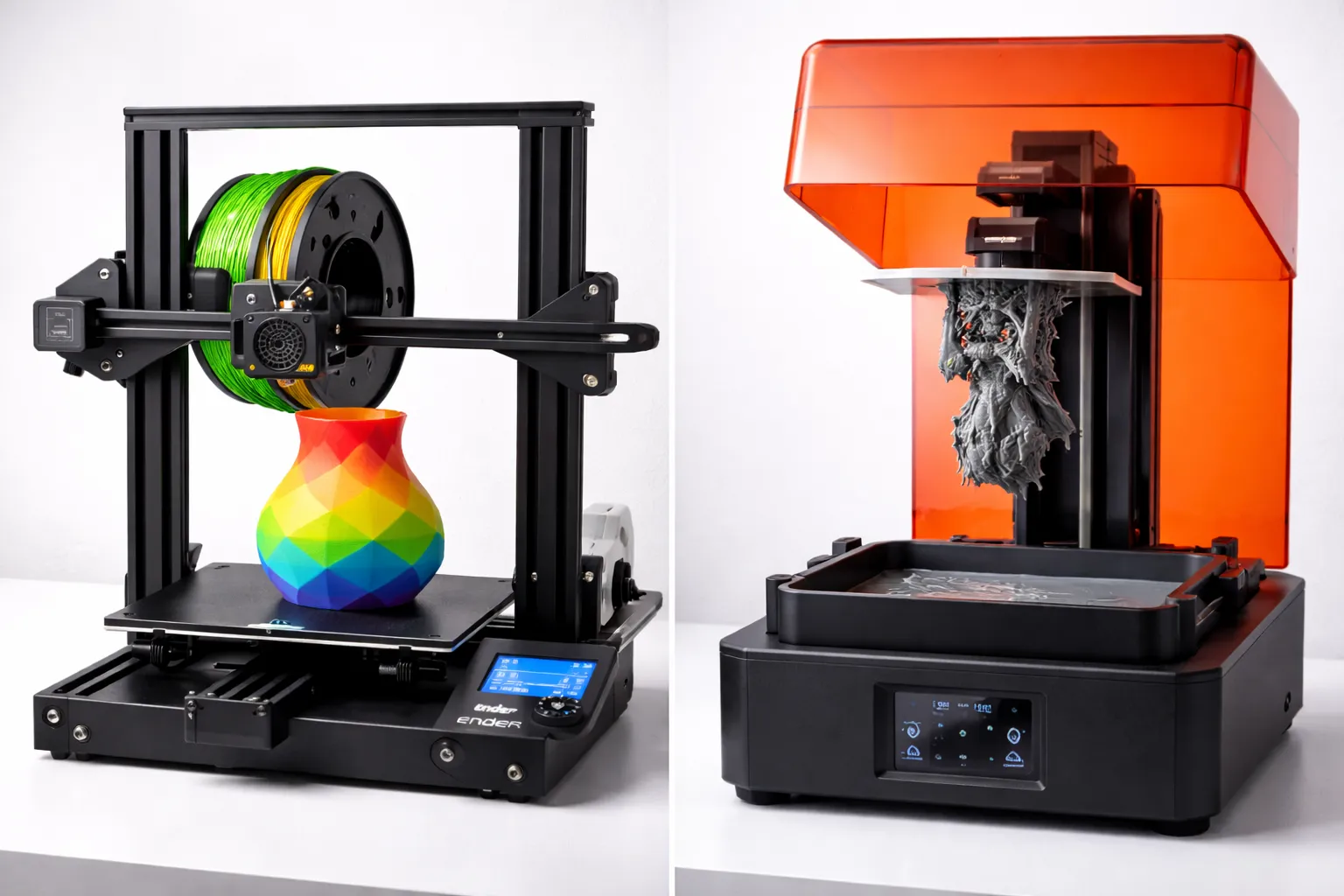
FDM vs Resin 3D Printing: Which One Should You Choose?
FDM vs resin 3D printing — we compare cost, print quality, safety, and ease of use with real examples to help you pick the right technology for your project.
Best 3D Printers Under $300 (2026 Buying Guide)
Best 3D printer under $300 for beginners? We compare Bambu Lab A1 Mini, Creality Ender 3 V3, Anycubic Kobra, and more with real specs.
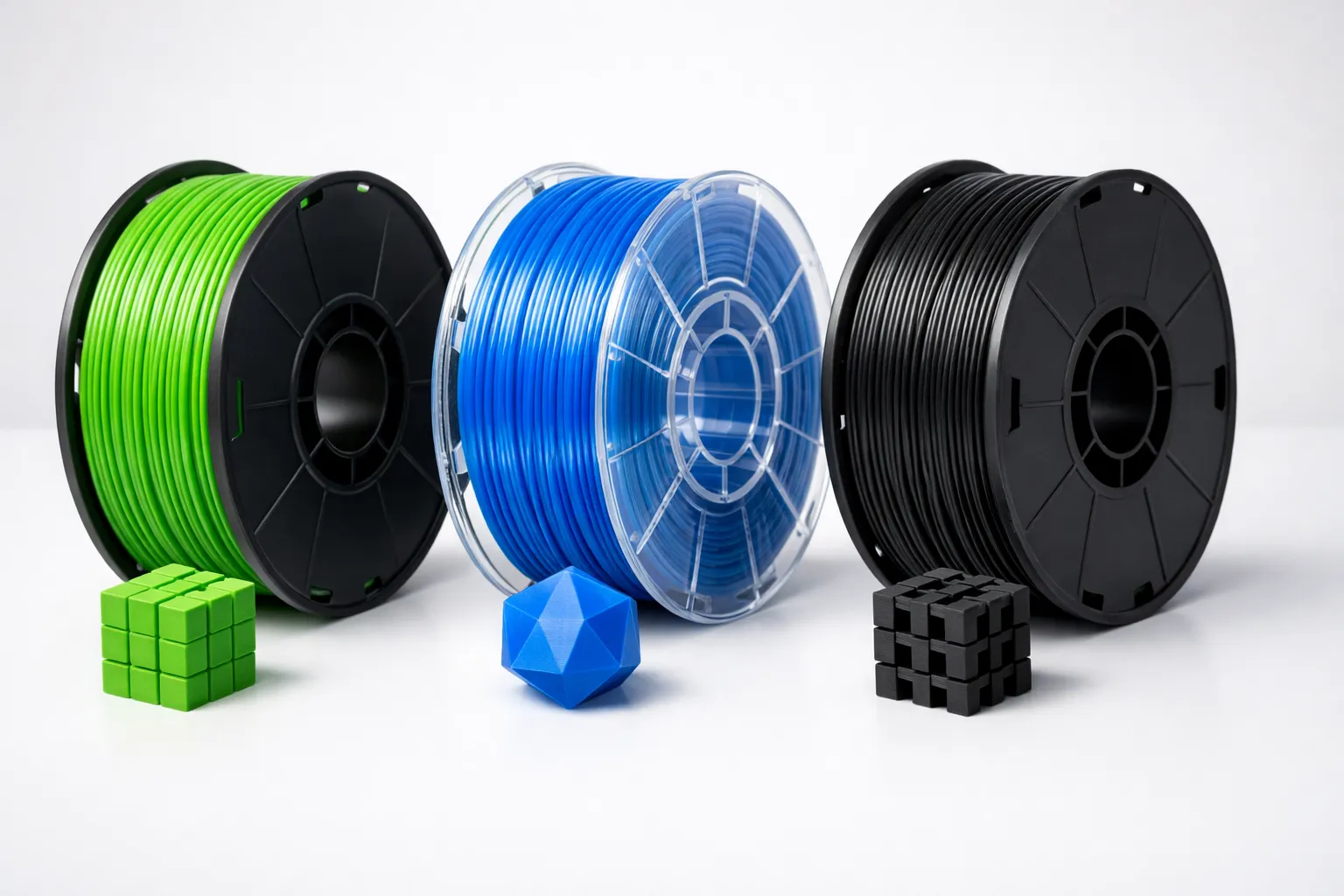
PLA vs PETG vs ABS: Which 3D Printing Filament Should You Use?
Confused about filament types? We compare PLA, PETG, and ABS for strength, ease of use, and best applications to help you choose the right material.