
7 Best Paper Trading Apps (I Tested Them All)
I tested every major paper trading app so you don't have to. Here are the 7 best stock market simulators for practicing trades with zero risk in 2026.
Disclaimer: This article reviews educational tools for practicing trades with virtual money. Nothing here is financial advice. Paper trading results don’t reflect real-world performance. Always do your own research before investing real money.
You’re sitting at your desk, half-watching a meeting you don’t need to be in, and you keep thinking about that stock you almost bought last week. It’s up 12%.
Sound familiar?
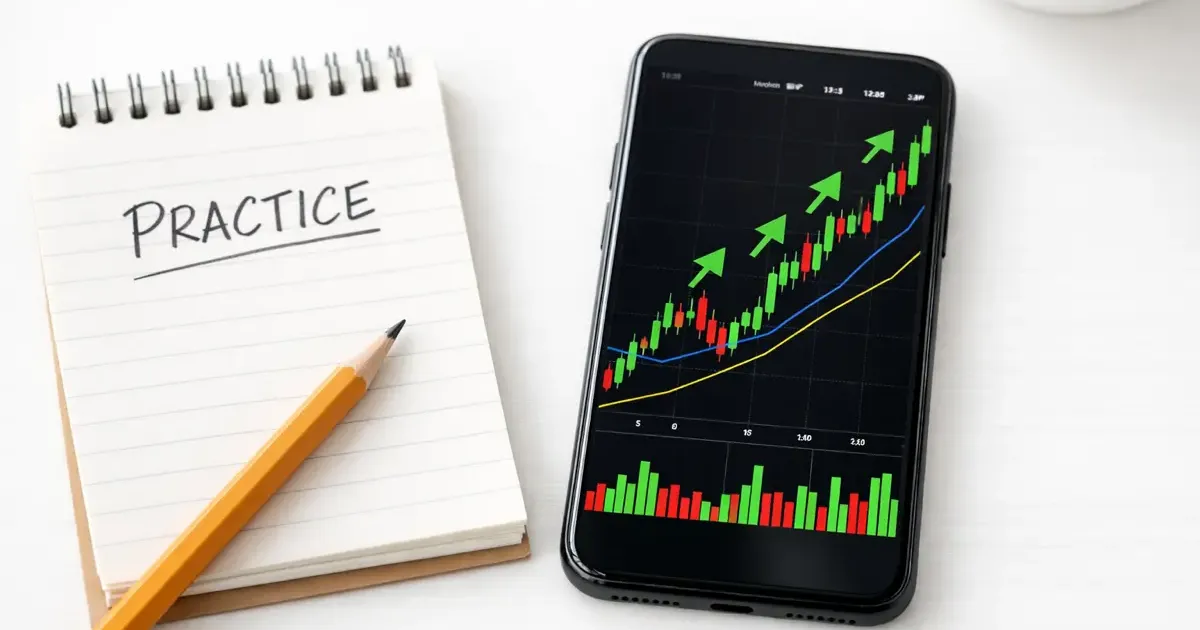
Here’s the thing — instead of agonizing over trades you didn’t make, you could be practicing with fake money. Paper trading apps let you buy and sell stocks, options, and crypto using virtual cash and real market data. No risk, no regret, and frankly, a much better use of your time than that meeting.
I spent three weeks testing every major paper trading platform. Some are genuinely excellent. Others look great in screenshots but fall apart when you actually try to use them.
If you’re looking for other ways to level up during work hours, learning to read markets is one of the most valuable skills you can develop — and paper trading is the safest way to start.
Quick Comparison
| App | Virtual Cash | Real-Time Data | Assets | Platforms | Account Required | Best For |
|---|---|---|---|---|---|---|
| Webull | Unlimited | Yes | Stocks, ETFs, Options, Futures | Web, iOS, Android | Free account | Beginners |
| thinkorswim | $100,000 | Yes | Stocks, Options, Futures, Forex | Desktop, Web, Mobile | Schwab account | Serious learners |
| Investopedia | $100,000 | 15-min delay | Stocks, ETFs, Options, Crypto | Web only | Free account | Total beginners |
| eToro | $100,000 | Yes | Stocks, Crypto, ETFs, Commodities | Web, iOS, Android | Free account | Social/Copy trading |
| Interactive Brokers | $1,000,000 | Yes | Everything | Desktop, Web, Mobile | IBKR account | Advanced traders |
| TradeStation | Unlimited | Yes | Stocks, Options, Futures | Desktop, Web, Mobile | Funded account | Strategy builders |
| TradingView | $100,000 | Yes | Stocks, Crypto, Forex | Web, iOS, Android | Free account | Chart-focused traders |
1. Webull Paper Trading — Best for Beginners
Price: Free | Platforms: Web, iOS, Android | Virtual Cash: Unlimited
Webull is where most people should start. The interface is clean, the learning curve is gentle, and you can jump into paper trading within minutes of creating a free account.
What Makes It Stand Out
Webull gives you unlimited virtual cash — yes, unlimited. You can set and reset your account balance to whatever you want. If you blow up a $10,000 paper account, just reset it. Want to simulate what it feels like to manage $500,000? Go ahead.
The app provides real-time quotes, integrated charts with technical indicators, and price alerts. Your dashboard shows your account details, watchlist, charts, volume analysis, and open positions all in one view.
What’s Missing
The biggest limitation: no stop-loss or take-profit orders in paper trading. That’s a meaningful gap because risk management is arguably the most important skill to practice. You’ll need to manually monitor your positions.
The Verdict
Webull is the lowest-friction way to start paper trading. Download the app, create a free account, and you’re placing virtual trades in under five minutes. The unlimited cash means you can experiment freely without worrying about burning through your practice funds.
2. thinkorswim paperMoney (Schwab) — Best for Learning Seriously
Price: Free (Schwab account required) | Platforms: Desktop, Web, Mobile | Virtual Cash: $100,000
If Webull is training wheels, thinkorswim is a full driving simulator. This is the platform serious retail traders actually use, and the paperMoney feature gives you access to virtually everything the real platform offers.
What Makes It Stand Out
You get the full thinkorswim experience: real-time market data, advanced charting, options chains, futures, even forex — all with $100,000 in virtual funds. The desktop platform is particularly powerful, with customizable workspaces, scanners, and analysis tools that professional traders rely on.
Schwab also offers a 30-day guest pass, so you can try thinkorswim without fully committing to an account.
What’s Missing
The desktop app has a legitimate learning curve. It’s not the kind of thing you casually open during lunch — it’s more like software you need to study. The mobile and web versions are simpler, but the full power is on desktop.
You also need a Schwab account to access paperMoney beyond the trial period. Opening one is free, but it’s an extra step compared to Webull.
The Verdict
thinkorswim is the gold standard for paper trading if you’re serious about learning. The tools are professional-grade, the data is real-time, and you’ll build skills that transfer directly to actual trading. It’s worth the steeper learning curve.
3. Investopedia Stock Simulator — Best for Total Beginners
Price: Free | Platforms: Web only | Virtual Cash: $100,000
Investopedia’s simulator is the training wheels of training wheels — and that’s exactly why it works for complete beginners.
What Makes It Stand Out
The killer feature is integration with Investopedia’s educational content. When you encounter a term you don’t understand, the explanation is usually one click away. You get $100,000 in virtual cash to trade stocks, ETFs, and options.
The social features set it apart from broker-based simulators. Leaderboards let you see how your portfolio stacks up against other users. You can join trading groups and competitions, which adds motivation that solo paper trading lacks.
What’s Missing
The big caveat: prices are delayed by about 15 minutes. For long-term investing practice, this doesn’t matter much. For day trading practice, it makes the simulator essentially useless.
It’s also web-only — no mobile app.
The Verdict
If you can’t tell the difference between a limit order and a market order, start here. Investopedia holds your hand through the learning process better than any other platform. Once you outgrow it, move to Webull or thinkorswim.
4. eToro Virtual Portfolio — Best for Social Trading Practice
Price: Free | Platforms: Web, iOS, Android | Virtual Cash: $100,000
eToro’s virtual portfolio is interesting because it lets you practice a style of trading that doesn’t exist on other platforms: copy trading.
What Makes It Stand Out
Every eToro account comes with $100,000 in virtual funds. You can trade stocks, crypto, ETFs, and commodities — a wider range of assets than most simulators. Real-time data keeps things realistic.
The standout feature is CopyTrader. In the virtual portfolio, you can practice copying other traders’ moves with fake money before committing real funds. This is genuinely useful if you’re interested in social investing. You can also test Smart Portfolios — eToro’s pre-built thematic investment strategies.
Switching between your real and virtual portfolios is seamless: just click a button in the dashboard. No time limit on the demo account, either.
What’s Missing
eToro’s charting tools aren’t as advanced as thinkorswim or TradingView. If you’re focused on technical analysis, you’ll feel limited. The platform is also more investing-oriented than trading-oriented — it’s better for learning to hold positions than for practicing rapid-fire day trades.
The Verdict
If you’re curious about copy trading or want to practice with a wider asset range (especially crypto), eToro is the way to go. The social features make it feel less lonely than staring at charts by yourself.
5. Interactive Brokers Paper Trading — Best for Advanced Traders
Price: Free (IBKR account required) | Platforms: Desktop (TWS), Web, Mobile | Virtual Cash: $1,000,000
Interactive Brokers is the heavyweight. If paper trading were a video game, this would be the max difficulty setting — and the most rewarding.
What Makes It Stand Out
IBKR gives you $1,000,000 in virtual funds and access to practically every tradable instrument on the planet: stocks, options, futures, forex, bonds, mutual funds, and more across 170+ markets worldwide. The Trader Workstation (TWS) platform supports algorithmic trading, complex multi-leg options strategies, and market scanning tools that hedge funds actually use.
Real-time data, realistic fills, and the ability to use nearly every order type IBKR offers in real trading. This is as close to the real thing as paper trading gets.
What’s Missing
TWS is intimidating. The learning curve is steep even for experienced traders. The interface looks like it was designed by engineers for engineers — because it was. IBKR’s newer platforms (IBKR Desktop and GlobalTrader) are more approachable, but the full feature set lives in TWS.
You need an IBKR account, though you don’t need to fund it to paper trade.
The Verdict
If you already understand the basics and want to practice advanced strategies — multi-leg options, futures spreads, or international trading — nothing else comes close. Just be prepared to spend time learning the platform itself before you can focus on trading.
6. TradeStation Simulated Trading — Best for Strategy Builders
Price: Free (funded account required) | Platforms: Desktop, Web, Mobile | Virtual Cash: Unlimited
TradeStation is the pick for traders who want to build, test, and automate strategies — not just place manual trades.
What Makes It Stand Out
TradeStation’s simulator uses real-time market data and gives you unlimited virtual cash for stocks, options, and futures. But the real power is in the strategy tools.
EasyLanguage is TradeStation’s proprietary programming language that lets you build automated trading strategies without being a software engineer. You write your rules, backtest them against historical data, and run them in the simulator to see how they perform in live market conditions. RadarScreen lets you scan and monitor up to 1,000 symbols simultaneously, and the Matrix gives you real-time market depth visualization.
What’s Missing
The significant catch: you need a funded brokerage account to access the simulator. This isn’t a “try before you buy” experience — it’s a tool for existing customers. That’s a real barrier compared to Webull or TradingView.
The platform also skews toward experienced traders. If you’re just learning what a candlestick chart is, this isn’t the right starting point.
The Verdict
If you’re past the basics and want to systematize your approach — especially if you’re interested in automated or rules-based trading — TradeStation’s simulator is unmatched. The funded account requirement is the main downside.
7. TradingView Paper Trading — Best for Chart-Focused Traders
Price: Free | Platforms: Web, iOS, Android, Desktop (Windows, macOS, Linux) | Virtual Cash: $100,000
TradingView isn’t a broker — it’s a charting platform that happens to have paper trading built in. And for traders who live and breathe charts, it’s the best option on this list.
What Makes It Stand Out
TradingView’s charting is best-in-class. Period. Hundreds of indicators, drawing tools, multi-timeframe analysis, and a community of traders sharing ideas. Paper trading is integrated directly into the chart — click the Trading Panel at the bottom, select Paper Trading, and you’re placing orders on the same chart you’re analyzing.
You get $100,000 in virtual funds with real-time data. The platform supports stocks, crypto, forex, and futures. It works on essentially every device: web, iOS, Android, Windows, macOS, and Linux.
TradingView also runs “The Leap” — virtual trading competitions where you can compete against other traders. It adds a competitive element that makes practice more engaging.
What’s Missing
TradingView’s paper trading is chart-focused. You won’t find the portfolio management depth of thinkorswim or the order type variety of Interactive Brokers. It’s great for practicing entries and exits based on technical analysis, less great for learning about position sizing or portfolio allocation.
Since TradingView isn’t a broker, there’s no path to “graduate” to real trading on the same platform without connecting a third-party broker.
The Verdict
If technical analysis is your focus, TradingView is the obvious choice. The charts are unmatched, the paper trading is free, and the platform runs everywhere. Just know that you’ll eventually need a separate broker when you’re ready for real trades.
How to Get Started with Paper Trading
New to this? Here’s a practical path:
Step 1: Pick One App (Don’t Overthink It)
If you’re a complete beginner, start with Webull or Investopedia. If you already know the basics, go straight to thinkorswim or TradingView. You can always switch later.
Step 2: Start Small
Even though it’s fake money, trade as if it were real. Start with a realistic amount — if you’d actually invest $5,000, set your virtual account to $5,000. Trading with $1,000,000 in fake money teaches you nothing about managing a real portfolio.
Step 3: Keep a Trading Journal
Write down why you entered a trade, what you expected, and what actually happened. This is the single most valuable habit in paper trading. Most apps don’t force you to do this, so you have to discipline yourself.
Step 4: Trade for at Least 30 Days
Don’t rush to real money. Give yourself a full month of consistent paper trading. Track your win rate, average gain, average loss, and overall performance. If you can’t be profitable with fake money, real money won’t help.
Step 5: Transition Gradually
When you’re ready, start with a small real-money account. Most brokers let you open an account with as little as $1. The psychological difference between fake and real money is enormous — expect your performance to change.
Who Should Use What
Not every app is right for every person. Here’s my honest recommendation:
Complete Beginners
Start with: Investopedia or Webull
You need a gentle introduction. Investopedia has the best educational integration. Webull has the cleanest mobile experience. Use either one for 2-4 weeks to learn the basics.
Intermediate Learners
Move to: thinkorswim or TradingView
Once you understand order types, basic charting, and market structure, you need more sophisticated tools. thinkorswim is better if you want to explore options and futures. TradingView is better if you’re focused on chart patterns and technical analysis.
Day Trading Practice
Use: Interactive Brokers or TradeStation
If you’re practicing active trading strategies — scalping, momentum, algorithmic — you need realistic execution and advanced order types. IBKR gives you the widest market access. TradeStation gives you strategy automation.
Social / Passive Investing Practice
Try: eToro
If you’re more interested in portfolio building than active trading, eToro’s copy trading and Smart Portfolios let you practice a different kind of investing.
The “Bored at Work” Angle
Let’s be real — paper trading is one of the most productive things you can do when bored at work. You’re learning a real skill, building market intuition, and it looks like you’re staring at spreadsheets (which, let’s be honest, you probably should be doing anyway).
A few tips for discreet practice:
- TradingView looks like any analytics dashboard
- Webull’s mobile app works great during lunch breaks
- Investopedia is literally an educational site — hard to argue you’re not learning
- Pair your market research with AI tools — use ChatGPT or Claude to analyze earnings reports or explain market concepts
Just don’t get so into it that you forget about the actual meeting you’re supposed to be paying attention to. Or do. I’m not your manager.
Final Thoughts
Paper trading won’t make you a Wall Street trader. But it will teach you how markets work, help you develop discipline, and — most importantly — prevent you from losing real money while you’re still figuring things out.
Start with one app. Practice consistently. Keep a journal. And when you’re ready for real money, start small.
The best paper trading app is the one you’ll actually use. For most people, that’s Webull (easiest to start) or TradingView (best charts). For serious learners, it’s thinkorswim. For advanced practice, it’s Interactive Brokers.
Pick one. Open it tomorrow during your lunch break. Place a virtual trade. See how it feels.
That’s better than watching another stock go up 12% and wishing you’d bought it.
Related Articles
- Investing Tools Guide: Everything You Need to Start — The complete hub for all our investing and finance content
- Best Free Investing Courses — Learn the fundamentals before putting real money in
- Best Free Stock Screeners — Research tools to find your next trade
- 25 Productive Things to Do When Bored at Work — More ways to use your downtime wisely
Related Articles
8 Best Free Investing Courses (2026) — Learn at Work
These 8 free investing courses fit your work schedule. Yale, Khan Academy, and Morningstar — ranked by quality, no credit card needed to start learning.
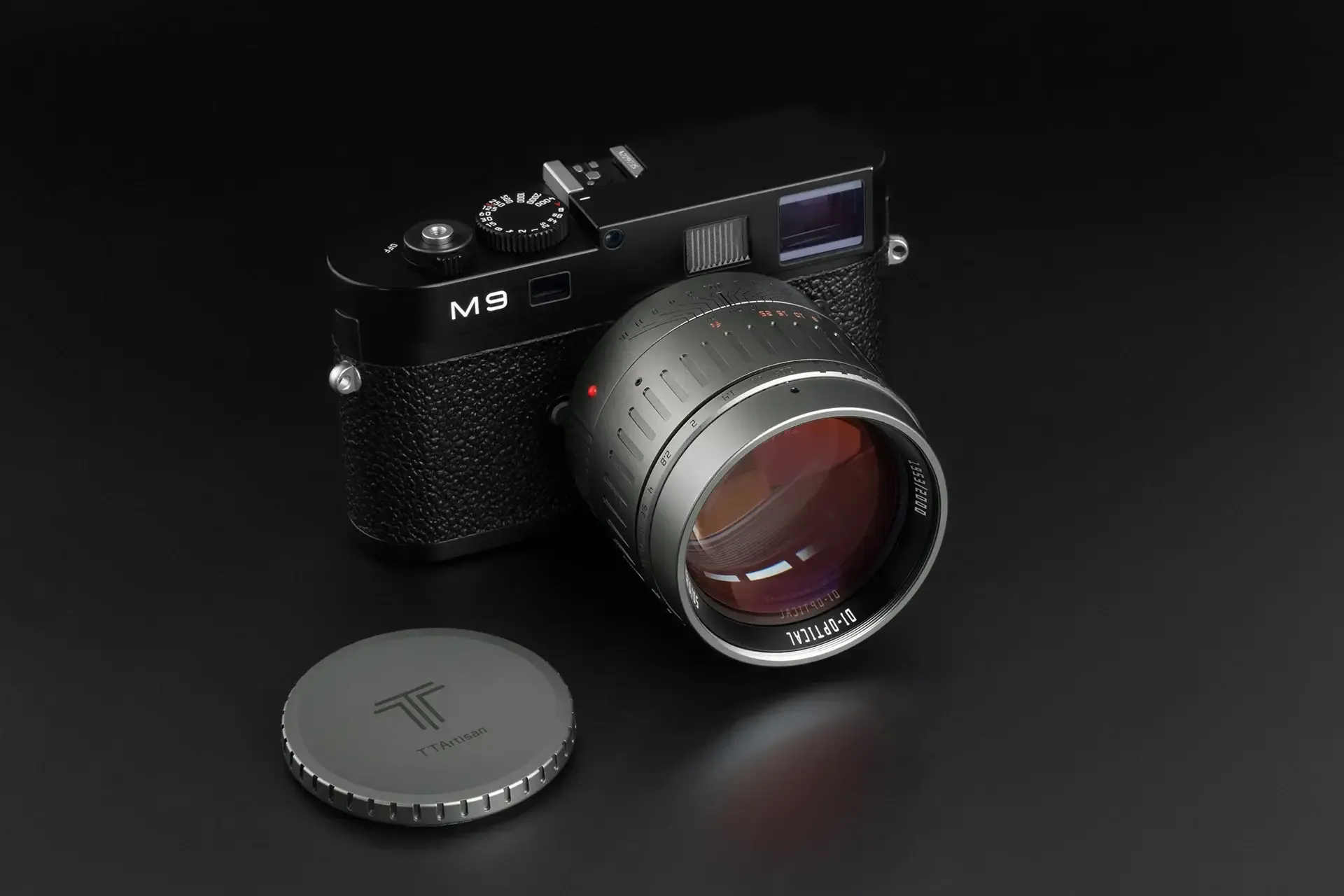
Why Cheap Manual Lenses Are Perfect for Beginners (7Artisans, TTArtisan)
Discover why affordable manual lenses from brands like 7Artisans and TTArtisan are the best secret weapon for beginner photographers to learn the craft quickly.
Best AI PDF Summarizers (2026): Chat With Your Documents
The best AI tools for summarizing PDFs and long documents. Upload a 100-page report, get key insights in seconds. Free and paid options compared.