
Best Standing Desks Under $600 (2026): Tested & Compared
Find the perfect standing desk for your home office. We compare FlexiSpot, Uplift, Autonomous, and Branch—with real specs, honest reviews, and current prices.
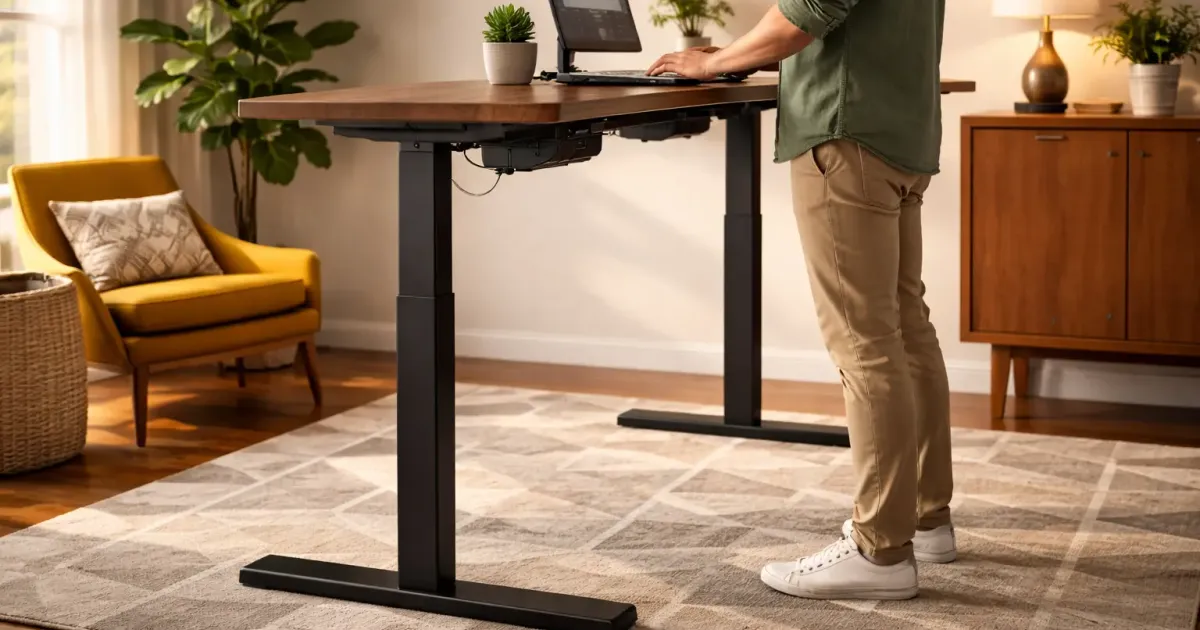
Standing desks have gone from trendy office perk to essential home office equipment. But with prices ranging from $200 to $2000+, how do you know what’s actually worth buying?
I’ve researched the major brands, compared specs, and identified the best options at each price point. This guide focuses on desks under $600—the sweet spot where you get quality without overpaying.
Quick Answer: Best Standing Desks 2026
| Desk | Price | Best For | Our Verdict |
|---|---|---|---|
| FlexiSpot E7 Pro | ~$500 | Most people | ⭐ Best overall |
| Uplift V2 | ~$599+ | Customization | Best premium option |
| Branch Duo | ~$549 | Budget + storage | Best value |
| Autonomous SmartDesk Pro | ~$599-699 | Clean aesthetics | Good alternative |
Prices fluctuate—check current prices on manufacturer websites before buying.
What Makes a Good Standing Desk?
Before we dive into specific models, here’s what actually matters:
Must-Have Features
| Feature | Why It Matters | What to Look For |
|---|---|---|
| Dual motors | Speed, stability, longevity | One motor per leg |
| Weight capacity | Supports your gear | 300+ lbs minimum |
| Height range | Fits your body | 25” to 50”+ |
| Stability | No wobble when typing | Steel frame, good reviews |
| Warranty | Confidence in quality | 10+ years frame, 5+ motors |
Nice-to-Have Features
- Memory presets (save your perfect heights)
- Cable management (built-in trays or grommets)
- Anti-collision detection (prevents crushing stuff)
- Quiet motors (<50 dB)
What Doesn’t Matter Much
- RGB lighting
- Bluetooth apps
- Built-in USB chargers (often fail first)
- “Gaming” branding
The Best Standing Desks (Detailed Reviews)
1. FlexiSpot E7 Pro — Best Overall
Price: Starting at ~$480-550 (varies by desktop size)
The E7 Pro consistently wins comparison tests, and for good reason. It’s not the cheapest or the most feature-packed, but it nails the fundamentals better than desks costing twice as much.
Key Specs:
| Spec | E7 Pro |
|---|---|
| Weight capacity | 440 lbs (180 kg) |
| Height range | 26” to 51.6” |
| Lifting speed | 1.5”/second |
| Motors | Dual motor |
| Frame warranty | 15 years |
What I Like:
- Rock-solid stability even at standing height
- 440 lb capacity beats most competitors
- Quiet dual motors
- 15-year warranty shows confidence
- Won German Design Award 2025
What Could Be Better:
- Desktop options not as varied as Uplift
- Basic cable management (sold separately)
- Control panel is functional but not fancy
Best for: Anyone who wants reliability over bells and whistles. The E7 Pro is the “Toyota Camry” of standing desks—not exciting, but does everything well.
Sources: Tom’s Guide, TechRadar
2. Uplift V2 — Best for Customization
Price: Starting at ~$599 (goes up significantly with options)
If you want to spec out your dream desk with specific desktop materials, sizes, and accessories, Uplift is unmatched. They offer over 20 desktop materials from basic laminate to solid walnut.
Key Specs:
| Spec | Uplift V2 |
|---|---|
| Weight capacity | 355 lbs |
| Height range | 25.5” to 51.1” |
| Lifting speed | 1.5”/second |
| Motors | Dual motor |
| Frame warranty | 15 years |
What I Like:
- Insane customization (20+ desktop materials)
- Best accessory ecosystem (monitor arms, keyboard trays)
- 15-year frame warranty (industry leading)
- Advanced keypad with height display (+$29)
- Made in USA option available
What Could Be Better:
- Base price is deceptive (options add up fast)
- A solid walnut top adds $890+
- Configuration can be overwhelming
- Slightly lower weight capacity than FlexiSpot
Best for: People who want specific materials (bamboo, reclaimed wood, etc.) or plan to build out a full accessory setup.
Price warning: That $599 starting price can easily hit $1000+ with a nice desktop and accessories. Configure carefully.
Sources: CNN Underscored, Tom’s Guide
3. Branch Duo — Best Budget Option
Price: Starting at ~$549
Branch is relatively new to standing desks but has made a strong entry. The Duo model includes built-in storage (a shelf under the desktop) which most competitors charge extra for.
Key Specs:
| Spec | Branch Duo |
|---|---|
| Weight capacity | 275 lbs |
| Height range | 28” to 47.3” |
| Motors | Dual motor |
| Frame warranty | 10 years |
What I Like:
- Built-in storage shelf included
- Clean, minimal design
- Competitive price for what you get
- Easy assembly (under 30 minutes)
- Good colorway options
What Could Be Better:
- Lower weight capacity (275 lbs)
- Shorter warranty than competitors
- Fewer desktop size options
- Newer brand = less track record
Best for: Budget-conscious buyers who want a clean desk with included storage. Great for minimalist setups.
Sources: Tom’s Guide, TechRadar
4. Autonomous SmartDesk Pro — Good Alternative
Price: Starting at ~$599-699
Autonomous popularized affordable standing desks and the SmartDesk Pro is their premium offering. It’s a solid desk, though the market has gotten more competitive since their early days.
Key Specs:
| Spec | SmartDesk Pro |
|---|---|
| Weight capacity | 310 lbs |
| Height range | 26.2” to 52” |
| Lifting speed | 2.3”/second |
| Motors | Dual motor |
| Frame warranty | 7 years |
What I Like:
- Clean, modern aesthetic
- Wide height range (good for tall users)
- Four memory presets
- Decent price for specs
What Could Be Better:
- MDF desktop (not as premium feeling)
- Some stability concerns in reviews
- Slower lifting than competition
- Customer service complaints online
Best for: People who prioritize aesthetics and don’t need max weight capacity.
Sources: TechRadar, WorkWhileWalking
What About IKEA?
Note: The popular IKEA BEKANT standing desk has been discontinued. It’s been replaced by the MITTZON series.
The BEKANT was always a mixed bag anyway—nice looking but lower weight capacity (154 lbs) and stability issues compared to dedicated standing desk brands.
If you want IKEA pricing, consider building your own with their TROTTEN legs and a separate desktop. But for a primary work desk, the brands above offer better value.
Quick Comparison Table
| Feature | FlexiSpot E7 Pro | Uplift V2 | Branch Duo | Autonomous Pro |
|---|---|---|---|---|
| Price (starting) | ~$480 | ~$599 | ~$549 | ~$599 |
| Weight capacity | 440 lbs | 355 lbs | 275 lbs | 310 lbs |
| Height range | 26-51.6” | 25.5-51.1” | 28-47.3” | 26.2-52” |
| Frame warranty | 15 years | 15 years | 10 years | 7 years |
| Motor warranty | 5 years | 5 years | 7 years | 5 years |
| Best feature | Stability | Customization | Storage | Aesthetics |
How to Choose
Get the FlexiSpot E7 Pro if:
- You want the best balance of price, quality, and reliability
- You have heavy equipment (multiple monitors, speakers, etc.)
- You value stability over customization
- You want a 15-year warranty
Get the Uplift V2 if:
- You want a specific desktop material (bamboo, walnut, etc.)
- You plan to add lots of accessories
- Budget isn’t your primary concern
- You want maximum customization
Get the Branch Duo if:
- You’re on a tighter budget
- You want built-in storage
- You prefer minimal design
- You don’t need max weight capacity
Get the Autonomous SmartDesk Pro if:
- Aesthetics are your priority
- You’re tall (best max height)
- You found it on sale
- The others are out of stock
Standing Desk Setup Tips
Once you get your desk, here’s how to use it properly:
Ergonomic Height Settings
| Position | Monitor | Keyboard | Elbows |
|---|---|---|---|
| Sitting | Top at eye level | Elbows at 90° | Relaxed at sides |
| Standing | Top at eye level | Elbows at 90° | Relaxed at sides |
Pro tip: Your sitting and standing heights should keep your body position identical—only your legs change.
The 30/30 Rule
Don’t stand all day. Alternate:
- 30 minutes sitting
- 30 minutes standing
- Repeat
Standing all day is just as bad as sitting all day. Movement is the goal.
Must-Have Accessories
| Accessory | Why You Need It | Budget |
|---|---|---|
| Anti-fatigue mat | Reduces leg strain when standing | $30-60 |
| Desk mat | Protects surface, improves mouse tracking | $20-50 |
| Monitor arm | Frees desk space, perfect positioning | $30-100 |
| Cable management | Cables need slack for desk movement | $20-40 |
| Footrest | Supports legs when sitting at standing-height desks | $30-70 |
Common Mistakes to Avoid
-
Buying single motor — Always get dual motor. Always.
-
Ignoring weight capacity — Add up your monitors, laptop, speakers, etc. Leave 30% headroom.
-
Forgetting cable management — Cables must be long enough for full height range.
-
Skipping the mat — Standing on hard floors hurts. Get an anti-fatigue mat.
-
Setting it and forgetting it — Actually use the standing feature. Set phone reminders.
The Bottom Line
For most people, the FlexiSpot E7 Pro offers the best combination of stability, build quality, and value around $500. It’s not the flashiest option, but it’ll work flawlessly for 10+ years.
If customization matters more than price, the Uplift V2 is the way to go—just watch your configuration costs.
On a budget? The Branch Duo at ~$549 punches above its weight, especially with that included storage shelf.
Whatever you choose, get a dual-motor desk with at least a 5-year warranty. Your back (and productivity) will thank you.
Related Guides
- The Ultimate Desk Upgrade Guide — Complete workspace optimization
- Standing Desk vs Sitting Desk: What Science Says — The research behind the hype
- Best Office Chairs — Pair with your standing desk
- Best Monitor Arms — Get your screen at the right height
- Cable Management Tips — Hide those standing desk cables
- Best Mechanical Keyboards for Beginners — Your hands touch it all day
Prices and specs verified March 2026. Standing desk prices fluctuate frequently—always check manufacturer websites for current pricing. This guide will be updated quarterly.
Last updated: March 2026
Related Articles
7 Best Webcams for Working From Home (I Tested Them)
The best webcams for working from home compared. From 4K options to budget picks under $70, I tested 7 webcams so you don't look terrible on your next call.
![7 Best Monitors for Working From Home in 2026 [Tested]](/_astro/best-monitors-working-from-home.pJjSBCnU_Z1nVo2M.webp)
7 Best Monitors for Working From Home in 2026 [Tested]
I compared 27-inch 4K and ultrawide monitors for WFH setups. Here are the 7 best picks for every budget, from $240 to $1,020, with USB-C and hub options.
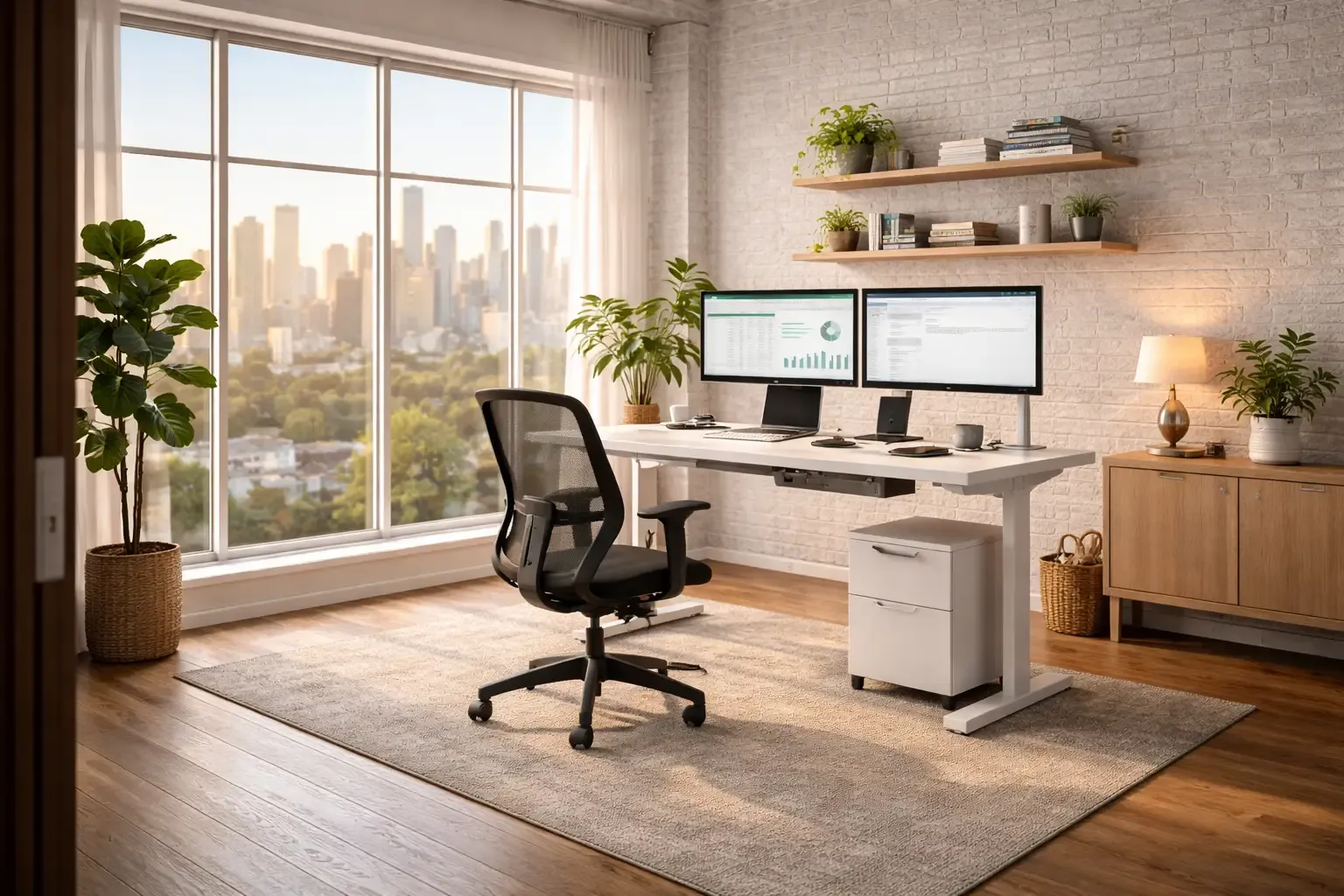
The Ultimate Desk Upgrade Guide: Build Your Perfect Home Office (2026)
Upgrade your home office desk setup. Standing desks, ergonomic chairs, monitor arms, and cable management for a productive workspace.