
Step-by-Step: Your First AI-Planned Trip with ChatGPT (2026 Tutorial)
A beginner-friendly tutorial for planning your first trip with ChatGPT. Follow along step-by-step from your first prompt to a complete travel itinerary.
This is a hands-on tutorial. By the end, you’ll have a complete trip itinerary created with ChatGPT.
Never used AI to plan a trip before? Perfect. This guide walks you through the entire process—from opening ChatGPT to having a polished, day-by-day travel plan.
No prior AI experience needed. Just follow along.
Time required: 30-60 minutes for a basic itinerary
What you’ll create: A complete travel itinerary with daily activities, restaurant recommendations, logistics, and a packing list
Parent guide: AI Travel Planning: Complete Guide
Before You Start
What You’ll Need
-
A ChatGPT account (free works fine)
- Go to chatgpt.com
- Sign up with Google, Microsoft, Apple, or email
-
A destination in mind (or let AI help you choose)
-
Basic trip parameters:
- How many days?
- Approximate budget?
- What kind of traveler are you?
That’s it. Let’s start.
Step 1: The Opening Prompt
Your first prompt sets the tone for the entire conversation. Don’t be vague—the more context you give, the better the results.
The Template
Copy this and fill in your details:
I'm planning a [NUMBER]-day trip to [DESTINATION] in [MONTH/SEASON].

About me:
- Budget: $[AMOUNT] per day (excluding flights)
- Travel style: [relaxed/moderate/active pace]
- Interests: [LIST 3-5 THINGS YOU LOVE]
- Things I want to avoid: [CROWDS, TOURIST TRAPS, ETC.]

I'm looking for a realistic day-by-day itinerary. For each day, include:
- Morning, afternoon, and evening activities
- Specific restaurant recommendations (with cuisine type)
- Estimated travel time between locations
- Rough cost estimates

Please flag any information I should verify before booking.
Example (Real Prompt I Used)
I'm planning a 10-day trip to Japan in April.

About me:
- Budget: $150 per day (excluding flights)
- Travel style: moderate pace, not rushing
- Interests: food, temples, photography, local neighborhoods
- Things I want to avoid: massive tourist crowds, overly touristy restaurants

I'm looking for a realistic day-by-day itinerary. For each day, include:
- Morning, afternoon, and evening activities
- Specific restaurant recommendations (with cuisine type)
- Estimated travel time between locations
- Rough cost estimates

Please flag any information I should verify before booking.
Hit Enter and Wait
ChatGPT will generate your first draft itinerary. It’ll probably be decent but generic. That’s fine—we’re going to refine it.
Step 2: Push Back and Refine
The first response is never the final answer. Here’s where the magic happens.
Challenge Generic Suggestions
If ChatGPT suggests obvious tourist spots, push back:
This itinerary has a lot of the standard tourist spots. Can you suggest some
lesser-known alternatives? I'd rather see a hidden temple than fight crowds
at the famous ones.
Adjust the Pace
AI tends to over-pack days. If the itinerary looks exhausting:
This seems like too much for one day. I don't want to rush.
Can you remove 1-2 activities per day and add more buffer time?
Get More Specific
Generic restaurant recommendations? Ask for details:
For Day 3, can you give me 3 specific restaurant options for dinner
in that area? Include the type of food, price range, and what they're
known for. Bonus points for places where I can sit at a counter and
watch the chef.
Add Your Constraints
Forgot to mention something? Add it now:
I forgot to mention—I have celiac disease and can't eat gluten.
Can you adjust the restaurant recommendations? Also add some tips
for communicating this in [destination language].
Step 3: Build the Day-by-Day Plan
Once the overall structure feels right, get ChatGPT to output a clean, organized itinerary.
The Organization Prompt
Great, I'm happy with this direction. Now create a clean, organized
itinerary I can reference during my trip.

Format each day like this:
## Day X: [Theme/Area]

**Morning**
- Activity (time estimate, cost)
- Notes/tips

**Lunch**
- Restaurant name - cuisine type
- Address (if known)
- Why I recommended it

**Afternoon**
- Activity (time estimate, cost)
- Notes/tips

**Dinner**
- Restaurant name - cuisine type
- Address (if known)
- Why I recommended it

**Evening**
- Optional activity or downtime

**Day budget estimate:** $XX
Copy and Save
Once you have a clean itinerary, copy it to:
- A Google Doc
- Notion
- Wanderlog
- Apple Notes
- Whatever you’ll actually use while traveling
Step 4: The Verification Checklist
AI makes mistakes. Before you book anything, verify:
Must-Verify Items
| Item | How to Verify |
|---|---|
| Opening hours | Google Maps, official website |
| Restaurant exists | Google Maps, recent reviews |
| Prices | Official website, booking platform |
| Travel times | Google Maps directions |
| Visa requirements | Official government website |
| Seasonal closures | Destination tourism board |
The Verification Prompt
Ask ChatGPT to flag uncertainties:
Review this itinerary and flag anything that:
- Might have seasonal closures
- Has prices that could have changed significantly
- I should definitely verify before booking
- You're less than 90% confident about
Step 5: Add Logistics
Now let’s handle the practical stuff.
Transportation
For this Japan itinerary, help me understand transportation:
1. Should I get a JR Pass? Run the numbers for my specific route.
2. What about IC cards (Suica/Pasmo)?
3. Any domestic flights that make sense vs. trains?
4. How do I get from the airport to my first hotel?
Accommodation Areas
Based on this itinerary, which neighborhoods should I stay in?
For each area, tell me:
- Why it makes sense for my itinerary
- The vibe of the neighborhood
- What to look for in a hotel there
- Budget hotel options vs. mid-range options
Packing List
Generate a packing list for this specific trip:
- 10 days in Japan, April
- Mix of temples, city walking, one day hike
- I want to pack carry-on only
- Include Japan-specific items I might forget
Step 6: Handle Special Needs
AI excels at personalization. Use it.
Dietary Restrictions
I have [dietary restriction]. For this itinerary:
1. Adjust all restaurant recommendations to be safe for me
2. Give me key phrases to explain my needs in [language]
3. Identify which local dishes are naturally safe
4. Which dishes look safe but actually contain [allergen]?
5. Any restaurant apps or cards I should download?
Accessibility
I have [mobility limitation / accessibility need]. For this itinerary:
1. Flag any activities that might be problematic
2. Suggest accessible alternatives
3. How's public transit accessibility in [destination]?
4. Any accessibility apps or resources I should know about?
Traveling with Kids
I'm traveling with a [age] year old. For this itinerary:
1. Which activities will kids actually enjoy?
2. What should I skip or modify?
3. Kid-friendly restaurant options?
4. Any kid-specific logistics I need to know?
Step 7: Pre-Trip Checklist
Final prompt before your trip:
Create a pre-trip checklist for my Japan trip:

Include:
- Documents I need (passport validity, visa if needed)
- Things to book in advance
- Apps to download
- Money/payment setup
- Phone/connectivity setup
- Things to do 24 hours before departure
- Things to do at the airport
Example: Complete Workflow
Here’s a condensed version of the entire process:
Prompt 1: Initial request with all context → Get draft itinerary
Prompt 2: “Too crowded, suggest alternatives” → Get refined version
Prompt 3: “Too packed, reduce pace” → Get realistic timing
Prompt 4: “Format as clean day-by-day” → Get organized itinerary
Prompt 5: “Flag what to verify” → Get verification checklist
Prompt 6: “Transportation and logistics” → Get practical details
Prompt 7: “Packing list” → Get customized list
Prompt 8: “Pre-trip checklist” → Get final to-do list
Total time: 30-60 minutes
Result: Complete trip plan that would have taken 10+ hours to research manually
Common Mistakes to Avoid
After helping dozens of people plan AI-assisted trips, here are the pitfalls:
Mistake 1: Accepting the First Response
The first output is a starting point, not a final answer. Always refine.
Mistake 2: Not Being Specific Enough
“Plan a trip to Italy” → Generic tourist itinerary
“Plan a 7-day trip to Northern Italy focused on wine, staying in small towns, avoiding Venice and Florence, budget $100/day” → Actually useful itinerary
Mistake 3: Trusting Without Verifying
AI will confidently recommend restaurants that closed 2 years ago. Always verify bookings.
Mistake 4: Forgetting the Follow-Up
ChatGPT remembers your conversation. Use follow-up questions:
- “What about Day 3? That seems light.”
- “Actually, I don’t like seafood. Adjust dinner recommendations.”
- “What if it rains on Day 5?”
Mistake 5: Over-Relying on One Tool
ChatGPT for planning, Perplexity for fact-checking, Google Maps for logistics. Use the right tool for each job. Not sure which AI is best for your trip? We compared Claude vs ChatGPT for travel planning head-to-head.
What’s Next?
You now have everything you need to plan your first AI-assisted trip. Here’s where to go from here:
Want more prompts? ChatGPT Travel Prompts: 19 That Actually Work
Want to compare AI tools? Best AI Trip Planners 2026
Planning a specific destination? Check the destination guides:
- AI Trip Planning: Japan
- AI Trip Planning: Vietnam
- AI Trip Planning: Cambodia
Related Articles
- ChatGPT Mastery Guide — Everything about ChatGPT
- AI Travel Planning Hub — Complete travel guide
- Malaysia Trip Case Study — Real example
- ChatGPT Travel Prompts — Copy-paste prompts
- Free AI Travel Tools — All free options for trip planning
- AI Packing List Generator — Let AI handle your packing
- AI Tools Guide — All AI tools compared
Related Articles
9 AI Travel Planning Mistakes That Ruin Trips (And How to Avoid Them)
AI travel planning can go wrong. Learn the most common mistakes travelers make with ChatGPT and other AI tools, and how to get better results.
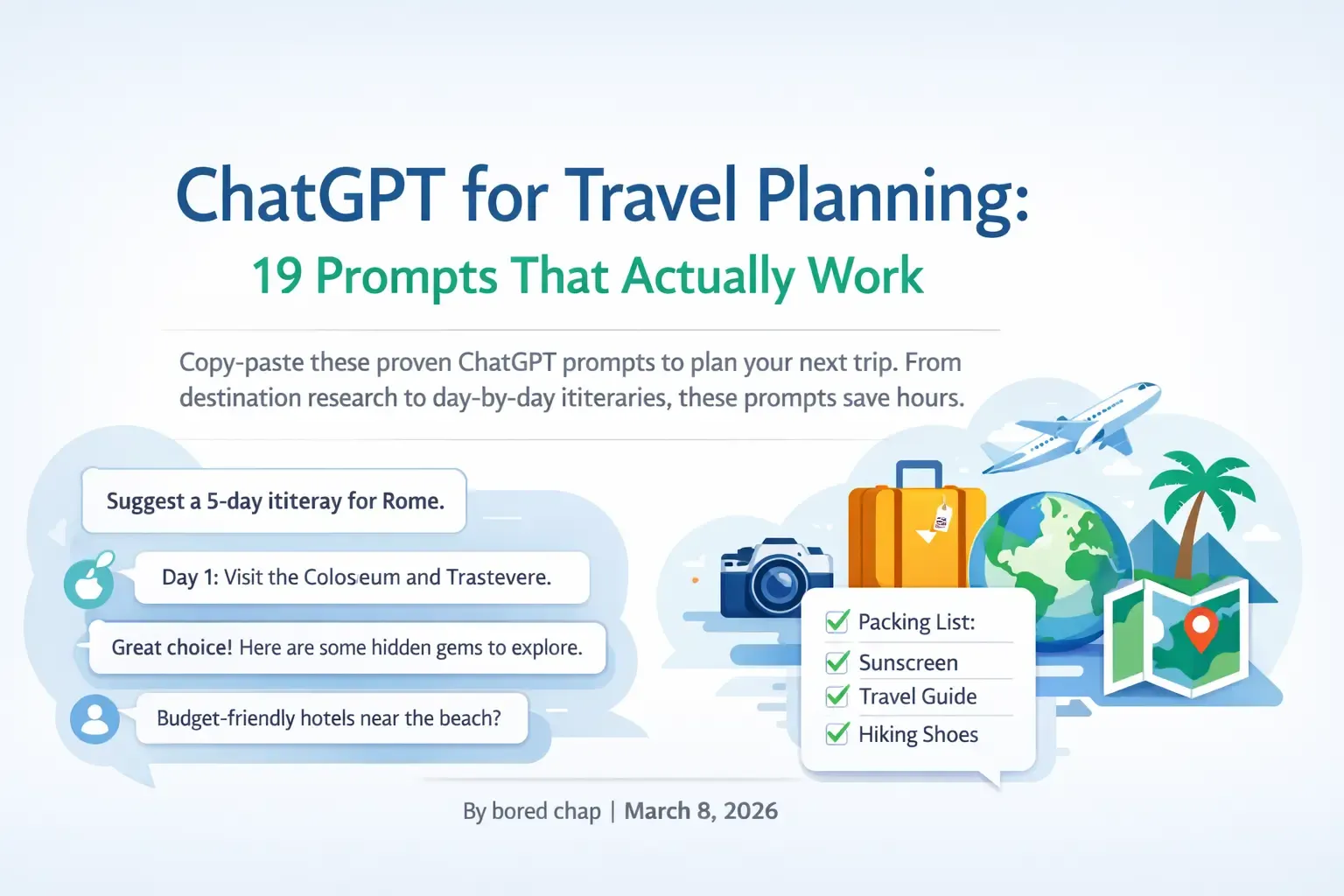
ChatGPT for Travel Planning: 19 Prompts That Actually Work
Copy-paste these proven ChatGPT prompts to plan your next trip. From destination research to day-by-day itineraries, these prompts save hours.

How I Planned My 2-Week Malaysia Trip with ChatGPT (What Worked & What Didn't)
A real trip planned with AI. I share what ChatGPT got right, what it missed, and how it helped us find gluten-free food across Malaysia.