
The Tiny Powerhouse: Is the Olympus PEN Lite E-PM2 the Perfect 'Work-Boredom' Camera?
Discover why the Olympus PEN Lite E-PM2 is a hidden gem for photography enthusiasts and bored office workers alike. Specs, prices, and tips included.
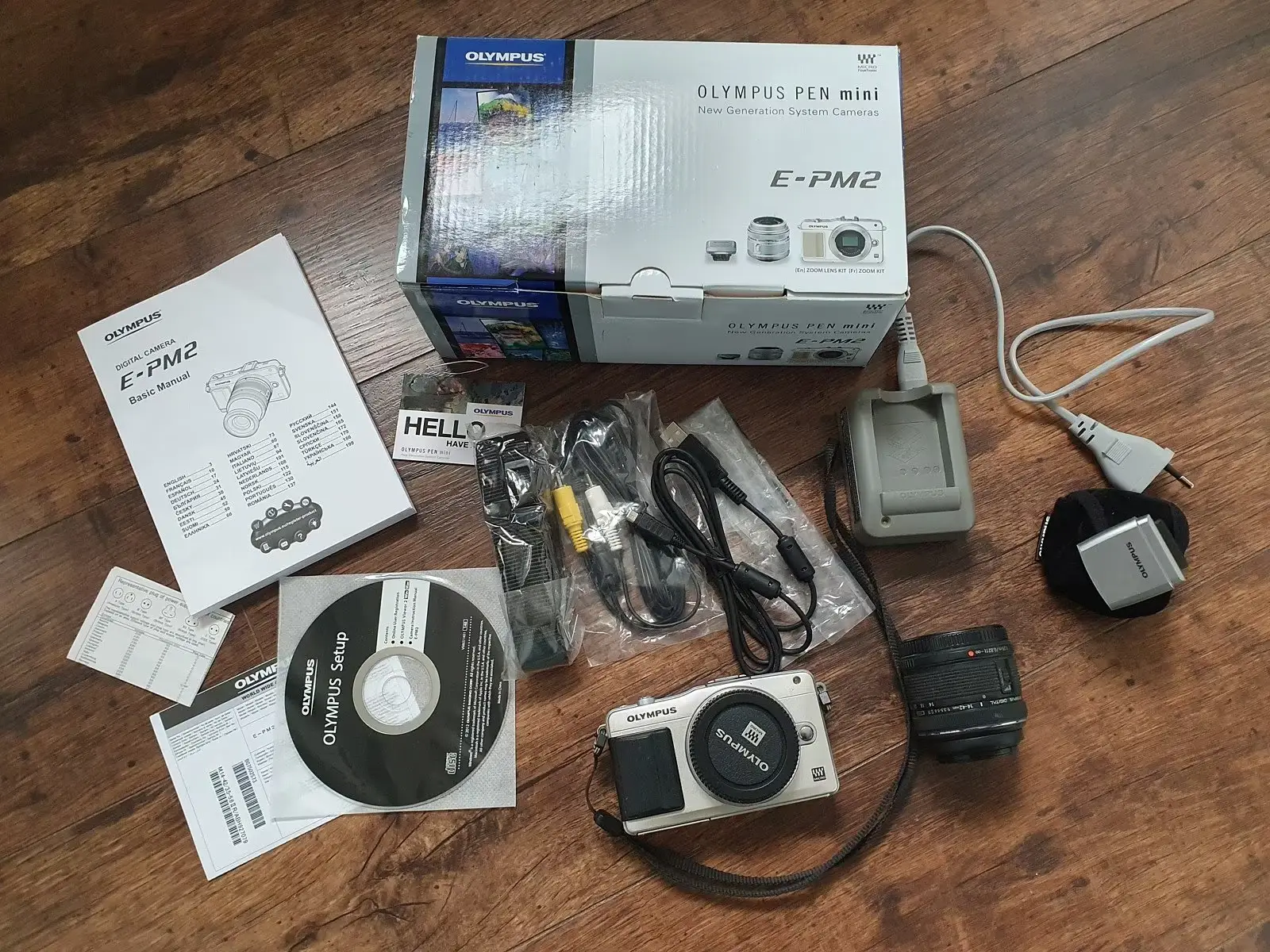
Staring at your spreadhseets again? The clock says 2:15 PM, your brain says “I need a hobby,” and your boss says… well, your boss is hopefully in a meeting.
If you’re like me, you use these precious minutes of corporate downtime to research things that actually excite you. Lately, for me, that’s been the world of “pocketable” mirrorless cameras. And throughout my deep dives on eBay, DPReview, and various forums, one name keeps popping up as a absolute legendary value: the Olympus PEN Lite E-PM2.
Why are we talking about a camera from 2012 in 2026? Because it’s a tiny powerhouse that packs a punch far above its weight class (and price bracket). Let’s dive into why this mini masterpiece might be the perfect research project for your next afternoon slump.
What is the Olympus PEN Lite E-PM2?
The E-PM2 (the “PM” stands for “PEN Mini”) was designed to be the smallest, simplest entry point into the Olympus mirrorless ecosystem. When it was released, it was marketed to people who wanted “DSLR quality in a point-and-shoot size.”
Here’s the beginner-friendly breakdown: It’s a Micro Four Thirds (MFT) camera. Unlike your phone or a traditional compact camera, it has a large sensor (the “brain” that captures light) and you can swap the lenses.
The secret sauce? Olympus took the high-end 16-megapixel sensor from their professional-grade OM-D E-M5 and squeezed it into this tiny, plastic-feeling body. The result is a camera that looks like a toy but takes photos that look like they belong in a gallery.
Why Research This at Work?
Researching gear like the E-PM2 is the ultimate workplace distraction because it involves three levels of “productive procrastination”:
- Technical Learning: You start learning about sensor sizes, ISO ranges, and lens mounts.
- Market Hunting: You get to scour used marketplaces for “The Deal.”
- Creative Planning: You start imagining the photos you’ll take once you finally pull the trigger.
The Technical “Cheat Sheet”
If you’re trying to explain to a coworker why you’re looking at cameras instead of that Q3 report, hit them with these specs:
| Feature | Olympus E-PM2 | Why it matters |
|---|---|---|
| Sensor | 16MP Live MOS | Same as the pro models of its era; great dynamic range. |
| Stabilization | In-body (IBIS) | Helps prevent blurry photos even if your hands aren’t perfectly steady. |
| Autofocus | Fast Contrast Detect | It’s surprisingly snappy, even by modern standards. |
| Video | 1080p HD | Fine for clips, but this is primarily a stills camera. |
| Compactness | 269g (with battery & card) | Smaller than most modern smartphones in height/width. |
Comparing the “Mini” Siblings
One of the most confusing things when researching at work is figuring out which Olympus PEN is which. Here’s a quick comparison to help you narrow your search:
| Model | Successor To | Key Difference | Worth It in 2026? |
|---|---|---|---|
| E-PM1 | The Original | 12MP sensor (older tech), slower AF. | Only if it’s under $80. |
| E-PM2 | E-PM1 | 16MP Pro Sensor, Touchscreen, Faster AF. | The Sweet Spot. |
| E-PL5 | PEN Lite | Has a tilting screen and more dials. | Yes, if you want a tilt-screen. |
Note: The E-PM2 and E-PL5 share the exact same sensor and processor. You are basically choosing between the E-PM2’s smaller size and the E-PL5’s tilting screen.
Pros: Why You’ll Love It
- The Size: You can literally fit this in a jacket pocket with a “pancake” lens. It’s the ultimate “carry everyday” camera.
- The Sensor: The 16MP Olympus sensor is legendary. It handles colors beautifully and the “Olympus Blue” sky is a real thing people rave about.
- The Price: You are getting a legitimate creative tool for the price of a mid-range dinner for two.
- The Ecosystem: Micro Four Thirds has been around for over 15 years. You can find incredible lenses for cheap (more on that below).
Cons: The “Real Talk”
No camera is perfect, especially one that’s over a decade old.
- The “Plasticky” Build: Unlike the E-PM1, which was metal, the E-PM2 feels a bit like a toy. It’s sturdy, but it won’t feel “premium.”
- Limited Dials: To keep it small, Olympus removed most physical buttons. You’ll be doing a lot of “menu diving” via the touchscreen.
- Older IBIS: The image stabilization is good, but doesn’t compare to the 5-axis systems in modern $1,500 cameras.
The “Bored at Work” Buying Guide
If you’ve decided this is the camera for you, here is your mission for the rest of the afternoon:
1. Where to Buy
- eBay: The wild west. You can find incredible deals (often as low as $150), but check the seller’s rating.
- MPB / KEH: The safe bet. These are specialized used gear retailers. They inspect every item and provide a 6-month warranty. You’ll pay a bit more ($180-$220), but you get peace of mind.
2. What to Look For
- Shutter Count: Ask the seller what the shutter count is. Anything under 20,000 is basically new for these cameras.
- Sensor Dust: Look at photos of the sensor. You want it clean and scratch-free.
- The Kit Lens: Often comes with the 14-42mm lens. It’s “okay,” but the real magic happens when you buy a prime lens.
3. Price Ranges (Used)
- Body Only: $150 - $210
- With 14-42mm Kit Lens: $190 - $260
- With 17mm f/2.8 Pancake Lens: $250 - $320 (Highly recommended for size!)
Things to Research Further (Your Next 30 Minutes of Downtime)
Don’t stop here! If you want to really master the E-PM2 research, look up these terms next:
- “Olympus 17mm f/1.8” - The gold standard lens for this camera.
- “Super Control Panel (SCP)” - A hidden menu setting you must enable to make using this camera enjoyable.
- “Panasonic 20mm f/1.7 vs Olympus 17mm f/1.8” - A classic debate in the MFT world.
- “Adaptors for Micro Four Thirds” - Did you know you can use 50-year-old vintage lenses on this camera? Research “C-mount lens on MFT” for some really cheap, artistic options.
Practical Tips for Your First Week
If you end up buying one, here’s how to hit the ground running:
- Shoot RAW+JPEG: Olympus JPEGs are great, but the RAW files let you recover shadows in your photos during your next boring lunch break.
- Turn on the SCP: Seriously, look up a YouTube tutorial on how to turn on the “Super Control Panel.” It puts all your settings on one screen.
- Watch the Battery: It’s small, so the battery life isn’t huge. Look for “BLS-5” battery packs on Amazon; they’re cheap enough to buy a few spares.
Conclusion: Start Your Search
The Olympus PEN Lite E-PM2 is more than just an old piece of tech. It’s a portal into a new hobby that doesn’t require a $2,000 investment. It’s small enough to take anywhere, powerful enough to take professional-looking photos, and cheap enough that you won’t feel guilty buying it.
Your next steps?
- Open a new tab (Ctrl+T/Cmd+T, quick!).
- Search “Olympus E-PM2” on eBay.
- Sort by “Ending Soonest.”
You might just find your new favorite coworker.
FAQ
Can I use the E-PM2 for vlogging? Technically, yes, it shoots 1080p video. However, it lacks a microphone input and the screen doesn’t tilt, which makes it very difficult to see yourself while filming. It’s much better suited for photography.
Does it have Wi-Fi to send photos to my phone? No, built-in Wi-Fi wasn’t standard back then. However, you can buy a “Toshiba FlashAir” or a similar Wi-Fi SD card, or just use a $10 SD-to-Phone adapter (the faster and more reliable option anyway!).
Is a 16MP sensor enough in 2026 when phones have 48MP? Yes! Don’t let the “megapixels” trap fool you. A 16MP sensor in the E-PM2 is much larger than a phone sensor. It captures more light, has better “depth,” and produces much cleaner images when the lights go down. Quality over quantity!
Looking for more photography gear? Check out our best cameras for beginners for modern alternatives, or browse all our photography content in the Photography Guide and Photography Buying Guide.
Related Articles
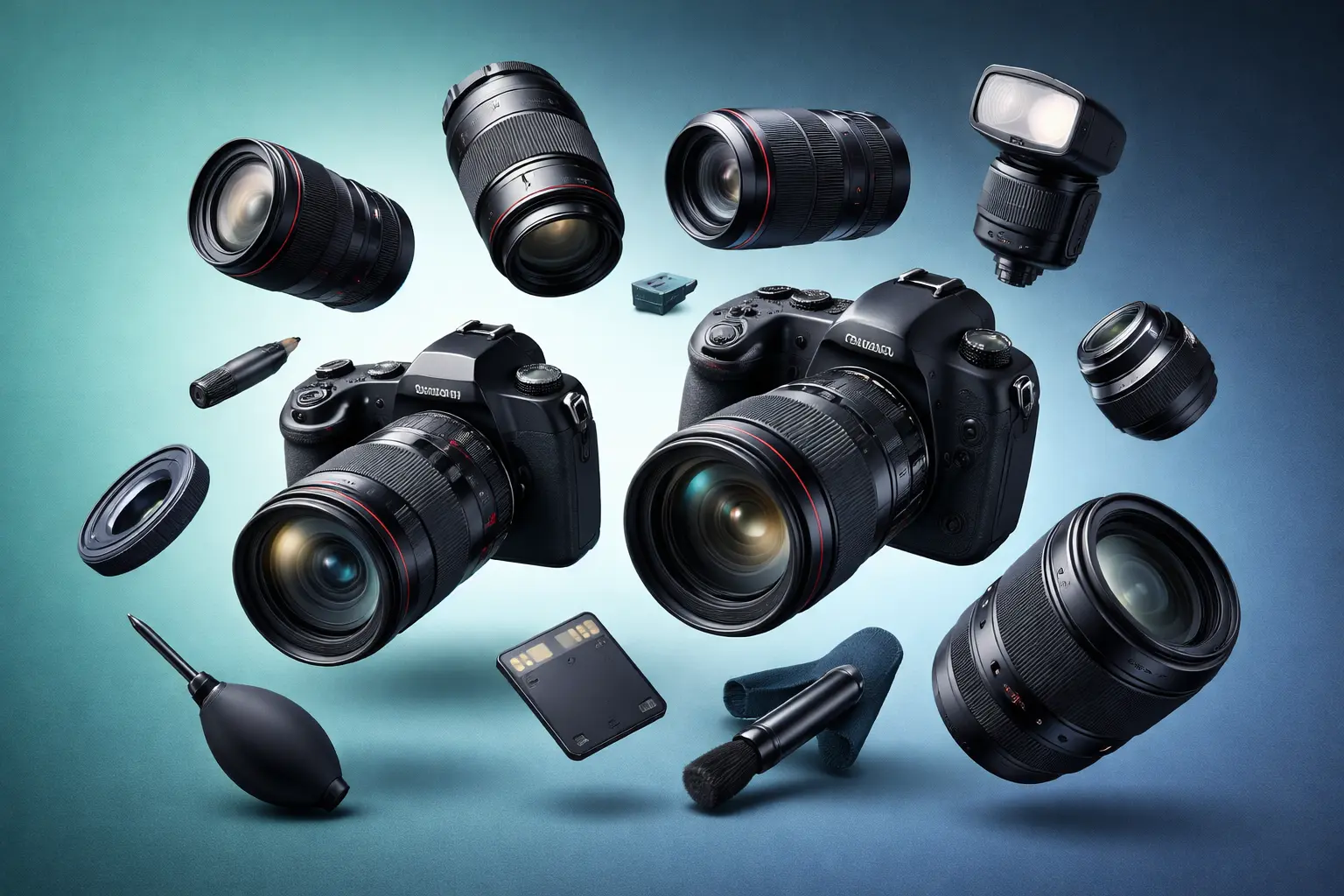
Photography Buying Guide: Everything You Need to Start in 2026
The complete guide to buying your first camera in 2026. From budget options to the DSLR vs mirrorless debate, we cover everything without the gear-head jargon.
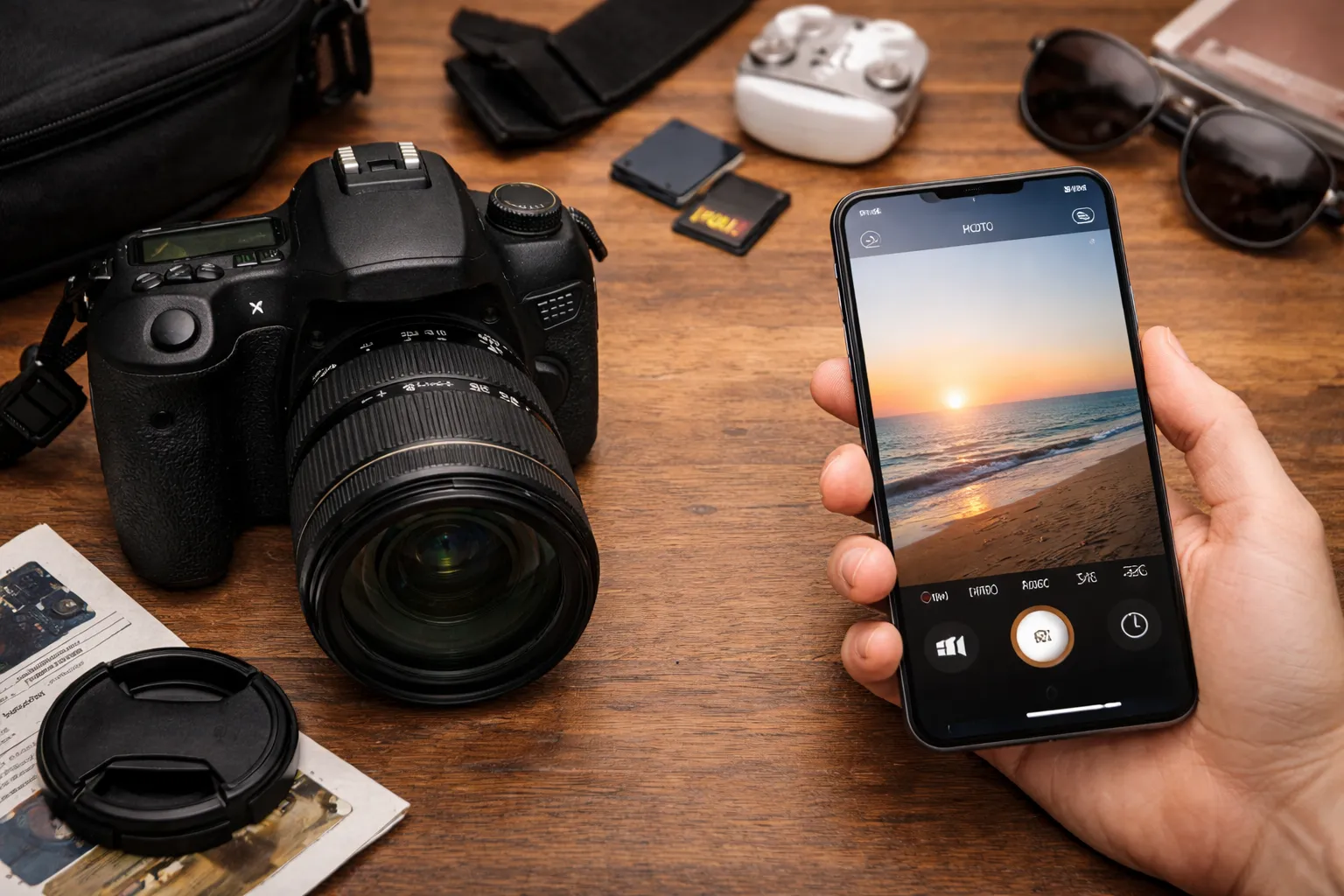
Camera vs Smartphone: Is a Dedicated Camera Still Worth It in 2026?
Should you buy a camera when your smartphone takes great photos? We compare image quality, features, and real-world use cases to help you decide.
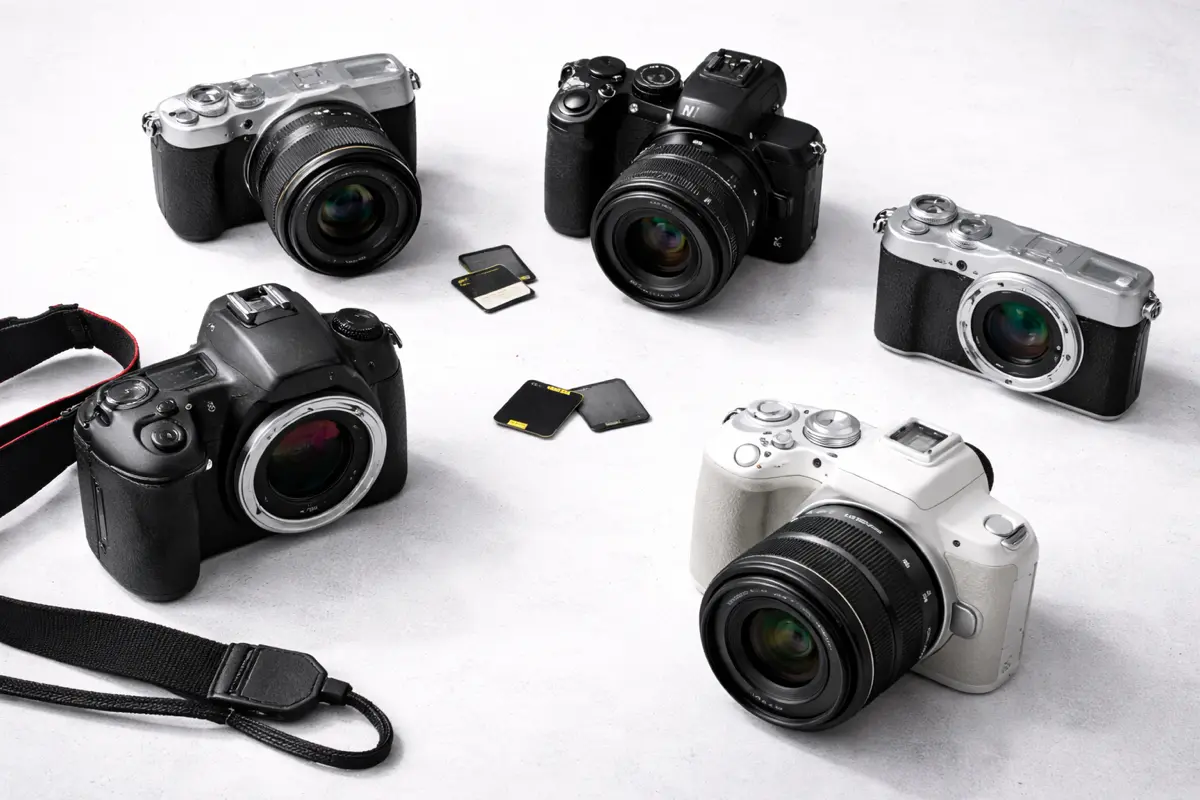
Best Cameras Under $500: Top Picks for Budget Photographers (2026)
Best cameras under $500 from Canon, Nikon, and Sony. We review the top budget cameras that deliver excellent image quality for beginners.