
25 Productive Things to Do When Bored at Work (2026)
Bored at work? These 25 productive activities turn downtime into career growth — learn AI, build skills, and get ahead without anyone noticing.

We’ve all been there. The afternoon slump hits, your to-do list is clear, or you’re stuck waiting for someone else before you can move forward. Instead of mindlessly scrolling through social media or watching the clock, why not turn that downtime into something valuable?
Boredom at work isn’t wasted time—it’s an opportunity. The most successful professionals use these quiet moments to build skills, advance their careers, and set themselves up for future success.
Here are 25 genuinely productive things you can do when bored at work, organized from most impactful to quick wins.
Learn a New Skill
The absolute best use of downtime at work is learning something that will pay dividends for years to come.
Learn AI (Our Top Recommendation)
If you’re going to learn one skill in 2026, make it AI. Here’s why:
- It’s the most in-demand skill according to LinkedIn’s latest workforce report
- It applies to every job whether you’re in marketing, finance, HR, or operations
- It’s immediately useful start saving time on day one
- The barrier to entry is low you don’t need to be technical
The best part? You can become proficient in AI basics in just 10 hours of learning. That’s two weeks of lunch breaks or a few slow afternoons.
Best courses to take at your desk:
- Google AI Essentials (10 hours) - The gold standard for beginners. Covers everything from basic concepts to practical prompting. Free to audit via Coursera, $49 for a certificate.
- Elements of AI (25-50 hours, self-paced) - Created by the University of Helsinki, taken by over 1.8 million people. Completely free with certificate.
- OpenAI Academy (varies) - Learn directly from the creators of ChatGPT. Free and constantly updated.
These courses are designed to be taken in short bursts, look professional on your screen, and result in certificates you can add to LinkedIn.
Build Financial Literacy
Understanding investing is one of the most valuable skills you can develop at work — and it looks exactly like business research on your screen. Start with a free investing course during lunch breaks, then practice with paper trading apps that let you trade stocks with virtual money and zero risk.
Pick Up a Language
Learning a second language is one of the most impressive skills you can add to your resume. With apps like Duolingo or Babbel, you can make progress in just 10-15 minutes per day.
Best languages for business:
- Spanish (500+ million speakers worldwide)
- Mandarin (huge business opportunities)
- German (Europe’s largest economy)
- Portuguese (growing Brazilian market)
The key is consistency. Fifteen minutes every day beats an hour once a week.
Master Excel or Google Sheets
No matter your industry, spreadsheet skills make you more valuable. Most people only use about 10% of what Excel can do.
Skills worth learning:
- VLOOKUP and XLOOKUP (data matching)
- Pivot tables (data analysis)
- Conditional formatting (visualization)
- Keyboard shortcuts (speed)
- Basic macros (automation)
Free resources like ExcelJet and the official Google Sheets help center can take you from beginner to power user.
Get Certified
Quick certifications can boost your resume and only take a few hours. Many are completely free. Check out our guide to AI certifications you can earn in a week.
- Google Certifications - Analytics, Ads, and more
- HubSpot Academy - Marketing, sales, and service
- LinkedIn Learning - Thousands of courses with certificates
- AI Certifications - Google AI Essentials, IBM AI Foundations
Most of these are self-paced and can be completed during work downtime.
Improve Your Current Job Performance
Sometimes the most productive thing you can do is get better at your actual job.
Organize Your Digital Life
When was the last time you cleaned up your files? A disorganized digital workspace slows you down every single day.
The cleanup checklist:
- Clear your desktop (aim for fewer than 10 items)
- Create a logical folder structure
- Archive old projects
- Delete duplicate files
- Establish naming conventions
This task is satisfying, clearly productive, and will save you time every day going forward.
Learn Your Company’s Tools Better
You probably use the same software every day, but are you using it well? Most tools have powerful features that go unused. If you’re on a Mac, start with our macOS Tahoe tips and hidden features — there are productivity shortcuts most people never discover.
Explore the hidden features of:
- Slack - Keyboard shortcuts, workflows, automations, channel organization
- Your CRM - Advanced search, automation rules, reporting dashboards
- Project management tools - Templates, dependencies, time tracking
- Email - Filters, templates, scheduling, keyboard shortcuts
Spend 30 minutes exploring the settings or help documentation of your most-used tools. You’ll likely find features that save hours every week.
Create Templates
If you write similar emails, create similar documents, or follow similar processes repeatedly, you need templates.
Templates worth creating:
- Common email responses
- Meeting agendas
- Weekly reports
- Project briefs
- Process documentation
The time invested in creating a template pays back every single time you use it.
Document Your Processes
Can someone else do your job if you’re sick or on vacation? If not, you need better documentation.
Write down how you do your key tasks. This isn’t just helpful for others—it helps you spot inefficiencies and makes a strong case for promotion (you’re organized and ready to move up).
Career Development
Playing the long game? Use downtime for strategic career building.
Update Your Resume
Don’t wait until you need a job to update your resume. Keep it current:
- Add recent accomplishments (with metrics when possible)
- Update your skills section
- Refresh the summary
- Remove outdated experience
- Ensure it matches your LinkedIn profile
A 30-minute resume refresh now could save you hours of panic later.
Optimize Your LinkedIn Profile
LinkedIn is where opportunities find you. A strong profile attracts recruiters, clients, and collaborators.
Quick LinkedIn wins:
- Update your headline (don’t just use your job title)
- Refresh your about section
- Add recent projects and certifications
- Request recommendations from colleagues
- Engage with content in your industry
The LinkedIn algorithm favors active users. Even just liking and commenting on relevant posts increases your visibility.
Research Your Industry
Stay current on what’s happening in your field:
- Read industry publications
- Follow thought leaders
- Monitor competitors
- Track emerging trends
Set up Google Alerts for key terms in your industry. Subscribe to a few newsletters. Being informed makes you more valuable in meetings and conversations.
Plan Your Career Path
Take time to think strategically about where you’re going:
- Where do you want to be in 2-3 years?
- What skills do you need to get there?
- Who has the job you want? What’s their background?
- What’s your next move?
Write down a simple personal development plan. Having a direction makes it easier to take advantage of opportunities.
Quick Wins (Under 30 Minutes Each)
Sometimes you only have a few minutes. Here are quick productive tasks:
-
Clean your inbox - Archive old emails, unsubscribe from newsletters you never read, create filters for recurring messages
-
Unsubscribe from junk - Use a tool like Unroll.me or just manually hit unsubscribe on unwanted emails
-
Update your passwords - Use a password manager, enable two-factor authentication on important accounts
-
Schedule that meeting - The one you’ve been putting off. Just do it.
-
Send a thank you note - To someone who helped you recently. It takes 2 minutes and strengthens relationships.
-
Review your calendar - Look at the upcoming week. Cancel unnecessary meetings. Block focus time.
-
Complete expense reports - If you’ve been procrastinating on these, now’s the time.
-
Clean your workspace - Physical or digital. A clean space improves focus.
-
Update your out-of-office - If you have vacation coming up, set it up now.
-
Read that article - The one you bookmarked months ago and never got to.
Stealth Learning (Looks Professional)
Some learning platforms look more “work-appropriate” than others. These won’t raise eyebrows. For a full guide on discreet learning strategies, see our article on how to learn AI while looking busy.
Microsoft Learn
- Covers Azure, Office 365, and more
- Very corporate interface
- Free certifications available
- It’s literally LinkedIn
- Thousands of professional courses
- Your company might already pay for it
Salesforce Trailhead
- Gamified CRM training
- Looks like you’re learning work software
- Valuable certifications
HubSpot Academy
- Marketing, sales, service training
- Professional and work-relevant
- Free certifications
Google Skillshop
- Google Ads, Analytics training
- Directly work-applicable
- Official Google certifications
These platforms have professional interfaces, offer work-relevant content, and result in certificates that benefit both you and your employer.
What to Avoid
Not all downtime activities are equal. Some will get you in trouble.
Time wasters that look bad:
- Social media scrolling
- Online shopping
- YouTube rabbit holes
- News sites (endless)
- Personal entertainment
Risky behaviors:
- Wearing earbuds all day (looks disengaged)
- Obviously non-work websites
- Personal projects on company equipment
- Complaining to coworkers about being bored
The simple test: Would you be comfortable if your boss walked by? If not, don’t do it.
The Meta Play: Use AI to Work Faster
Here’s the ultimate strategy for productive boredom:
- Learn AI skills during your downtime
- Use AI to complete your actual work faster
- This creates more downtime
- Use that time to learn more
- Become increasingly valuable
- Get promoted
It’s a virtuous cycle. The more you learn about AI, the faster you work. The faster you work, the more time you have to learn.
Practical AI time-savers:
- Draft emails in seconds
- Summarize long documents
- Generate report outlines
- Analyze data quickly
- Brainstorm ideas on demand
Someone using AI effectively can easily save 30-60 minutes per day. That’s 2.5-5 hours per week of extra time—plenty for continuous learning.
Making This a Habit
The key to productive downtime is consistency:
Daily practice:
- Commit to 20 minutes of learning or improvement
- Use natural downtime (waiting for meetings, slow afternoons)
- Small consistent efforts beat sporadic intensive sessions
Track your progress:
- Certificates earned
- Skills developed
- Templates created
- Processes documented
Share your wins:
- Update LinkedIn when you complete certifications
- Present useful findings to your team
- Mention new skills in performance reviews
The Bottom Line
Boredom at work is inevitable. What you do with it determines whether that time is wasted or invested.
The professionals who get ahead aren’t necessarily smarter or harder working—they’re better at using their time. Every slow afternoon is a chance to learn something, build something, or improve something.
Start small. Pick one thing from this list and do it today. Then do another tomorrow. In a year, you’ll be amazed at how much you’ve grown.
Our top recommendation: Start learning AI. It’s the most valuable skill you can develop, it’s immediately applicable to your work, and you can get started in under 10 hours. Check out our guide to the best free AI courses you can take at work.
What do you do when you’re bored at work? Share your productive strategies.
Related Articles

ChatGPT Guide 2026: Beginner to Power User in One Read
Master ChatGPT from scratch. Prompts, custom instructions, plugins, and real workflows — the only guide you need to go from beginner to power user.
AI Tools for Work: The Only Guide You Need (2026)
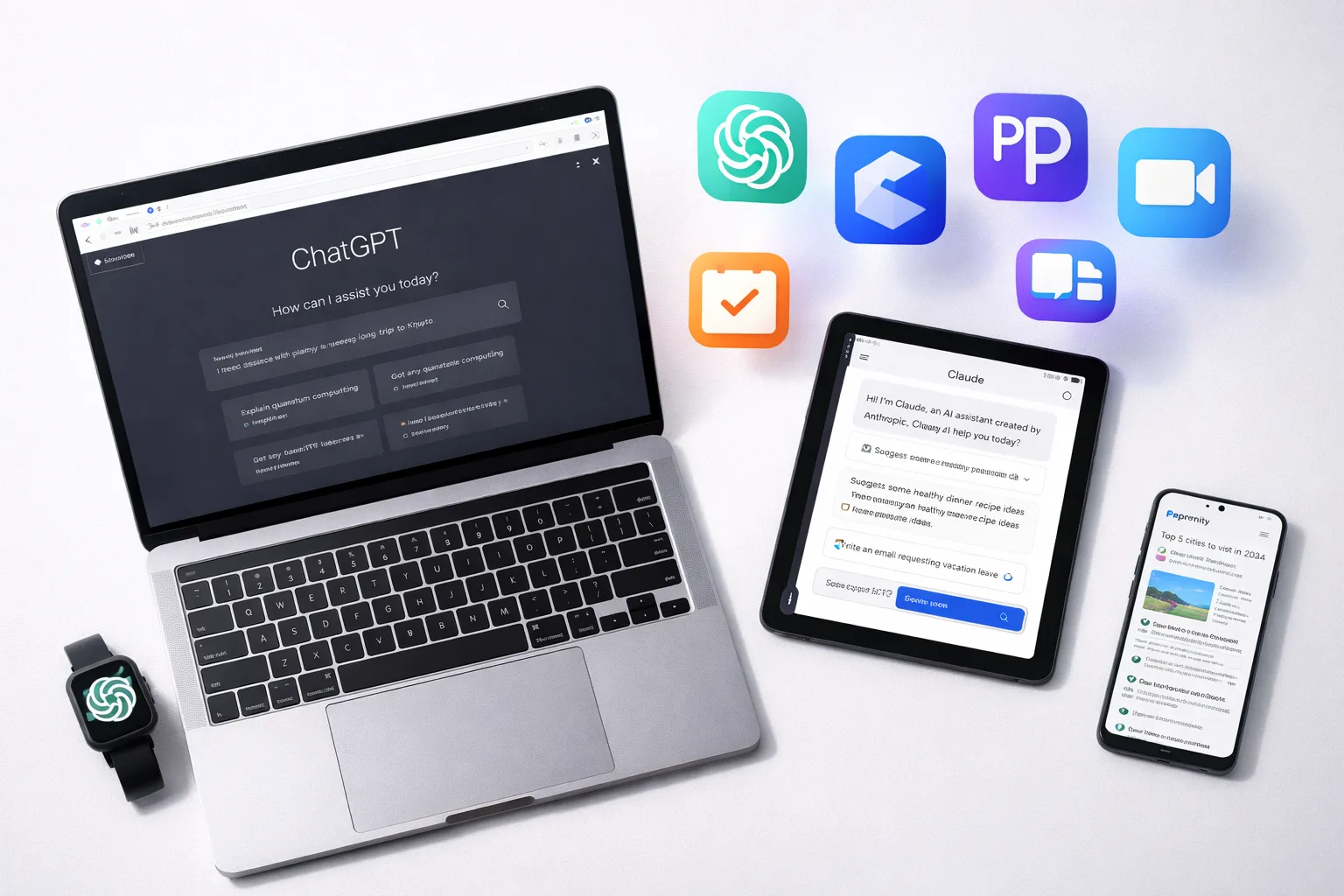
Every AI tool worth using at work in 2026. ChatGPT, Claude, Copilot, and 20+ specialized tools — organized by task, with honest ratings and free alternatives.
10 Best AI Chrome Extensions (2026) — Actually Worth Installing
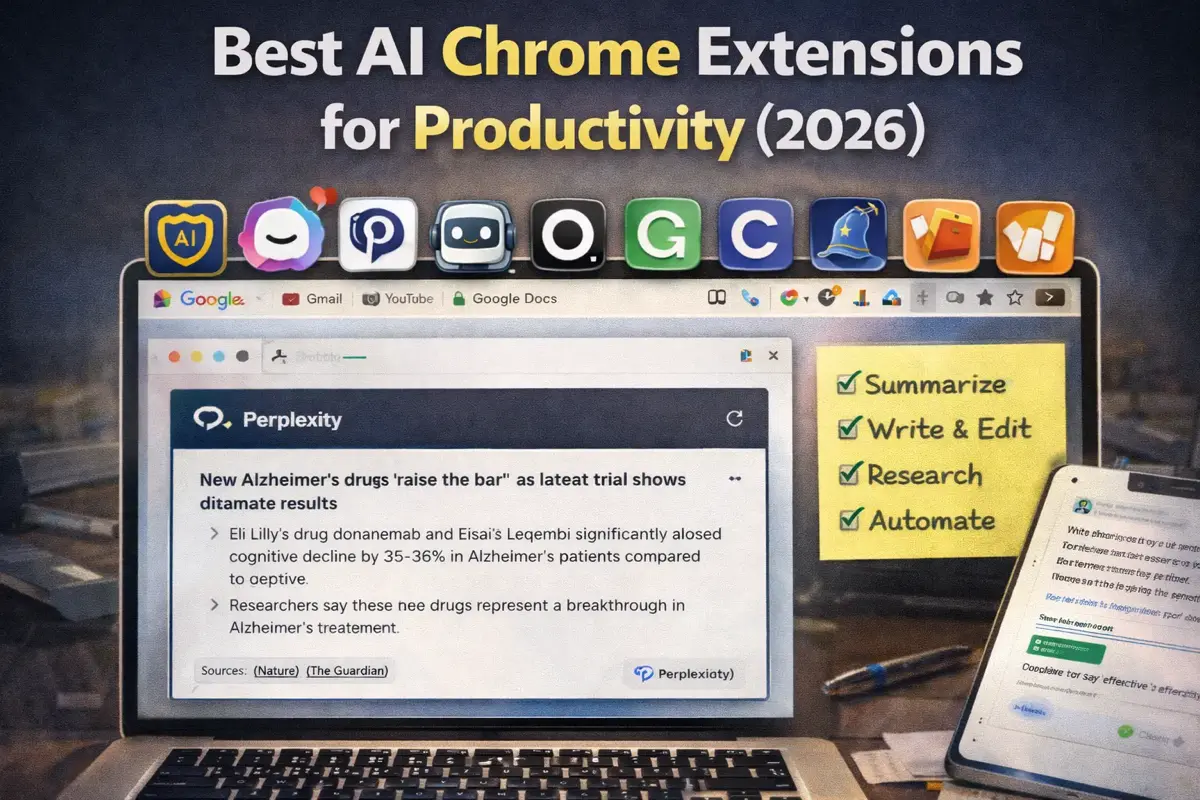
These 10 AI Chrome extensions actually save time. Summarize pages, write emails, research faster — I use #3 and #7 every day.