
10 Things You Should 3D Print First (New Printer)
Just unboxed your first 3D printer? Skip the dust-collectors — here are 10 functional prints that upgrade your desk and workflow.
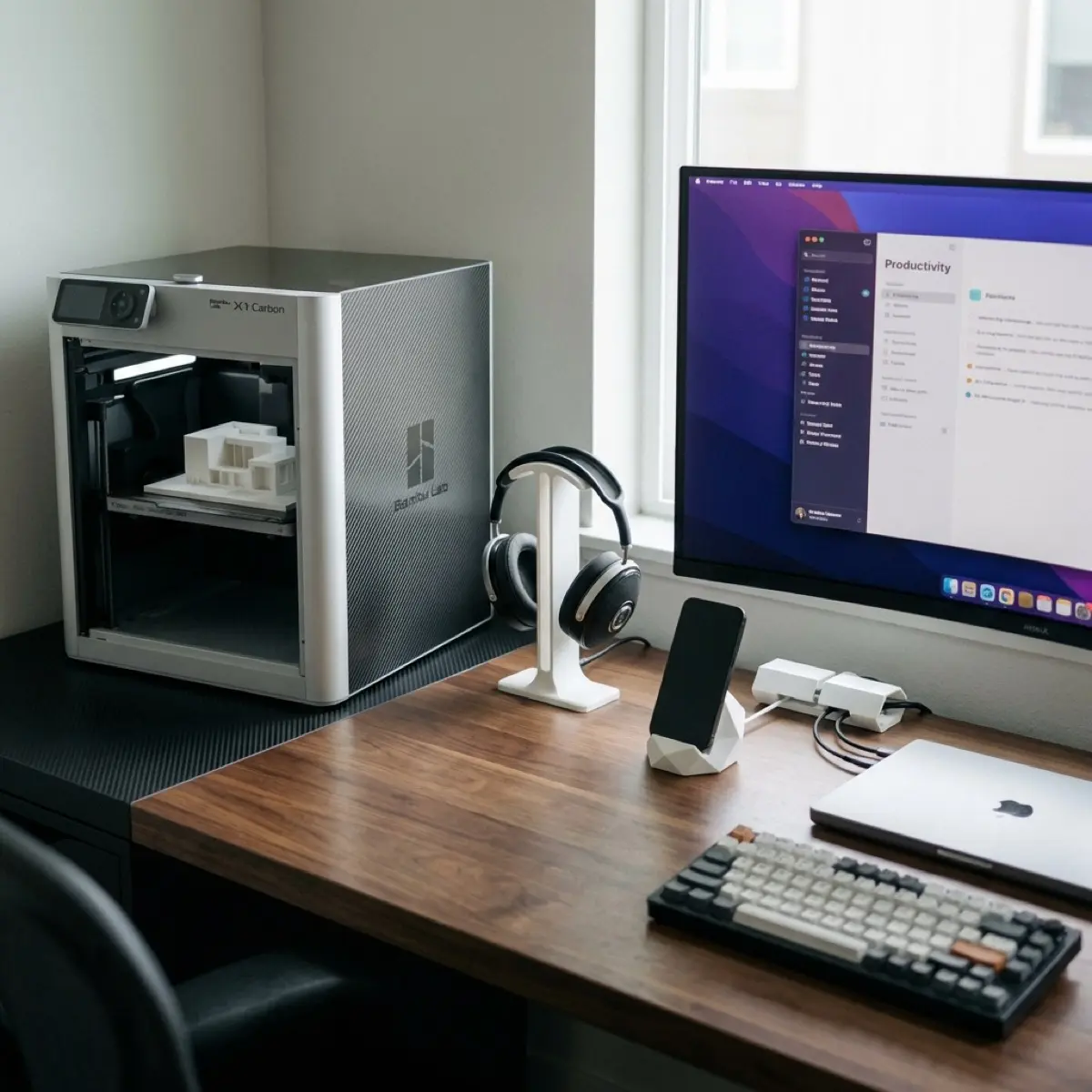
So, you’ve finally done it. You unboxed the machine, peeled off the satisfying plastic film, and successfully loaded your first spool of filament. Now you’re staring at the nozzle, wondering what to actually do with it.
The temptation is to head to Thingiverse and download a giant articulated dragon or a high-detail statue of a video game character. Don’t do it.
If you want to justify this purchase (especially if you’re trying to prove to yourself or your partner that this isn’t just a “toy”), start with functional prints. The best thing about 3D printing isn’t making plastic knick-knacks; it’s the ability to solve annoying problems in your daily life—specifically at your desk.
Here are 10 essential prints every new 3D printer owner should queue up in their first week.
1. The Mandatory Calibration Benchie
Before you do anything else, you must print the 3DBenchy.
The Official 3DBenchy
The industry standard for testing 3D printer performance and quality.
- The Purpose: It’s a torture test for your printer. It tests overhangs, cooling, holes, and dimensions.
- Why at work? It’s a small, fast print. You can have it running while you’re answering emails and check on it every 20 minutes to make sure the machine is healthy.
2. Under-Desk Cable Management Clips
Your desk probably has a “spaghetti monster” of wires living behind the monitor.
UnderWare Cable Management
Modular clips that snap together for a perfectly organized desk.
- The Fix: Print a set of modular cable clips. The UnderWare Ultimate Cable Management System is a fantastic choice: You can find designs that screw into the desk or use double-sided tape.
- Productivity Boost: A clean desk leads to a clean mind. Removing cable clutter is the fastest way to make your office feel professional.
3. The Minimalist Headphone Stand
Stop leaving your expensive noise-canceling headphones lying flat on the desk where they get scratched.
Designer Headphone Stand
A premium, geometric stand that keeps your gear safe and stylish.
-
The Design: Look for a sleek, geometric “Omega” style stand or a simple hook that clips onto the side of your monitor arm.
-
Materials: Use a matte filament (like Matte Black PLA) to give it a premium, non-plastic look.
4. Universal Phone & Tablet Stand
You need a dedicated place for your phone to sit so you can see notifications without picking it up.
Universal Phone Stand
Ultra-portable, folding design that fits in any pocket.
- The Twist: Print a “stealth” stand that folds flat. This is perfect for throwing into your laptop bag if you move between home and the office.
- CAD Challenge: Try to design your own with your initials embossed on the back!
5. SD Card & USB Drive Organizer
If you’re a photographer or a tech enthusiast, you likely have a dozen tiny cards and drives rolling around in your drawer.
Memory Card Holder with Tray
A dedicated "dock" with slots specifically for SD, MicroSD, and USB-A/C ports.
- The Fix: A dedicated “dock” with slots specifically for SD, MicroSD, and USB-A/C ports.
- Pro Tip: Print this in a bright color so it’s easy to find in the depths of your desk.
6. Monitor Riser Shelves
Need more room for your keyboard or notebook? 3D print custom legs for a small shelf.
- The Build: Print four sturdy pillars and use a scrap piece of wood or acrylic for the top.
- The Benefit: It brings your monitor to eye level, which is a huge win for your posture during long work hours.
7. Custom Drawer Dividers
Generic drawer organizers never fit perfectly.
- The Stealth Move: Measure your desk drawer at work and print custom “bins” that fit exactly.
- What to store: Paperclips, extra pens, your fidget spinner—everything has a place.
8. Ergonomic Tool Handles
Do you have a cheap screwdriver or a hex key that hurts your hand?
- The Print: Scan or measure the tool and print a “sleeve” that makes it comfortable to hold.
- Functional Win: This is the “gateway drug” to more advanced functional 3D printing.
9. Replacement Knobs and Buttons
Does your office chair have a missing plastic cap? Does your desk lamp have a broken switch?
- The Task: Model a replacement.
- The Feeling: Nothing beats the satisfaction of “fixing” something for $0.05 worth of plastic instead of buying a new product.
10. The “Stealth” Desk Accessory
Finally, print something that looks like a boring office supply but has a secret.
- Ideas: A pen cup with a hidden compartment in the base, or a “book” that is actually a storage box for your private keys/passwords.
- The Goal: Visual camouflage. Mastering the art of making 3D prints look like professional equipment is key to keeping the hobby “office-friendly.”
Where to Find These Files
If you’re not ready to design your own in CAD yet, check out these three main repositories:
- Printables.com: The best community and the highest-quality models.
- MakerWorld: Optimized specifically for Bambu Lab users.
- Thingiverse: The “old guard” and one of the most well-known model libraries, though many older files may no longer be accessible.
Summary Checklist for Your First Spool
- Calibrate your bed and Z-offset.
- Print the Benchie.
- Measure one problem on your desk.
- Download/Design a solution.
- Print, iterate, and enjoy your new productive hobby.
Ready to take it to the next level? Check out our guide on The Best CAD Software for 3D Printing Beginners to start designing your own solutions!
New to 3D printing? Start with our complete beginner’s guide. For all our 3D printing content, see the 3D Printing Guide.
Related Articles
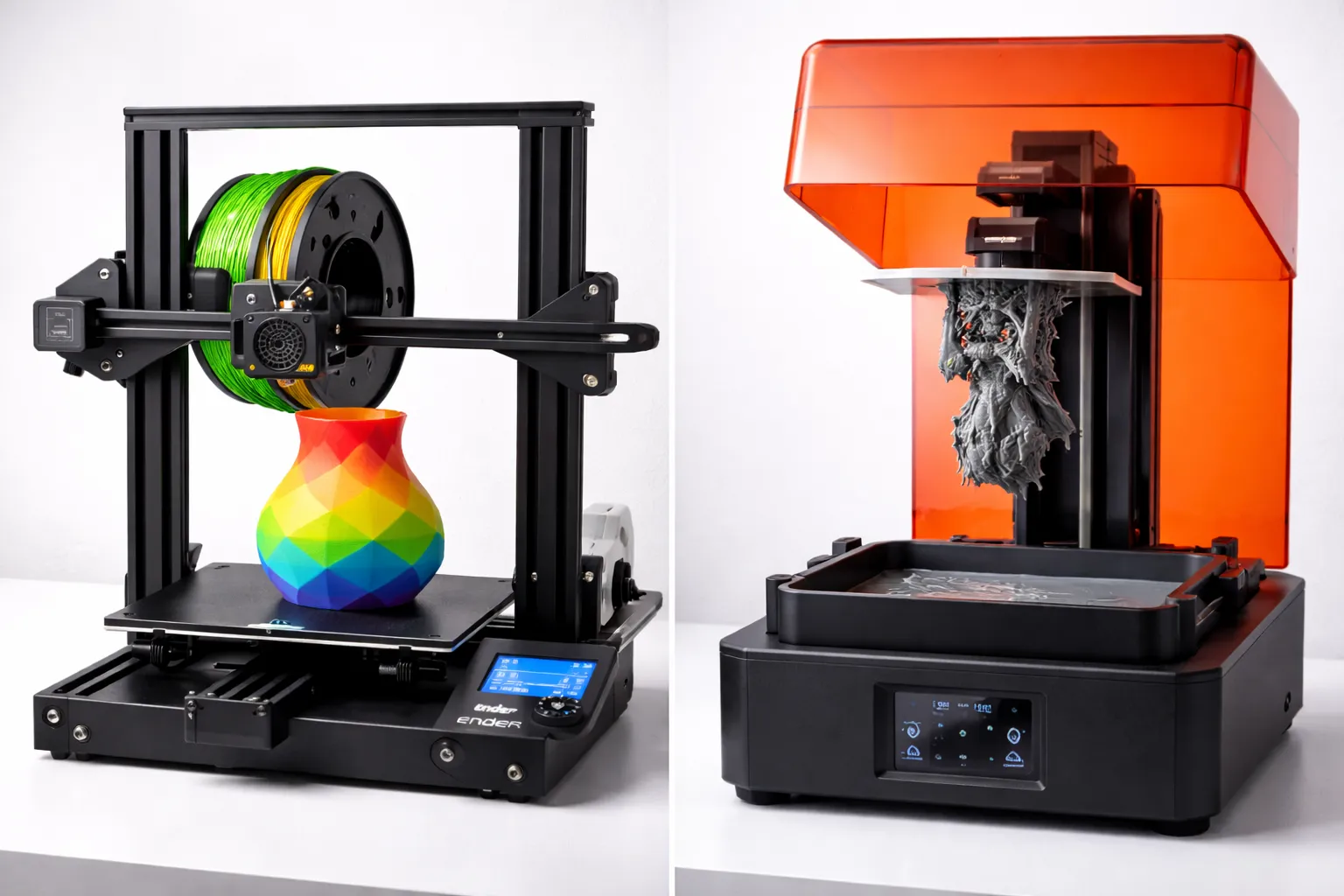
FDM vs Resin 3D Printing: Which One Should You Choose?
FDM vs resin 3D printing — we compare cost, print quality, safety, and ease of use with real examples to help you pick the right technology for your project.
The Ultimate Guide to 3D Printing (2026)
Your complete guide to 3D printing—from choosing your first printer to selling your prints. Everything beginners need to start their 3D printing journey.

ChatGPT Guide 2026: Beginner to Power User in One Read
Master ChatGPT from scratch. Prompts, custom instructions, plugins, and real workflows — the only guide you need to go from beginner to power user.