
Best 3D Printers Under $300 (2026 Buying Guide)
Best 3D printer under $300 for beginners? We compare Bambu Lab A1 Mini, Creality Ender 3 V3, Anycubic Kobra, and more with real specs.
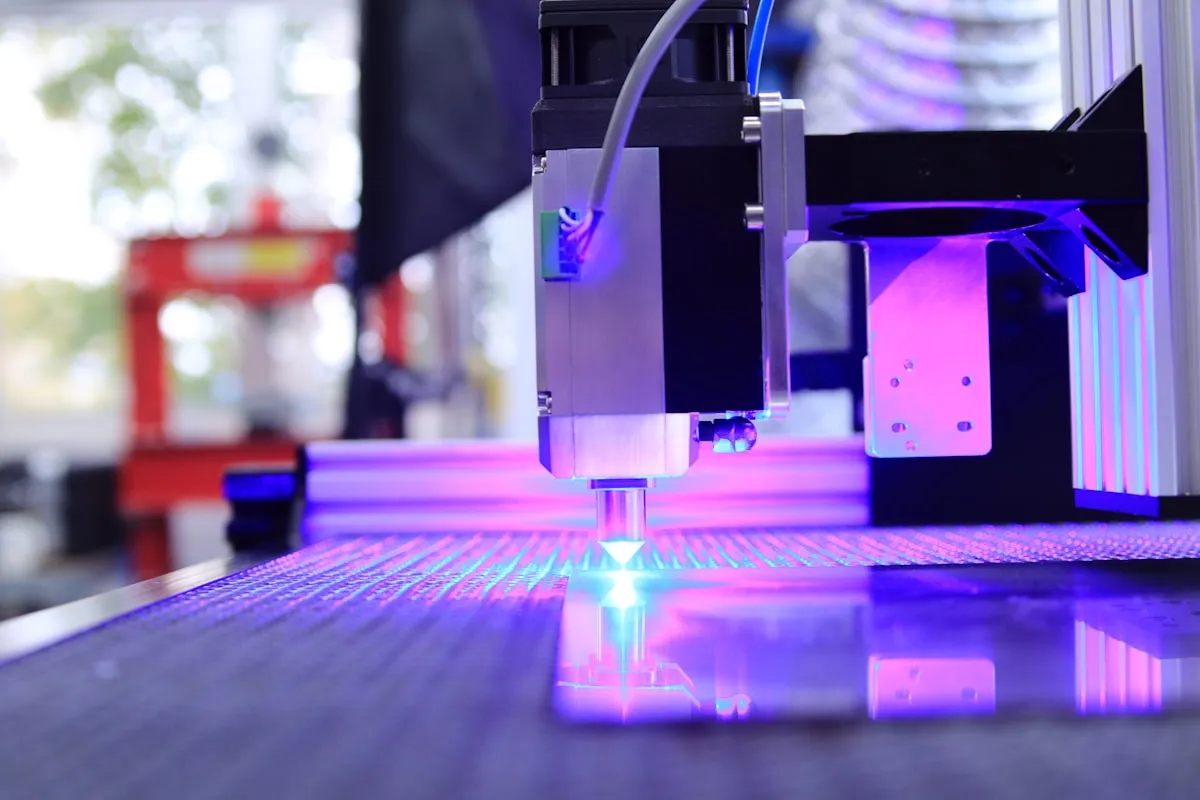
You want to start 3D printing and are looking for the best 3D printer under $300? This price range now offers impressive quality - if you choose the right model.
In this 3D printer comparison, I’ll introduce you to the best beginner printers of 2026. After hundreds of hours of printing and intensive research, I’ll show you which printer fits your needs.
Best 3D Printers Under $300 Overview
| Printer | Price | Print Volume | Speed | Best For |
|---|---|---|---|---|
| Bambu Lab A1 Mini | ~$219 | 180x180x180mm | 500mm/s | Beginners who don’t want to tinker |
| Creality Ender 3 V3 SE | ~$200 | 220x220x250mm | 250mm/s | Budget tinkerers |
| Creality Ender 3 V3 | ~$280 | 220x220x250mm | 500mm/s | Best Creality option |
| Anycubic Kobra 3 | ~$350 | 250x250x260mm | 500mm/s | Solid middle ground |
| Elegoo Neptune 4 | ~$230 | 225x225x265mm | 500mm/s | Value champion |
1. Bambu Lab A1 Mini - Best for Beginners
Price: ~$219 | Print Volume: 180x180x180mm
The Bambu Lab A1 Mini is the best 3D printer under $300 for beginners. It has revolutionized how we think about affordable 3D printers.
What Makes the A1 Mini Special?
- Plug & Play: Unbox, turn on, print - no calibration needed
- Excellent print quality: Better than many $500+ printers
- Extremely fast: Up to 500mm/s print speed
- Quiet: Only 48dB during operation
- AMS-compatible: Upgrade to multi-color printing possible
Pros
- No learning curve needed
- Best print quality in its price range
- Active software updates
- Excellent app control
- Reliable from the first print
Cons
- Smaller print volume (180mm³)
- Cloud connection needed for full features
- Proprietary system
Who Is the A1 Mini Ideal For?
The perfect 3D printer for beginners who want to start immediately. If you don’t want to tinker and just want to print, there’s no better option under $300.
Rating: 9.5/10
2. Creality Ender 3 V3 SE - Budget King
Price: ~$200 | Print Volume: 220x220x250mm
The Ender 3 V3 SE is the best 3D printer under $200 and offers unbeatable value for money for getting into 3D printing.
Ender 3 V3 SE Highlights
- Auto-leveling: CR Touch for automatic bed leveling
- Direct Drive: Better filament feeding than Bowden systems
- Large print volume: 220x220x250mm for bigger projects
- Sprite Extruder: Reliable and low-maintenance
Pros
- Unbeatable price (~$200)
- Huge community for help
- Many upgrade options
- Large print volume
- Open source firmware
Cons
- More learning required than Bambu
- Slower print speed
- Manual fine-tuning needed
- Louder fans
Who Is the Ender 3 V3 SE Ideal For?
Perfect for tech-savvy beginners who like to tinker, learn, and have a limited budget. The massive community helps with every problem.
Rating: 8.5/10
3. Creality Ender 3 V3 - The Upgrade
Price: ~$280 | Print Volume: 220x220x250mm
The Ender 3 V3 (without SE) is Creality’s answer to fast CoreXY printers and offers significantly more performance than its cheaper sibling.
What’s New with the Ender 3 V3?
- CoreXZ kinematics: Faster and more precise
- 500mm/s print speed: On par with Bambu
- Dual-Z: Better stability for large prints
- Improved cooling: For overhangs and bridges
Pros
- Bambu-like speed
- Larger print volume than A1 Mini
- Creality community support
- Cheaper than Bambu A1 (full size)
Cons
- More complex setup
- More maintenance than Bambu
- Software not as polished
Who Is the Ender 3 V3 Ideal For?
For everyone who needs more print volume than the A1 Mini but doesn’t want the Bambu ecosystem.
Rating: 8/10
4. Anycubic Kobra 3 - The Dark Horse
Price: ~$350 | Print Volume: 250x250x260mm
Anycubic has a solid mid-range printer with the Kobra 3 that’s often overlooked.
Kobra 3 Features
- Automatic calibration: LeviQ 3.0 system
- Fast printing: Up to 500mm/s
- Intuitive operation: 4.3” touchscreen
- Good print quality: Comparable to Ender 3 V3
Pros
- Good balance of price and performance
- Easy setup
- ACE system for multi-color printing available
- Solid build quality
Cons
- Smaller community than Creality
- Fewer upgrades available
- Software not as mature
Rating: 7.5/10
5. Elegoo Neptune 4 - Value Champion
Price: ~$230 | Print Volume: 225x225x265mm
The Elegoo Neptune 4 offers excellent value for money with Klipper firmware pre-installed.
Neptune 4 Highlights
- Klipper pre-installed: Fast and precise
- Large print volume: More than most competitors
- 500mm/s speed: High-speed right out of the box
- PEI print plate: Good adhesion, easy removal
Pros
- Very affordable price
- Klipper out-of-the-box
- Large print volume
- Good baseline print quality
Cons
- Smallest community
- Less polished software
- Somewhat louder than competitors
Rating: 7.5/10
Buying Guide: Which 3D Printer Under $300 Is Right for You?
Choose the Bambu Lab A1 Mini if you…
- Want to start immediately without tinkering
- Want the best print quality
- Need a compact device for your desk
- Might want multi-color printing later
- Are willing to invest ~$220
Choose the Creality Ender 3 V3 SE if you…
- Have a limited budget under $200
- Like to tinker and learn
- Plan larger prints
- Want to use the large community
- Want to upgrade later
Choose the Creality Ender 3 V3 if you…
- Want fast print speed
- Need large print volume
- Prefer the Creality world
- Are between Bambu and budget
What You Need in Addition to Your 3D Printer Under $300
Essential Accessories (~$30)
- PLA Filament - 1kg from the printer manufacturer ($20)
- Isopropyl alcohol 99% - For bed cleaning ($5)
- Flush cutters - For removing supports ($5)
Recommended Accessories (~$50 extra)
- Spare nozzles - 0.4mm brass or hardened ($5)
- Spatula - For removing prints ($5)
- Dry box - Keeps filament dry ($30)
- Tweezers - For fine work ($5)
Nice-to-have (~$50 extra)
- Webcam - For remote monitoring
- LED light - Better visibility while printing
- Enclosure - For ABS/ASA prints
Common Questions When Buying a 3D Printer
Is $200 Enough for a Good Printer?
Yes, but with caveats. The Creality Ender 3 V3 SE for ~$200 is excellent but requires more learning time. Below $150, quality becomes problematic - these printers often cost more long-term through frustration and upgrades.
Do I Need to Buy Additional Software?
No. Slicer software like Bambu Studio, PrusaSlicer, or Cura are free. You’ll find free 3D models on Printables.com and Thingiverse.com.
How Much Space Does a 3D Printer Need?
The Bambu A1 Mini fits on any desk (~16x14 inches). Larger printers like the Ender 3 V3 need about 20x20 inches of space plus room for filament.
Is the Bambu Worth the Extra Money?
If you want to print immediately and avoid frustration: Yes, absolutely. The ~$20 premium over the Ender 3 V3 SE saves you time and frustration through fewer failed prints.
My Verdict: The Best 3D Printer Under $300 in 2026
For most beginners: The Bambu Lab A1 Mini is the best 3D printer under $300. The combination of immediate usability, excellent print quality, and thoughtful software is unmatched.
For budget buyers: The Creality Ender 3 V3 SE offers excellent value at $200 but requires more learning.
For speed enthusiasts with large projects: The Creality Ender 3 V3 offers Bambu-like speed with larger print volume.
No matter which printer you choose - getting into 3D printing under $300 has never been easier and higher quality than in 2026. Once your printer arrives, check out our list of 10 things you should 3D print first to put it to good use right away.
Still unsure? Read our detailed Bambu A1 Mini vs Creality Ender 3 comparison for a head-to-head of the two most popular beginner printers. New to 3D printing? Start with our beginner’s guide and learn about slicer settings. Already printing? See PLA vs PETG vs ABS to choose the right filament.
Related Articles
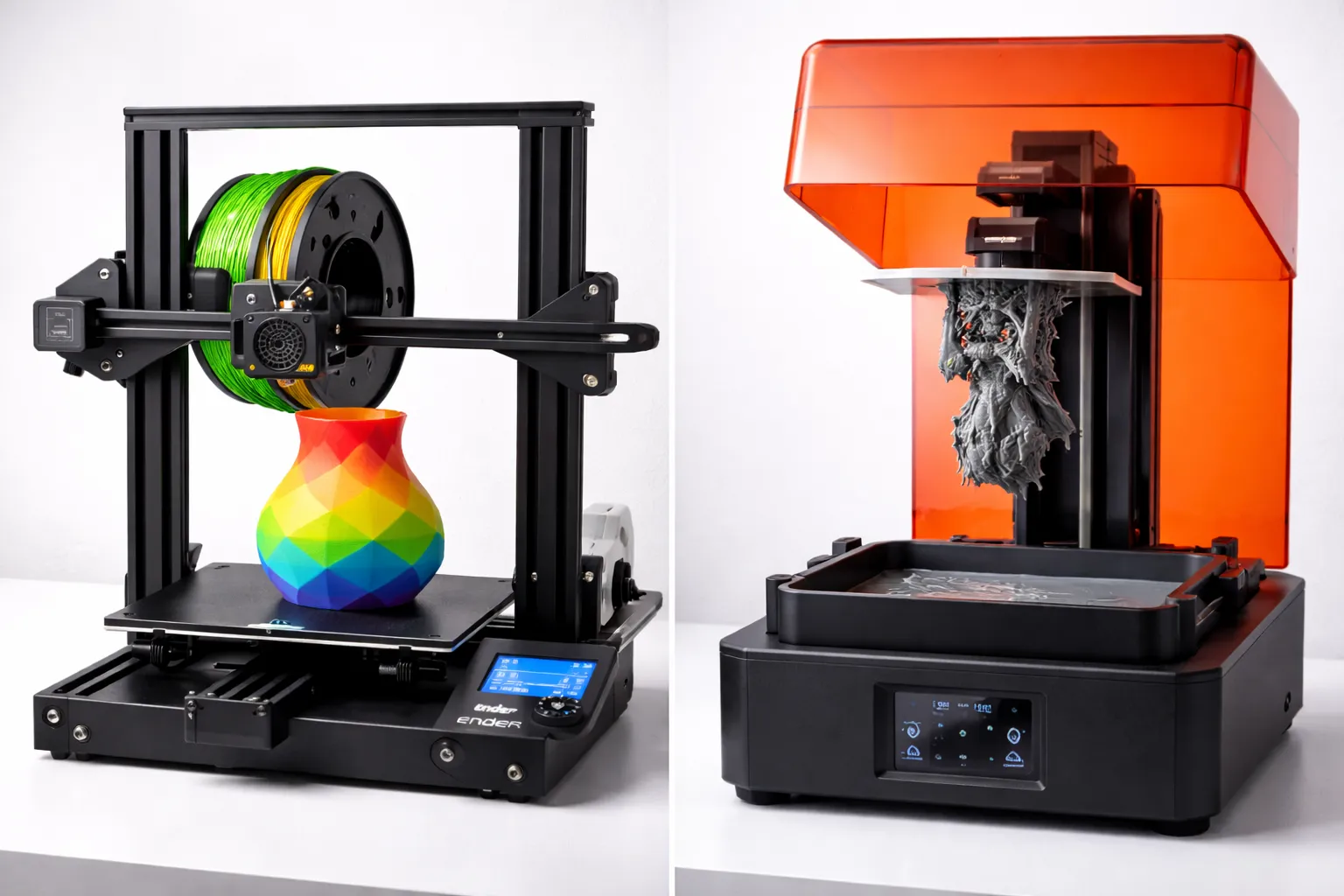
FDM vs Resin 3D Printing: Which One Should You Choose?
FDM vs resin 3D printing — we compare cost, print quality, safety, and ease of use with real examples to help you pick the right technology for your project.
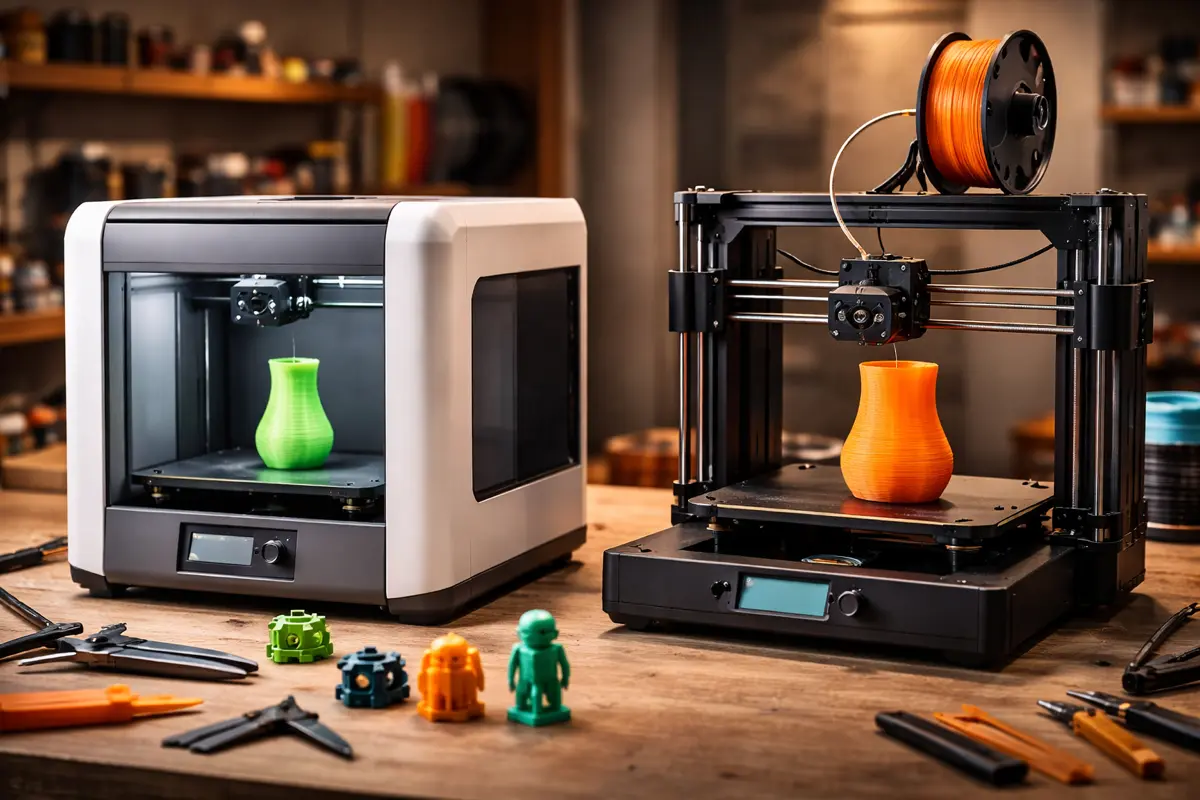
Bambu Lab A1 Mini vs. Creality Ender 3: Which Printer for Beginners?
Bambu Lab A1 Mini or Creality Ender 3 V3? The ultimate comparison of the two most popular beginner 3D printers in 2026 with all pros and cons.
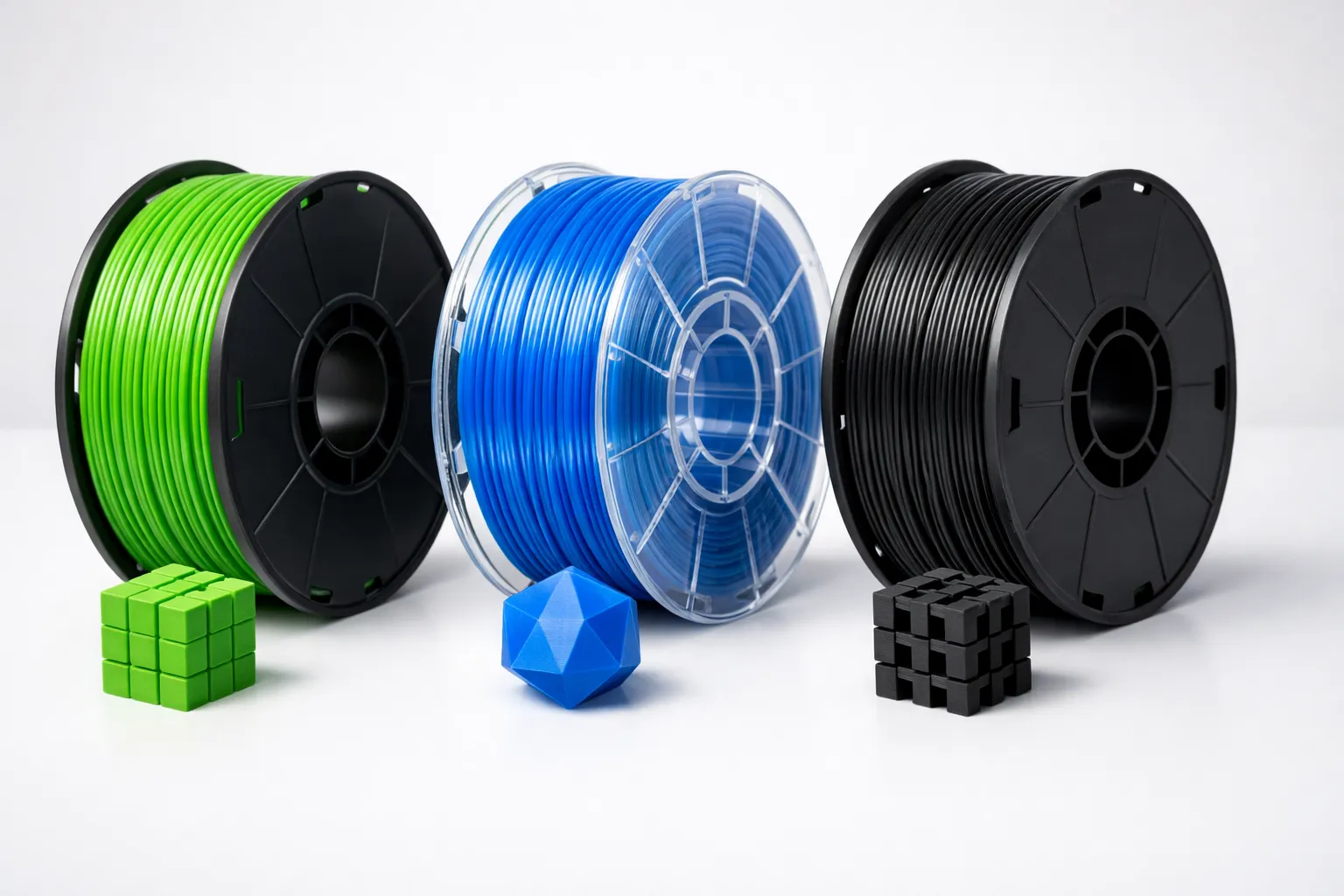
PLA vs PETG vs ABS: Which 3D Printing Filament Should You Use?
Confused about filament types? We compare PLA, PETG, and ABS for strength, ease of use, and best applications to help you choose the right material.