
Best Sites for Free 3D Models: Where to Download STL Files (2026)
Looking for free 3D printable models? Here are the 11 best sites to download STL files—from Thingiverse to hidden gems most people don't know about.
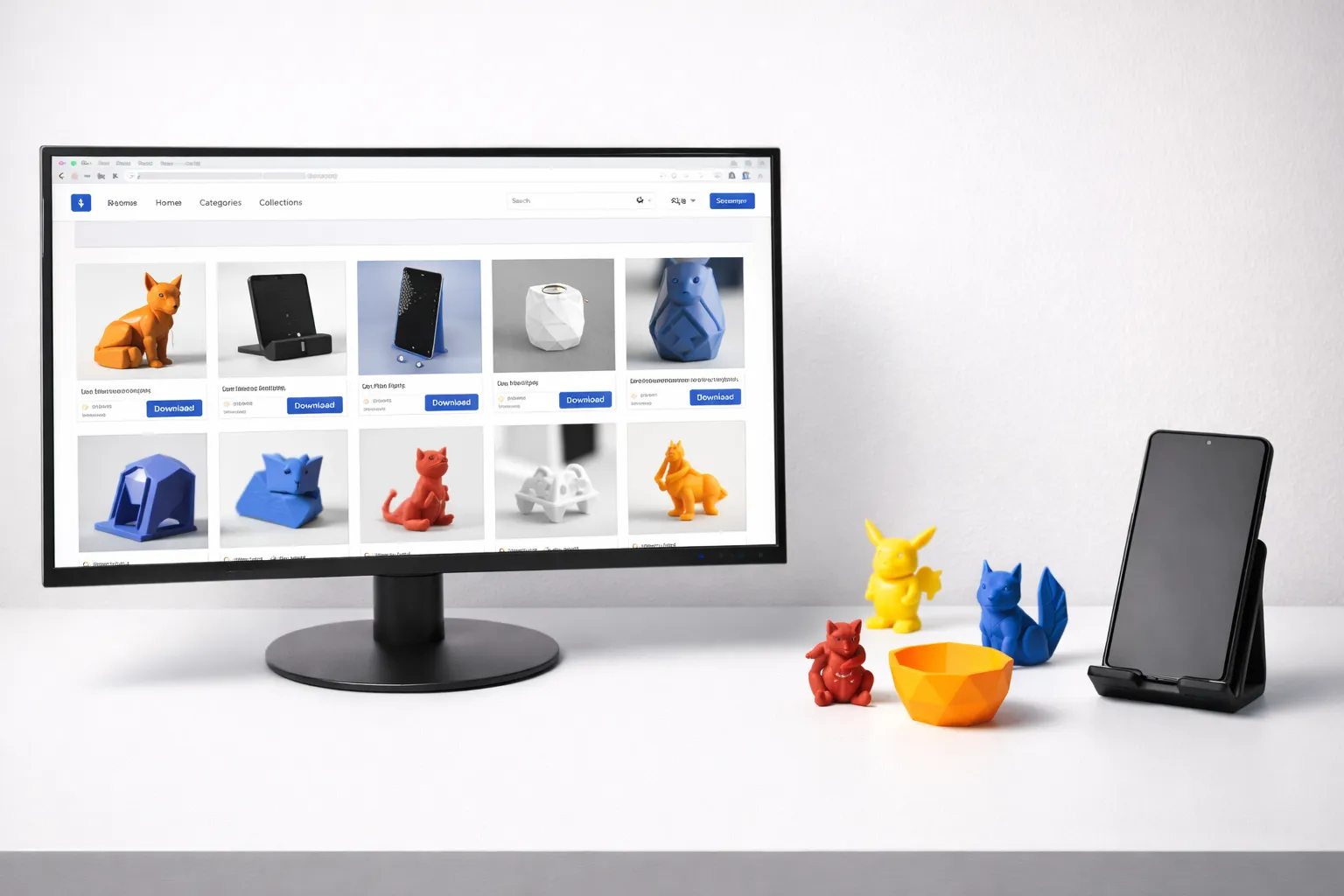
You’ve got your printer dialed in (or still fixing adhesion issues?), your first few test prints worked, and now you’re thinking: “What should I actually print?”
The answer: pretty much anything. The 3D printing community has uploaded millions of free models—from practical household items to cosplay props to articulated dragons.
Here are the best sites to find them.
The Big Three (Start Here)
1. Printables (printables.com)
Best for: High-quality, tested models with active community
Printables is run by Prusa (the printer manufacturer), and it shows. The site is fast, well-organized, and full of models that actually work.
Why it’s great:
- Models are often tested on real printers
- Excellent search and filtering
- Active contests with prizes like printers and store credit (drives quality)
- Clean, modern interface
- Print profiles included for many models
- Growing fast—serious competition to Thingiverse
What you’ll find:
- Practical prints (organizers, tools, holders)
- Printer upgrades and mods
- Toys and gadgets
- Cosplay props
License: Varies per model—check each one
Verdict: ⭐⭐⭐⭐⭐ My go-to site for quality models
2. Thingiverse (thingiverse.com)
Best for: Largest selection, classic designs
Thingiverse is the OG of 3D model sites. It’s been around since 2008 and has over 2.5 million models. If it exists, someone probably uploaded it to Thingiverse.
Why it’s great:
- Massive library—find almost anything
- Established community with lots of remixes
- “Makes” section shows real prints from users
- Most models have comments with print tips
The downsides:
- Site is slow and buggy
- Search is mediocre
- Quality varies wildly
- Many outdated/abandoned models
- Recently acquired by MyMiniFactory (Feb 2026), future direction unclear
What you’ll find:
- Everything. Literally everything.
- Many older designs that aren’t elsewhere
- Lots of remixes and variations
License: Most are Creative Commons (check each model)
Verdict: ⭐⭐⭐⭐ Essential but frustrating
3. Thangs (thangs.com)
Best for: Searching across ALL sites at once
Thangs is a search engine for 3D models. It indexes Thingiverse, Printables, MyMiniFactory, Cults, and more—so you can search everything from one place.
Why it’s great:
- Search multiple sites simultaneously
- AI-powered “geometric search” (find similar models)
- Upload your own model to find similar ones
- Built-in model viewer
- Growing collection of exclusives
The downsides:
- Some indexed results are outdated
- Still building its own community
- Interface can be overwhelming
What you’ll find:
- Results from everywhere
- Good for comparison shopping
- Useful for finding the best version of common models
License: Links to original sites—check there
Verdict: ⭐⭐⭐⭐⭐ Use this to search, download from original site
Specialty Sites
4. MyMiniFactory (myminifactory.com)
Best for: Tabletop gaming, miniatures, high-quality designs
MyMiniFactory curates its collection—models must be tested before being approved. This means higher quality but smaller selection. They also acquired Thingiverse in February 2026, though both platforms remain separate.
Why it’s great:
- Every model is print-tested
- Excellent for miniatures and figurines
- Professional designers with premium quality
- Good mix of free and paid models
What you’ll find:
- D&D and tabletop miniatures
- Statues and busts
- Board game accessories
- Artistic sculptures
License: Varies—many are personal use only
Verdict: ⭐⭐⭐⭐ Best for minis and figures
5. Cults3D (cults3d.com)
Best for: Artistic designs, unique creations, European designers
Cults has a more curated, artistic vibe. Lots of interesting designs you won’t find elsewhere.
Why it’s great:
- Unique, creative designs
- Strong European designer community
- Good search and categories
- Mix of free and paid (paid supports creators)
What you’ll find:
- Artistic home decor
- Unique gadgets
- Fashion accessories
- Designer collaborations
License: Varies per model
Verdict: ⭐⭐⭐⭐ Great for unique designs
6. Yeggi (yeggi.com)
Best for: Search engine for 3D models
Like Thangs but older and simpler. Searches across 40+ sites.
Why it’s useful:
- Fast, simple interface
- Searches many sites at once
- Good for finding obscure models
Downsides:
- Basic interface
- Results can be outdated
- No preview—have to click through
Verdict: ⭐⭐⭐ Useful backup search engine
Niche & Specialized Sites
7. NASA 3D Resources (nasa.gov)
Best for: Space stuff (obviously)
NASA releases 3D models of spacecraft, satellites, asteroids, and more. Perfect for space nerds.
What you’ll find:
- Mars rovers (Curiosity, Perseverance)
- Satellites and probes
- Asteroids and planets
- ISS components
License: Public domain (mostly)
Verdict: ⭐⭐⭐⭐⭐ Free space models from actual NASA
8. NIH 3D (nih.gov)
Best for: Medical and scientific models
The National Institutes of Health hosts 3D models for medical and scientific education.
What you’ll find:
- Anatomical models (hearts, brains, bones)
- Molecular structures
- Lab equipment
- Medical devices
License: Public domain (government work)
Verdict: ⭐⭐⭐⭐ Great for education and science
9. GrabCAD (grabcad.com)
Best for: Engineering and mechanical parts
GrabCAD is aimed at engineers and designers. Models are often CAD files (STEP, IGES) that you can modify, not just STLs.
What you’ll find:
- Mechanical parts
- Engineering components
- Industrial designs
- Fully parametric models
License: Varies—check each model
Verdict: ⭐⭐⭐⭐ Best for engineering/mechanical needs
10. MakerWorld (makerworld.com)
Best for: Bambu Lab users, curated quality designs
MakerWorld is Bambu Lab’s model-sharing platform. Growing fast, with pre-configured print profiles for Bambu printers.
What you’ll find:
- Print-ready models optimized for Bambu printers
- Functional prints, toys, and gadgets
- Designer reward system (earn points for uploads)
- One-click print integration with Bambu Studio
License: Varies per model
Verdict: ⭐⭐⭐⭐ Best for Bambu Lab owners, growing fast
11. Free3D (free3d.com)
Best for: Models for rendering (not all are printable)
Free3D has lots of models, but many are designed for rendering/animation, not 3D printing. Filter for “printable” models.
What you’ll find:
- Characters and figures
- Vehicles
- Architecture
- Props
License: Varies—many are personal use only
Verdict: ⭐⭐⭐ Hit or miss for printing
Understanding Licenses
Before you print (especially if you plan to sell), understand these common licenses:
| License | Personal Use | Modifications | Commercial/Sell |
|---|---|---|---|
| CC0 (Public Domain) | ✅ | ✅ | ✅ |
| CC BY (Attribution) | ✅ | ✅ | ✅ (credit creator) |
| CC BY-SA (ShareAlike) | ✅ | ✅ (same license) | ✅ (credit + same license) |
| CC BY-NC (NonCommercial) | ✅ | ✅ | ❌ |
| CC BY-NC-SA | ✅ | ✅ (same license) | ❌ |
| Personal Use Only | ✅ | Maybe | ❌ |
Rule of thumb: If you want to sell prints, look for CC0, CC BY, or models explicitly marked “commercial use allowed.”
Tips for Finding Good Models
1. Check the “Makes” or “Prints” Section
Real photos from people who printed the model tell you:
- Does it actually print successfully?
- What settings did they use?
- How does it look in real life?
Avoid models with zero makes—they might be untested.
2. Read the Comments
The comments often contain:
- Print settings that work
- Warnings about problems
- Requests for modifications (that might be uploaded)
- Tips for supports and orientation
3. Look for Print Settings
Good model uploads include:
- Recommended layer height
- Infill percentage
- Support requirements
- Material suggestions
- Print orientation
4. Check File Formats
- STL: Universal, works everywhere
- 3MF: Better than STL (includes settings), use if available
- OBJ: Works but less common for printing
- STEP/IGES: CAD files, can modify but need CAD software
5. Sort by “Popular” or “Most Makes”
Popular models are popular for a reason—they work.
My Workflow for Finding Models
- Start with Thangs — Search across all sites
- Check Printables first — Best quality, most reliable
- Fall back to Thingiverse — Largest selection if I can’t find it
- Read comments/makes — Verify it actually prints
- Download 3MF if available — Better than STL
- Check license — Especially if I might sell later
What to Print First?
If you’re new, start with:
- Cable organizers — Useful, easy to print
- Phone stands — Practical, quick prints
- Desk accessories — Pencil holders, headphone hooks
- Calibration tests — Benchies, cubes, temp towers
Graduate to:
- Articulated models — Print-in-place dragons, octopi
- Functional tools — Wrenches, clamps, jigs
- Cosplay props — Helmets, weapons, armor pieces
Conclusion
You don’t need to design your own models to have fun with 3D printing. Millions of free designs are waiting:
- Printables — Best quality, tested models
- Thingiverse — Largest selection, hit or miss
- Thangs — Search everything at once
- MyMiniFactory — Miniatures and gaming
- Cults3D — Artistic and unique
Start with Printables, use Thangs to search broadly, and always check the license before selling.
Now go find something cool to print.
New to printing? Start with What Should I 3D Print First? or learn Cura Settings for Beginners. Not sure which filament to use? Read PLA vs PETG vs ABS. For all our 3D printing content, see the 3D Printing Guide.
Related Articles
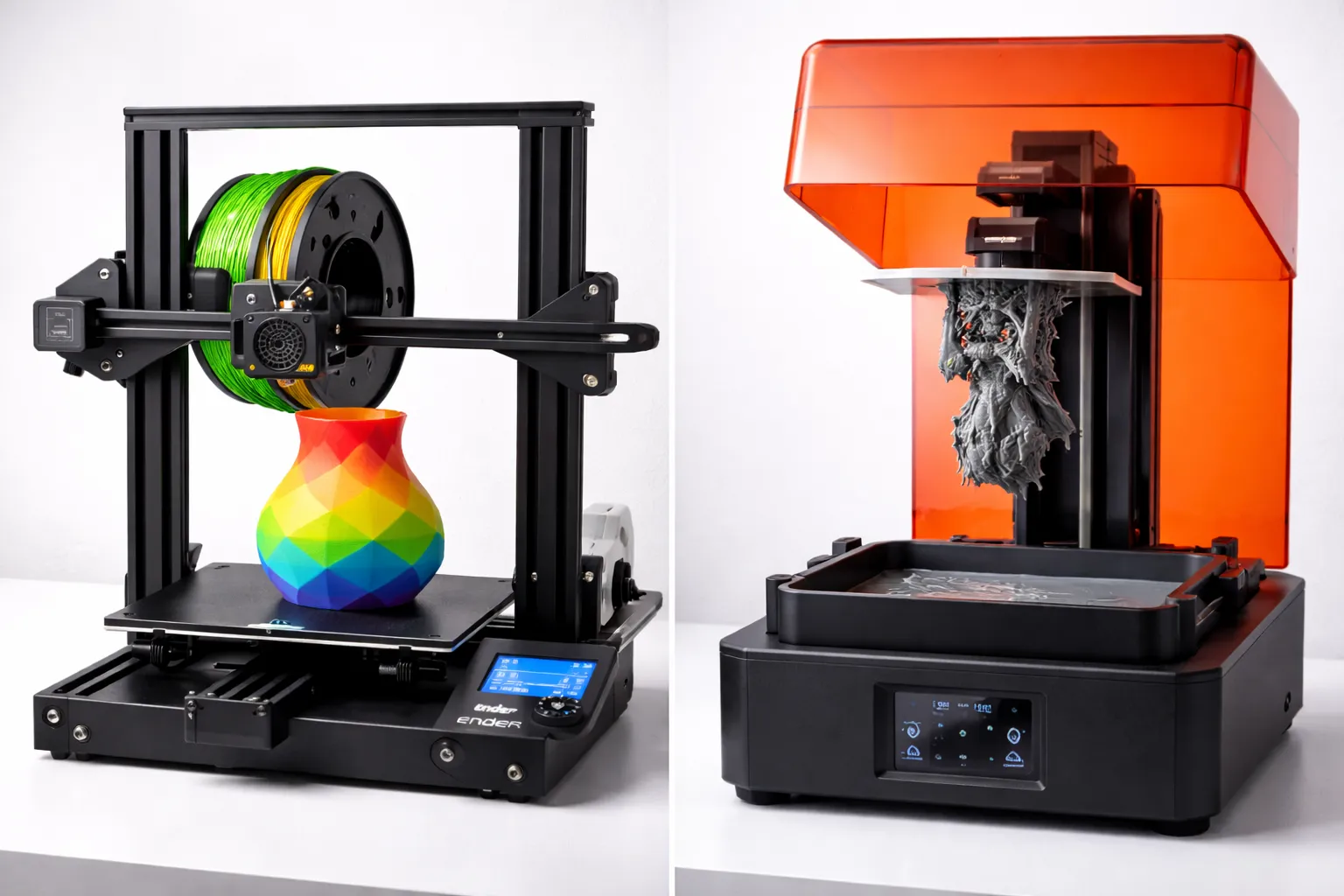
FDM vs Resin 3D Printing: Which One Should You Choose?
FDM vs resin 3D printing — we compare cost, print quality, safety, and ease of use with real examples to help you pick the right technology for your project.
The Ultimate Guide to 3D Printing (2026)
Your complete guide to 3D printing—from choosing your first printer to selling your prints. Everything beginners need to start their 3D printing journey.
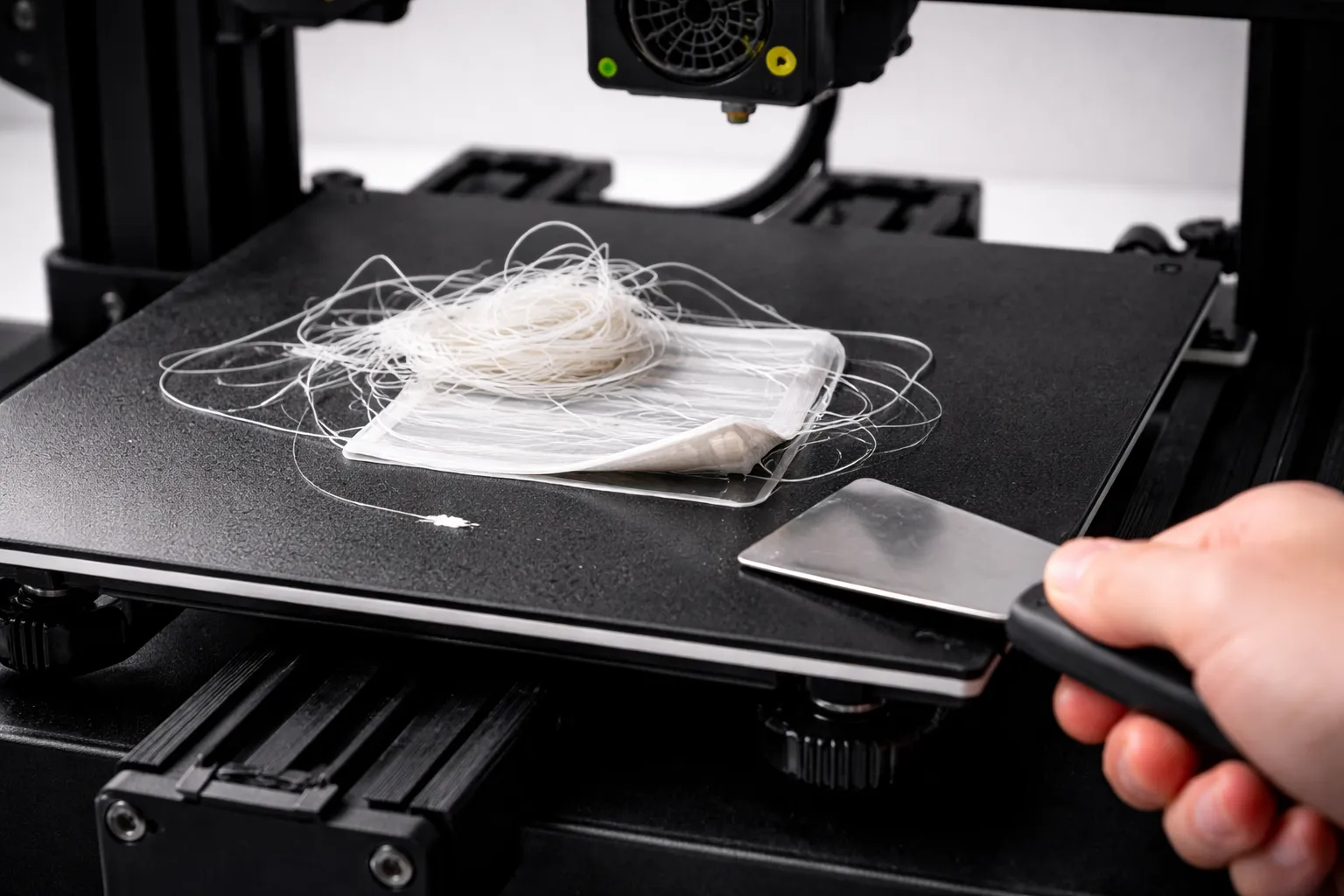
3D Print Not Sticking to Bed? Every Fix You Need
First layer keeps failing? Here's every reason your 3D print won't stick to the bed and how to fix it—from bed leveling to adhesion helpers.