
Unlock Your E-Reader: The Ultimate Kindle Modding Guide (2026)
Ready to take your Kindle to the next level? From jailbreaking to installing KOReader, here is everything you need to know about Kindle modding.
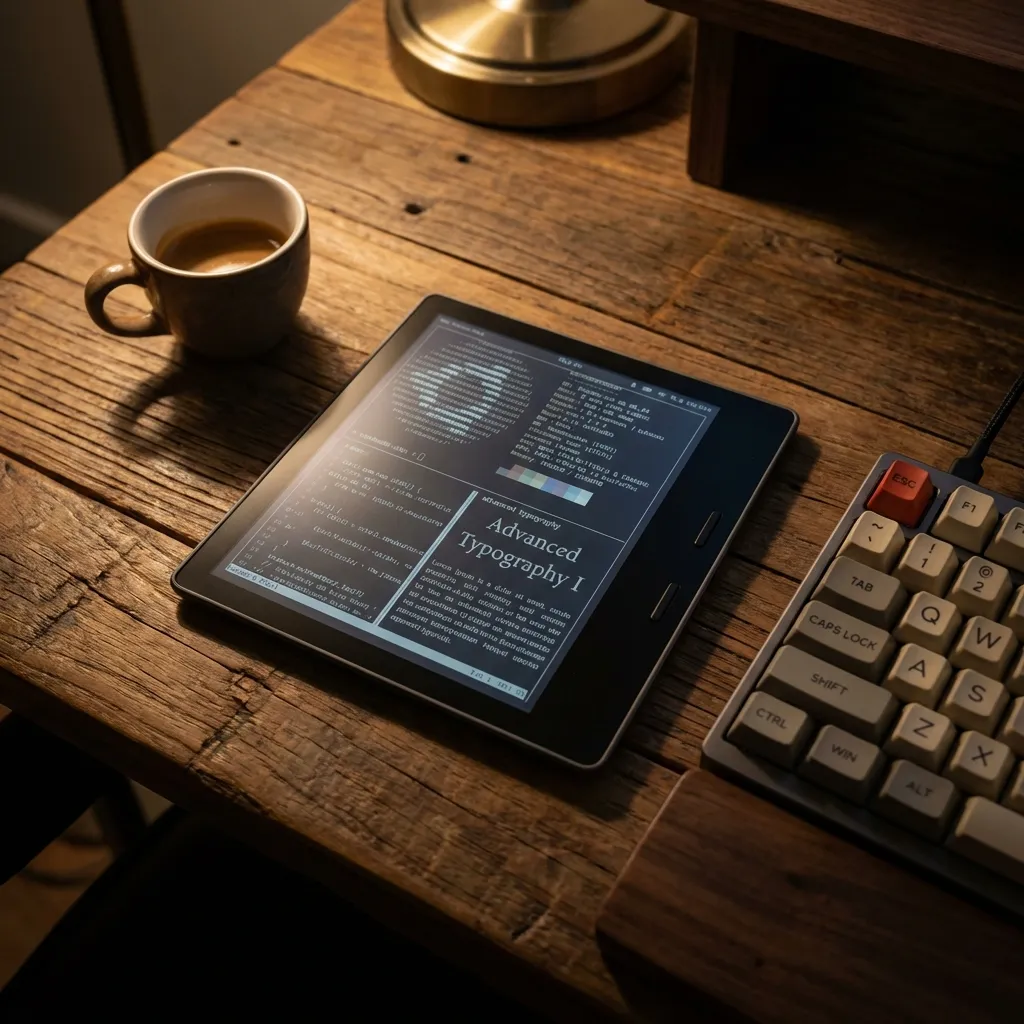
If you’ve spent any significant amount of time “researching” on your Kindle during a particularly slow Tuesday at the office, you’ve probably realized something: it’s a bit of a walled garden. Amazon builds great hardware, but the software is designed to keep you inside their ecosystem, buying THEIR books and using THEIR limited formatting.
But what if you could turn that $150 Paperwhite into a versatile, open-source powerhouse? Welcome to the world of Kindle Modding.
Modding your Kindle isn’t just for tech geeks anymore. In 2026, the community has made it more accessible than ever. Whether you want to read EPUBs without conversion, play Sudoku during a meeting, or get actual usable PDF support, this guide has you covered.
1. What Exactly Is Kindle Modding?
When people talk about modding a Kindle, they usually mean one of two things:
Level 1: Software Tweaks (No Jailbreak Required)
These are simple changes using official features or side-loading tools like Calibre. You can add custom fonts, change your screen saver (if you have the “Ad-free” version), and organize your library better.
Level 2: The Jailbreak
This is where the magic happens. Jailbreaking allows you to run “unsigned” code on your Kindle. It opens the door to third-party apps, custom operating systems (like KOReader), and deep system modifications that Amazon never intended.
2. Why Would You Mod Your Kindle?
Is it worth the 20 minutes of anxiety while your device reboots? For many, the answer is a resounding YES.
| Feature | Stock Kindle | Modded Kindle |
|---|---|---|
| EPUB Support | Needs Conversion | Native Support |
| PDF Handling | Basic / Poor | Advanced / Reflowable |
| Custom Fonts | Limited | Unlimited |
| Screen Savers | Book Covers only | Anything you want |
| Terminal/Shell | No | Yes (SSH/Telnet) |
| Extra Apps | None | Games, Calculators, News Aggregators |
3. The Prerequisites: Can Your Kindle Be Jailbroken?
Not every Kindle is eligible. Amazon is constantly patching security holes to prevent jailbreaking.
The Golden Rule: Do not update your firmware if you plan to mod!
Check your Firmware Version
Go to Settings -> Device Options -> Device Info.
In early 2026, nearly all Kindle firmware versions are exploitable thanks to multiple jailbreak methods:
- WinterBreak — Works on firmware up to 5.18.0 (covers most Kindles released since 2013)
- AdBreak — Works on firmware 5.18.1 through 5.18.5.0.1 (for newer updates)
- LanguageBreak (legacy) — Works on firmware 5.14.3 through 5.16.2.1.1
If you’ve updated to the very latest 2026 patches beyond 5.18.5, you might have to wait for a new exploit.
Identify your Model
Use the first 4-6 characters of your serial number to find your specific model on the MobileRead Wiki. The Kindle Paperwhite (11th Gen) is currently the most popular target for modders. Note that the Kindle Scribe and Kindle Colorsoft are excluded from both WinterBreak and AdBreak — the Scribe can only be jailbroken via LanguageBreak if on firmware 5.16.2.1.1 or lower.
4. The “Holy Grail”: Installing KOReader
If you only do one thing after jailbreaking, it should be installing KOReader.
KOReader is a versatile e-book reader application that runs alongside (or instead of) the stock Kindle software. It’s legendary for:
- Superior PDF Support: It can crop margins and “reflow” text, making large PDFs actually readable on a small screen.
- Vast Format Support: It handles EPUB, DJVU, CBZ, and more natively.
- Deep Customization: You can tweak everything from line spacing to the specific way E Ink refreshes.
You can find the latest installation guides on the community-run Kindle Modding Wiki.
5. The Modern Toolkit: KindleForge, KUAL, and KPM
In the old days, modding required manually dragging files over USB for every little tweak. In 2026, the community has built a much more sophisticated ecosystem centered around KindleModding.org.
KindleForge (The App Store)
Think of KindleForge as the unofficial App Store for your Kindle. Once you’re jailbroken, it allows you to browse and install apps like KOReader, games, and utilities directly on the device.
KUAL (The Launcher)
The Kindle Unified Application Launcher is the gateway to your mods. It appears as a “book” in your library; opening it gives you a menu to launch all your installed third-party apps.
KPM (Kindle Package Manager)
For those who like to keep things updated, KPM is an on-device manager that handles updates for your installed mods, ensuring you always have the latest features and security patches.
6. Easy Mods (No Jailbreak Needed)
If you’re too nervous to jailbreak, you can still improve your experience with these “soft” mods:
Custom Fonts (Built-in Feature!)
Did you know you can just plug your Kindle into a computer and drag-and-drop .ttf or .otf files into the fonts folder? This has been a native Kindle feature since firmware 5.9.6 — no jailbreak required. For the best results, install the full font family (regular, bold, italic, bold-italic). I highly recommend Literata or Bookerly (if you’re not on a Kindle) for the best reading experience.
The Magic of Calibre
Calibre is essential software for any Kindle owner. It’s a library manager that can automatically convert any file type to Kindle-friendly formats, fetch metadata, and even send your favorite RSS feeds to your device as a “daily newspaper.”
6. Risks and Safety First
Let’s address the elephant in the room: Can you brick your Kindle?
Technically, yes. If you lose power during a firmware flash or skip a critical step, you could end up with a very expensive paperweight. The modern jailbreak methods (like WinterBreak and AdBreak) are generally stable, but bricking is a documented risk — the KindleModding.org FAQ itself warns that “even after following precautions, it is not guaranteed your device won’t brick.” Certain operations like manually replacing screensavers or editing system files are considered especially risky.
Tips for a safe mod:
- Charge to 100%: Never start a mod on a low battery.
- Read the README: Twice. Every device is slightly different.
- Turn off Airplane Mode: Wait, actually, keep it on! You don’t want Amazon pushing an “emergency update” in the middle of your jailbreak.
- Back up first: A factory reset can usually undo a jailbreak, but having a backup gives you peace of mind.
7. Next Steps: Where to Start?
If you’re ready to take the plunge, your first stop should be the MobileRead Forums. It is the absolute source of truth for the Kindle modding community. Look for the “Kindle Developer’s Corner” section.
A modded Kindle is more than just a gadget; it’s a statement that you own your hardware. And honestly, watching a Linux terminal scroll across an E Ink screen while your boss thinks you’re reading “Market Trends 2026” is a feeling that’s hard to beat.
Useful Quick Links:
- Kindle Modding Wiki: The definitive community starting point.
- KindleModShelf: Browse available apps and games.
- MobileRead Forums: The heart of the community.
Found a cool mod we didn’t mention? Or stuck on a step? Leave a comment below or check out our guides on Is a Kindle Worth It? and Kindle vs Kobo if you’re still on the fence about buying one.
Related Articles
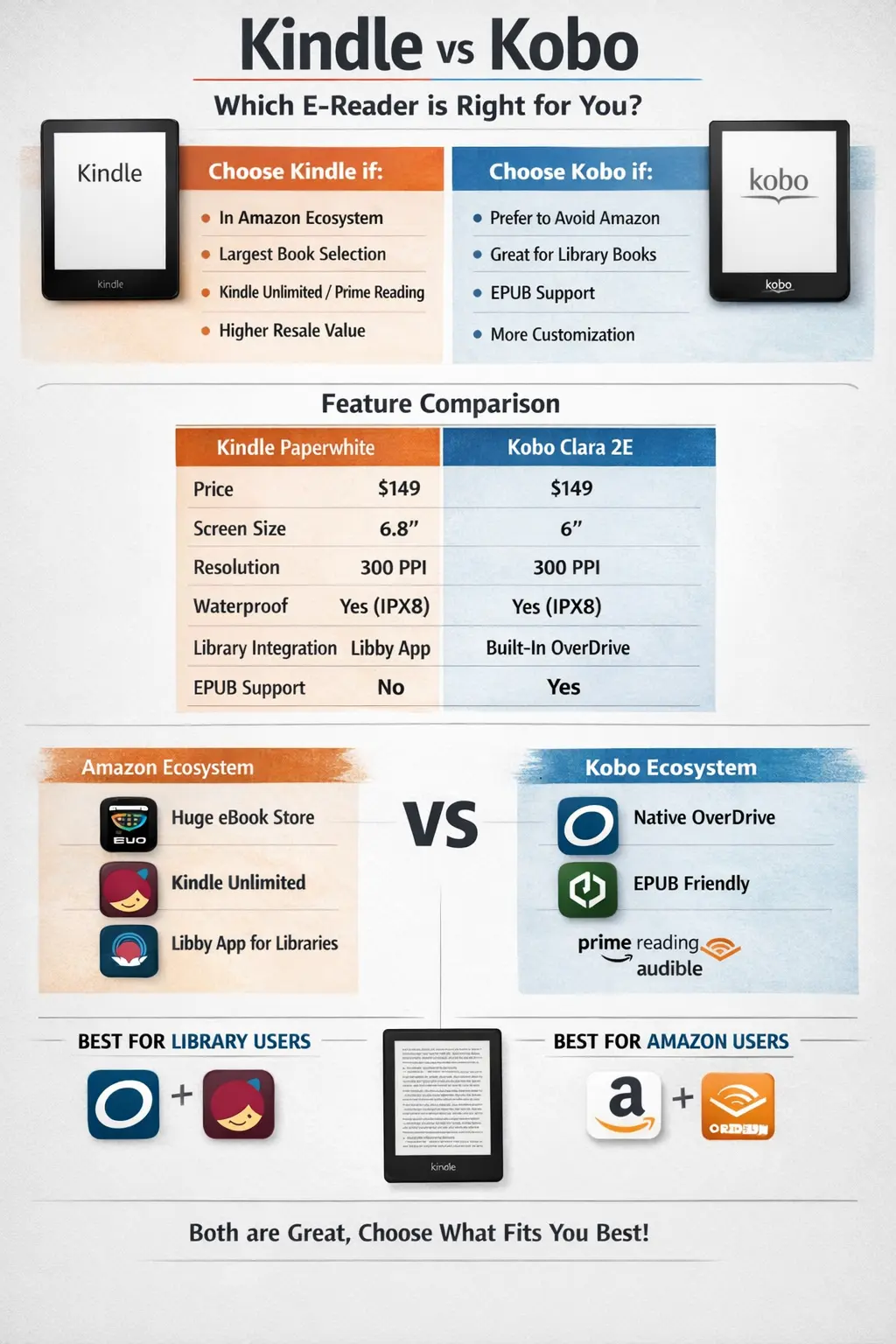
Kindle vs Kobo (2026): I Own Both — Here's Which to Buy
After using both Kindle and Kobo daily, here's the honest truth. Features, prices, and ecosystem compared — with a clear winner.
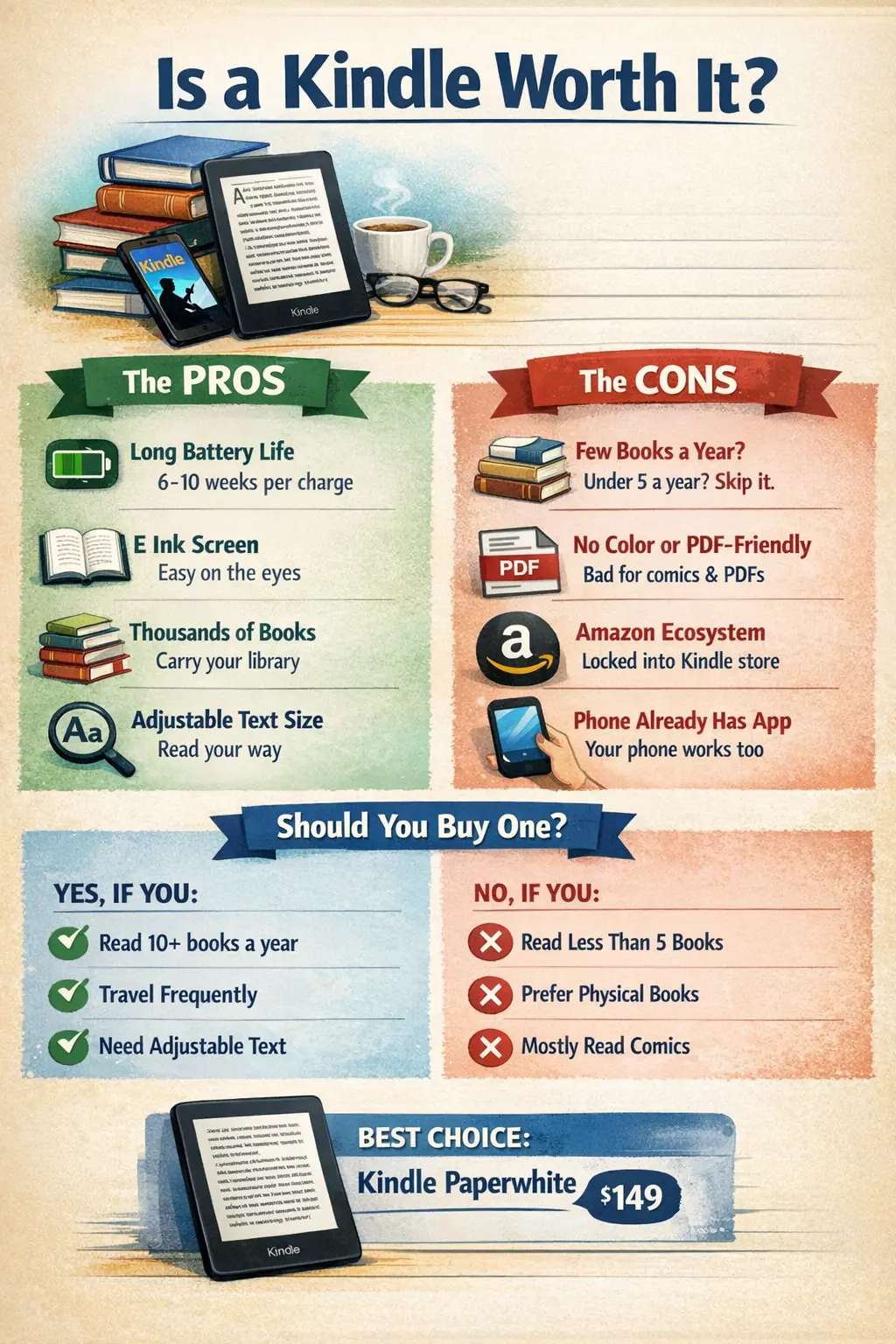
Is a Kindle Worth It in 2026? (Honest Answer After 3 Years)
After 3 years with a Kindle, here's my honest take. Pros, cons, and exactly who should (and shouldn't) buy one in 2026.
The Best Free macOS Apps in 2026: 30 Essential Tools + Homebrew Guide
Setting up a new Mac? Here are 30 essential free apps for productivity, creativity, and system utilities, plus a Homebrew beginner's guide.