
PLA vs PETG vs ABS: Which 3D Printing Filament Should You Use?
Confused about filament types? We compare PLA, PETG, and ABS for strength, ease of use, and best applications to help you choose the right material.
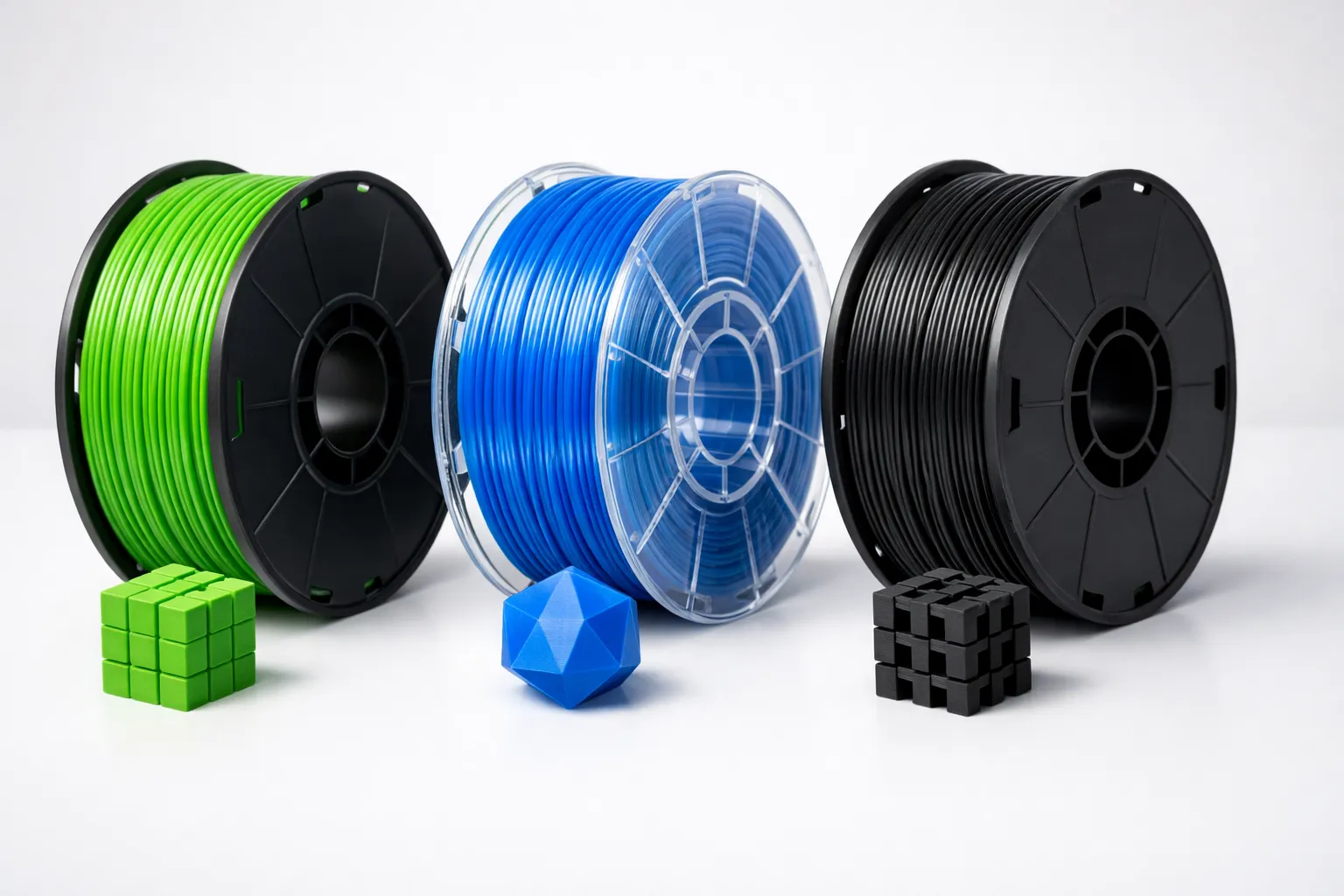
You’ve got your new 3D printer set up, printed a few test cubes, and now you’re staring at spools of filament wondering: “What’s the difference between all these materials?”
The short answer: PLA for easy prints, PETG for functional parts, ABS only if you really need heat resistance.
The long answer involves trade-offs between ease of printing, strength, flexibility, and environmental factors. Let’s break it down so you can pick the right filament for your next project.
Quick Comparison Table
| Property | PLA | PETG | ABS |
|---|---|---|---|
| Ease of Printing | ⭐⭐⭐⭐⭐ Easiest | ⭐⭐⭐⭐ Easy | ⭐⭐ Difficult |
| Toughness | ⭐⭐⭐ Moderate | ⭐⭐⭐⭐ Strong | ⭐⭐⭐⭐⭐ Toughest |
| Flexibility | ⭐⭐ Brittle | ⭐⭐⭐⭐ Flexible | ⭐⭐⭐ Moderate |
| Heat Resistance | ⭐⭐ ~60°C | ⭐⭐⭐ ~80°C | ⭐⭐⭐⭐ ~100°C |
| Warping | Minimal | Low | High |
| Odor | None | Minimal | Strong |
| Enclosure Needed | No | No | Yes |
| Price (avg) | $18-25/kg | $22-28/kg | $20-25/kg |
| Best For | Decorative, Prototypes | Functional Parts | Heat-resistant Parts |
PLA: The Beginner’s Best Friend
PLA (Polylactic Acid) is made from plant-based materials like corn starch or sugarcane. It’s the most popular filament for good reason: it just works.
Why Choose PLA
- Easiest to print — Low temperatures, minimal warping, works on any printer
- No heated bed required — Though it helps with adhesion
- No enclosure needed — Print in any room
- Virtually no odor — Safe for home use without ventilation
- Wide color selection — Every color and finish imaginable
- Cheapest option — Often $18-22/kg for quality brands
PLA’s Limitations
- Brittle under stress — Snaps rather than bends
- Low heat resistance (~60°C) — Will deform in a hot car or near heat sources
- Degrades in sunlight — Not great for outdoor use long-term
- Difficult to post-process — Can’t be acetone-smoothed like ABS
Best Uses for PLA
- Decorative items and figurines
- Prototypes and test prints
- Cosplay props (with coating)
- Desk organizers and household items
- Educational projects — check out 10 things to 3D print first
- Anything that won’t see heat or stress
Recommended PLA Brands
- Bambu Lab PLA Basic — Excellent quality, consistent results
- Polymaker PolyLite PLA — Wide color range, reliable
- Hatchbox PLA — Budget-friendly, good performance
- Prusament PLA — Premium quality, tight tolerances
PETG: The Versatile Middle Ground
PETG (Polyethylene Terephthalate Glycol) is the same family of plastic used in water bottles. It combines the ease of PLA with strength closer to ABS.
Why Choose PETG
- Strong and flexible — Bends before breaking
- Excellent layer adhesion — Parts don’t delaminate
- Good chemical resistance — Handles oils, solvents better than PLA
- Higher heat resistance (~80°C) — Survives warm environments
- No enclosure needed — Prints reliably in open air
- Low warping — Much easier than ABS
PETG’s Limitations
- Stringing — More prone to fine strings between parts
- Slightly harder to dial in — Needs proper temperature tuning
- Scratches easily — Softer surface than PLA
- Hygroscopic — Absorbs moisture, needs dry storage
- Sticks TOO well — Can damage build surfaces if not careful
Best Uses for PETG
- Functional mechanical parts
- Phone cases and protective gear
- Outdoor items (UV-resistant versions)
- Parts that need flexibility
- Tool holders and brackets
- Anything that might get dropped
Recommended PETG Brands
- Prusament PETG — Benchmark quality
- Overture PETG — Great value
- eSUN PETG — Consistent performer (note: lower Tg ~60°C than typical PETG)
- Polymaker PETG — Wide color selection, updated formula
PETG Print Settings Tips
Nozzle: 230-245°C (start at 235°C)
Bed: 70-90°C (80°C is a good starting point)
Speed: 40-60mm/s (slower than PLA)
Cooling: 30-50% (less than PLA)
Retraction: Increase by 20% vs PLA
First Layer: Print slow (20mm/s) and squish it
Pro tip: Use a glue stick or painter’s tape. PETG bonds SO well to glass/PEI that it can rip chunks off your bed. A release agent prevents this.
ABS: The Industrial Standard (But Do You Need It?)
ABS (Acrylonitrile Butadiene Styrene) is the same plastic as LEGO bricks. It was the original 3D printing material and is still used in professional/industrial settings.
Why Choose ABS
- Highest strength — Tough, impact-resistant
- Best heat resistance (~100°C) — Survives hot environments
- Can be acetone-smoothed — Professional finish possible
- Excellent machinability — Can be drilled, sanded, painted
- Long-term durability — Resists degradation better than PLA in most environments
ABS’s Serious Limitations
- Requires enclosure — Warps badly without stable temperature
- Toxic fumes — Needs ventilation, shouldn’t breathe it
- Strong odor — Smells like burning plastic
- High warping — Corners lift, layers crack (see adhesion fixes)
- Needs high bed temps (100°C+) — Not all printers support this
- Steep learning curve — Many failed prints before success
Best Uses for ABS
- Automotive parts (under-hood components)
- Electronics enclosures
- Parts near heat sources
- Professional prototypes requiring post-processing
- Items that need acetone smoothing
Should You Bother with ABS?
Honest answer: Probably not.
Unless you specifically need:
- Heat resistance above 80°C
- Acetone smoothing capability
- Maximum impact strength
…then PETG will serve you better with 10% of the hassle. ASA (a UV-stable ABS variant) is worth considering if you need ABS properties for outdoor use. For a deeper look at printing technologies, see our FDM vs Resin comparison.
Material Selection Flowchart
Ask yourself these questions:
- Is it decorative only? → PLA
- Does it need strength/flexibility? → PETG
- Will it be in a hot car or near heat?
- Under 80°C → PETG
- Over 80°C → ABS (or ASA)
- Is it a prototype/test print? → PLA
- Will it be outdoors long-term? → ASA or UV-stable PETG
- Do you have an enclosure + ventilation? → ABS is an option
- None of the above? → PLA (it’s just easier)
Print Settings Comparison
| Setting | PLA | PETG | ABS |
|---|---|---|---|
| Nozzle Temp | 190-220°C | 220-250°C | 220-250°C |
| Bed Temp | 0-60°C | 70-90°C | 90-110°C |
| Print Speed | 50-80mm/s | 40-60mm/s | 40-60mm/s |
| Cooling Fan | 100% | 30-50% | 0-20% |
| Enclosure | Not needed | Not needed | Required |
| Bed Surface | PEI, Glass, BuildTak | PEI + Glue, Glass | Kapton, ABS Slurry |
The Two-Filament Strategy
Here’s a secret most experienced makers know: You only need two filaments.
Keep on hand:
- PLA — For quick prints, prototypes, decorative items
- PETG — For anything functional
That’s it. This covers 95% of hobbyist use cases. You can explore specialty filaments (TPU, CF-Nylon, ASA) later when specific projects demand them.
Don’t hoard filament. It absorbs moisture and degrades. Buy what you need for current projects, store it properly, and restock as needed. Need a printer first? Check our best 3D printers under $300.
Storage and Handling
All three filaments are hygroscopic (absorb moisture from air), but to different degrees:
| Filament | Moisture Sensitivity | Storage Requirement |
|---|---|---|
| PLA | Low-Medium | Sealed bag with desiccant |
| PETG | High | Dry box, use within 2-3 weeks once opened |
| ABS | Low-Medium | Sealed bag, dry before printing if issues |
Signs of wet filament:
- Popping/sizzling during printing
- Rough surface texture
- Stringing worse than usual
- Poor layer adhesion
Fix: Dry in a food dehydrator or filament dryer — PLA at 45-50°C, PETG at 55-70°C, ABS at 60-80°C — for 4-6 hours.
Conclusion: Just Start with PLA
If you’re new to 3D printing, here’s my honest advice:
- Start with PLA — Learn your printer without fighting the material. Dial in your slicer settings first
- Graduate to PETG — When you need stronger functional parts
- Skip ABS — Unless you have a specific need AND an enclosed printer with ventilation
The best filament is the one you can actually print successfully. Master PLA first, then expand your material knowledge as projects demand it.
Now go print something. That spool isn’t going to use itself.
Looking for project ideas? Check out What Should I 3D Print First? or browse Best Sites for Free 3D Models. Need help dialing in your settings? Read Cura Settings for Beginners. For all our 3D printing content, see the 3D Printing Guide.
Related Articles
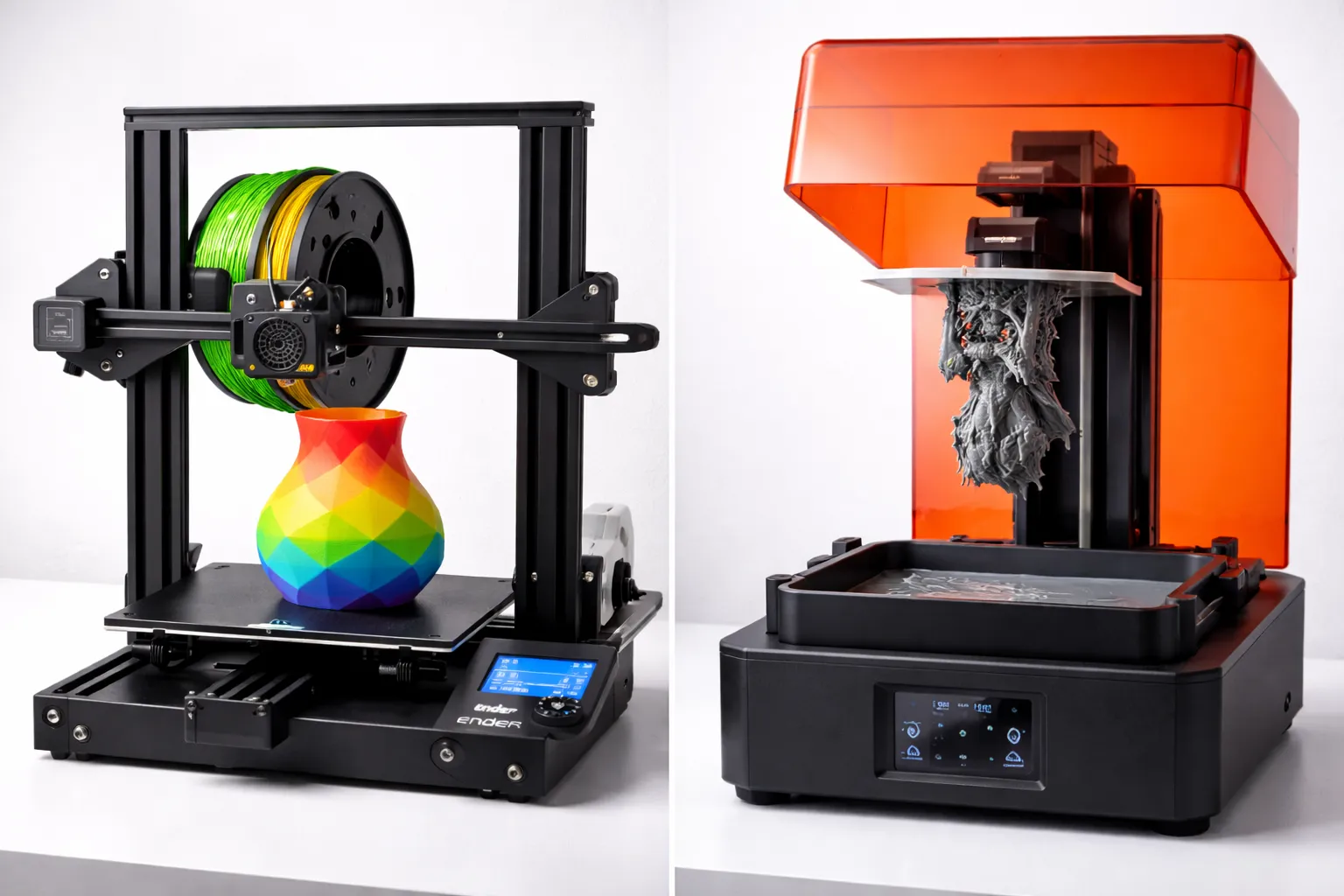
FDM vs Resin 3D Printing: Which One Should You Choose?
FDM vs resin 3D printing — we compare cost, print quality, safety, and ease of use with real examples to help you pick the right technology for your project.
Best 3D Printers Under $300 (2026 Buying Guide)
Best 3D printer under $300 for beginners? We compare Bambu Lab A1 Mini, Creality Ender 3 V3, Anycubic Kobra, and more with real specs.
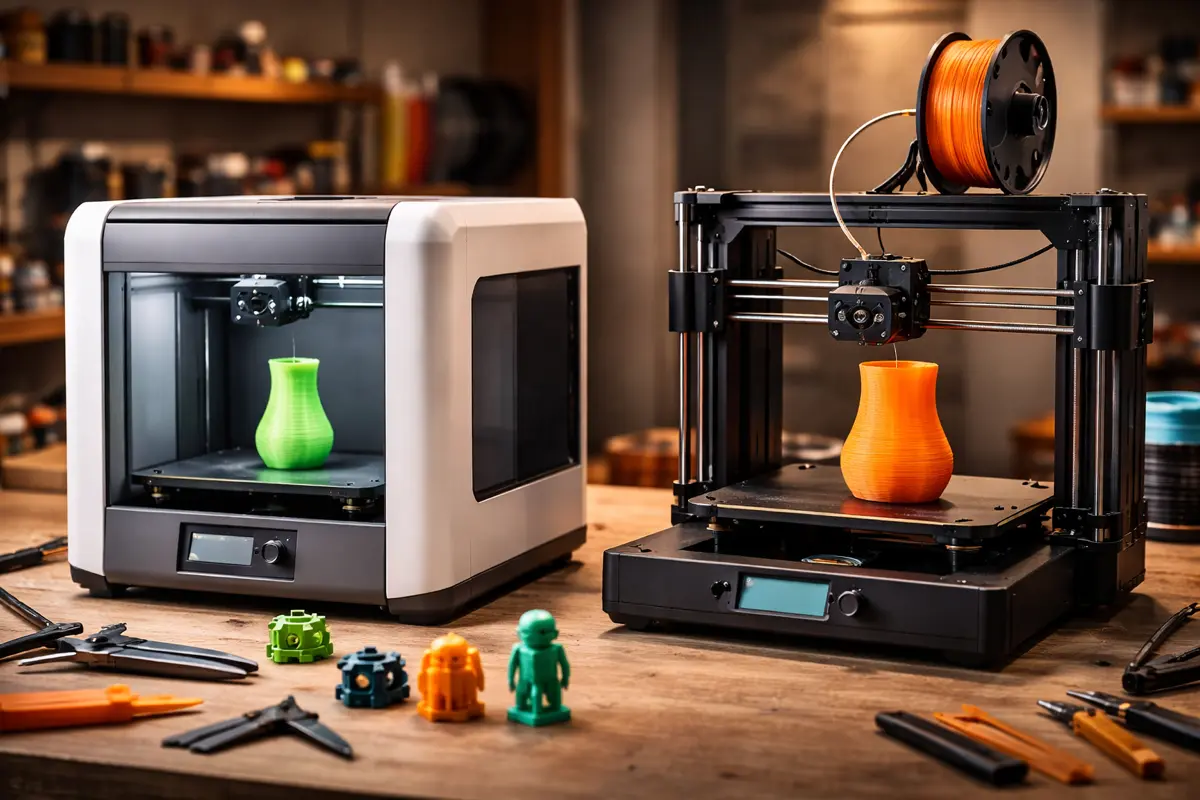
Bambu Lab A1 Mini vs. Creality Ender 3: Which Printer for Beginners?
Bambu Lab A1 Mini or Creality Ender 3 V3? The ultimate comparison of the two most popular beginner 3D printers in 2026 with all pros and cons.