
Sesame Robot: The Most Adorable DIY Quadruped You Can 3D Print
Meet Sesame, the open-source quadruped robot that brings personality and complex movement to the world of DIY 3D printing. Perfect for makers and robotics enthusiasts.
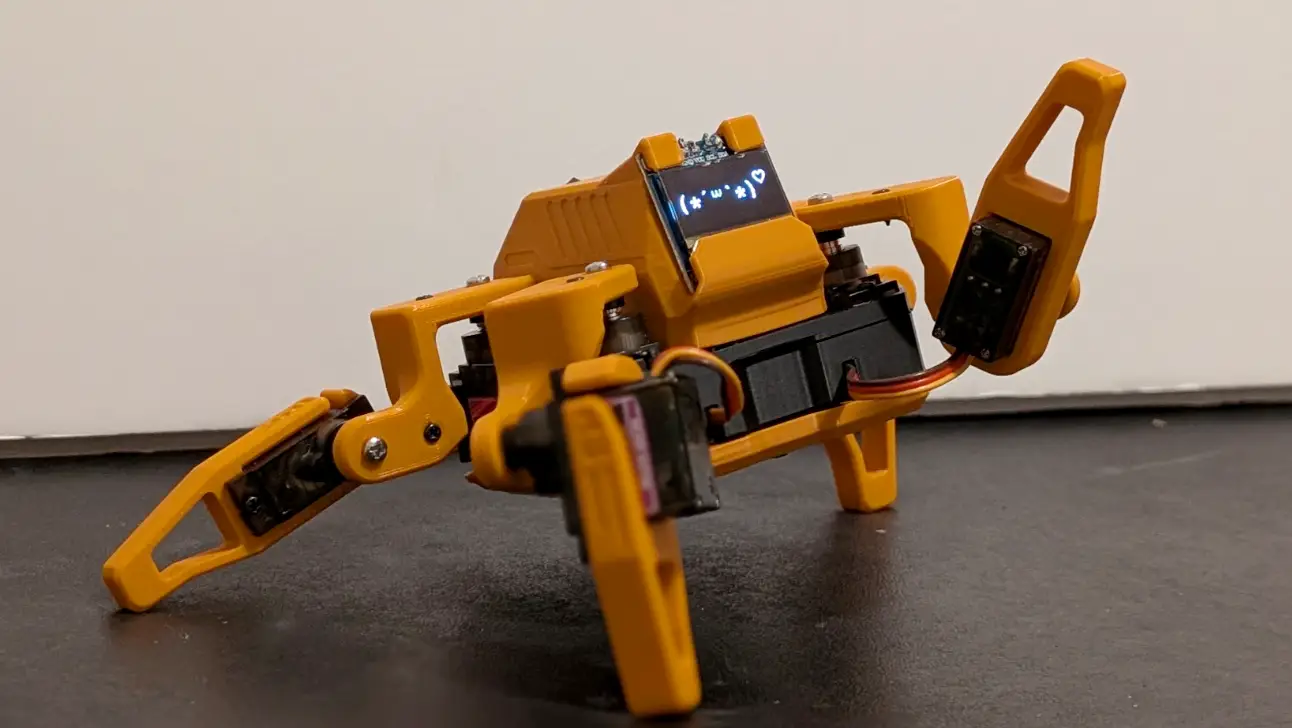
If you’ve been following our 3D Printing Guide for Beginners, you’ve probably reached the stage where you’re tired of printing static “dust collectors.” You want something that moves, something interactive, and—let’s be honest—something that looks cool on your desk.
Enter the Sesame Robot.
Created by dorianborian, Sesame is an open-source, 8-servo quadruped robot that is taking the maker community by storm. It’s not just a walking machine; it’s a personality-driven companion designed to be accessible to everyone.
What Makes Sesame Special?
Most quadruped robots are either incredibly expensive (thousands of dollars) or extremely complex to build. Sesame hits the “goldilocks” zone of robotics:
- Affordability: You can source all the electronics for roughly $50–$60.
- Expressiveness: A small SSD1306 OLED display acts as Sesame’s face, allowing it to blink, look around, and express emotions.
- Ease of Printing: The parts are meticulously designed for FDM printers. If you’ve mastered your Cura Settings, you’ll have no trouble getting clean, functional parts in PLA.
The Brains: ESP32 Power
At the heart of Sesame is the ESP32-S2 Mini. This choose is brilliant for several reasons. It’s cheap, powerful, and features built-in WiFi.
Because it has WiFi, you don’t just program it and hope for the best. You can control Sesame directly from a web interface, a mobile app, or even script complex movements using Sesame Studio—a dedicated web tool for creating animations.
Build Requirements (BOM)
To bring your own Sesame to life, you’ll need:
- 8x MG90S Servos: These metal-gear micro servos provide the muscle for the legs.
- ESP32-S2 Mini: The microcontroller that coordinates everything.
- 0.96” OLED Display: For those emotive eyes.
- 3S LiPo Battery: To keep Sesame walking for a decent amount of time.
- 3D Printed Parts: Roughly 200-300g of PLA filament.
Is it Hard to Build?
We’d rate the assembly as Moderate.
While the 3D printing is straightforward, you will need to do some basic soldering to connect the servos and display. However, the documentation on GitHub is excellent, with clear wiring diagrams and step-by-step guides.
If you’re looking for high-quality files to start with, Sesame is one of the top projects we recommend checking out on the Best Sites for Free 3D Models.
Why You Should Build One
3D printing is at its best when it merges with other disciplines like electronics and programming. Sesame is the perfect “next step” project. It teaches you about power management, servo calibration, and kinematic movement, all while resulting in a robot that feels genuinely alive.
Plus, watching it do a little “happy dance” on your desk after you’ve spent an afternoon building it is one of the most rewarding feelings in the maker hobby.
Ready to start? Head over to the Sesame Robot GitHub repository and start warming up your heat bed.
Related Articles
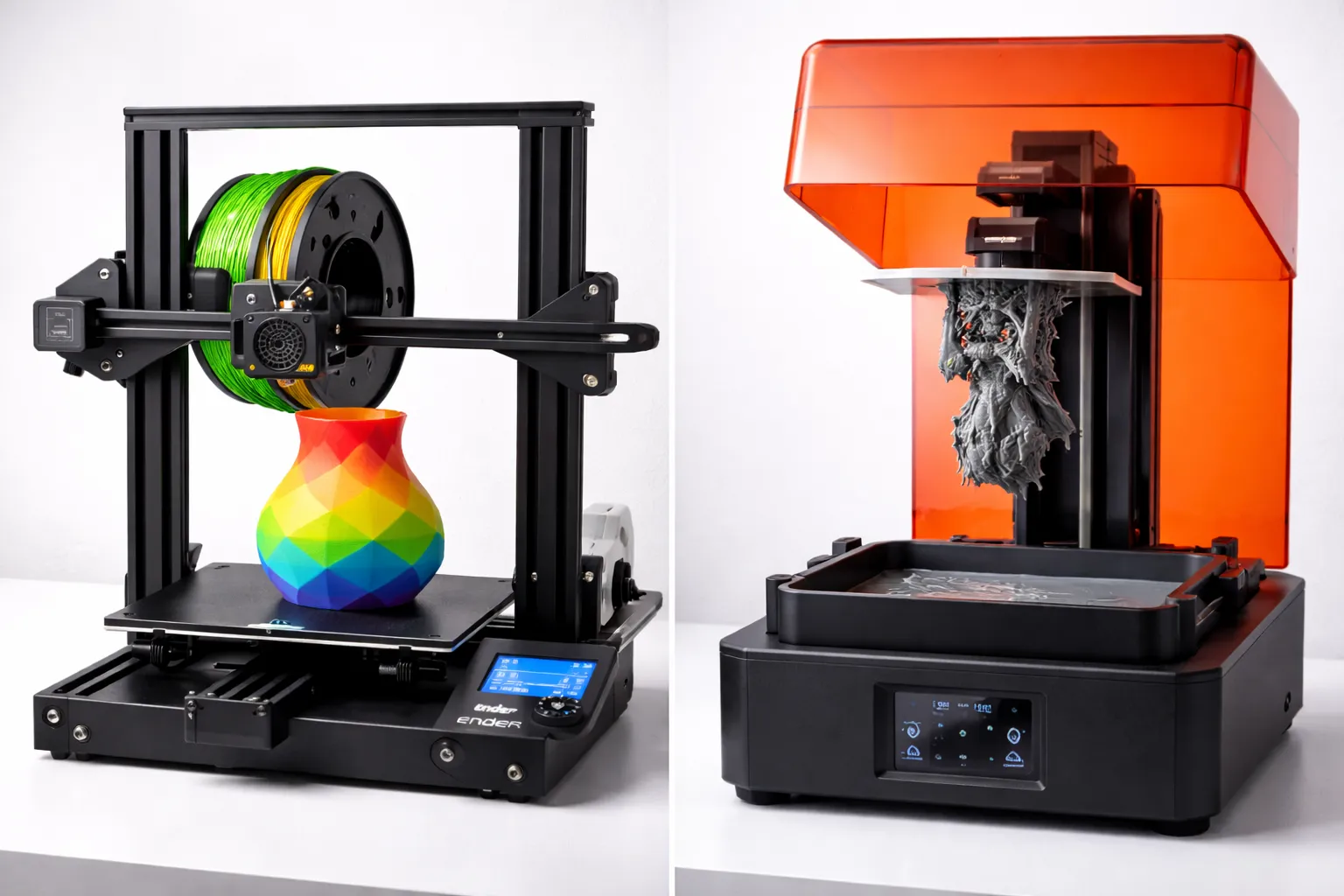
FDM vs Resin 3D Printing: Which One Should You Choose?
FDM vs resin 3D printing — we compare cost, print quality, safety, and ease of use with real examples to help you pick the right technology for your project.
The Ultimate Guide to 3D Printing (2026)
Your complete guide to 3D printing—from choosing your first printer to selling your prints. Everything beginners need to start their 3D printing journey.
Best Sites for Free 3D Models: Where to Download STL Files (2026)
Looking for free 3D printable models? Here are the 11 best sites to download STL files—from Thingiverse to hidden gems most people don't know about.