
The Ultimate Guide to 3D Printing (2026)
Your complete guide to 3D printing—from choosing your first printer to selling your prints. Everything beginners need to start their 3D printing journey.
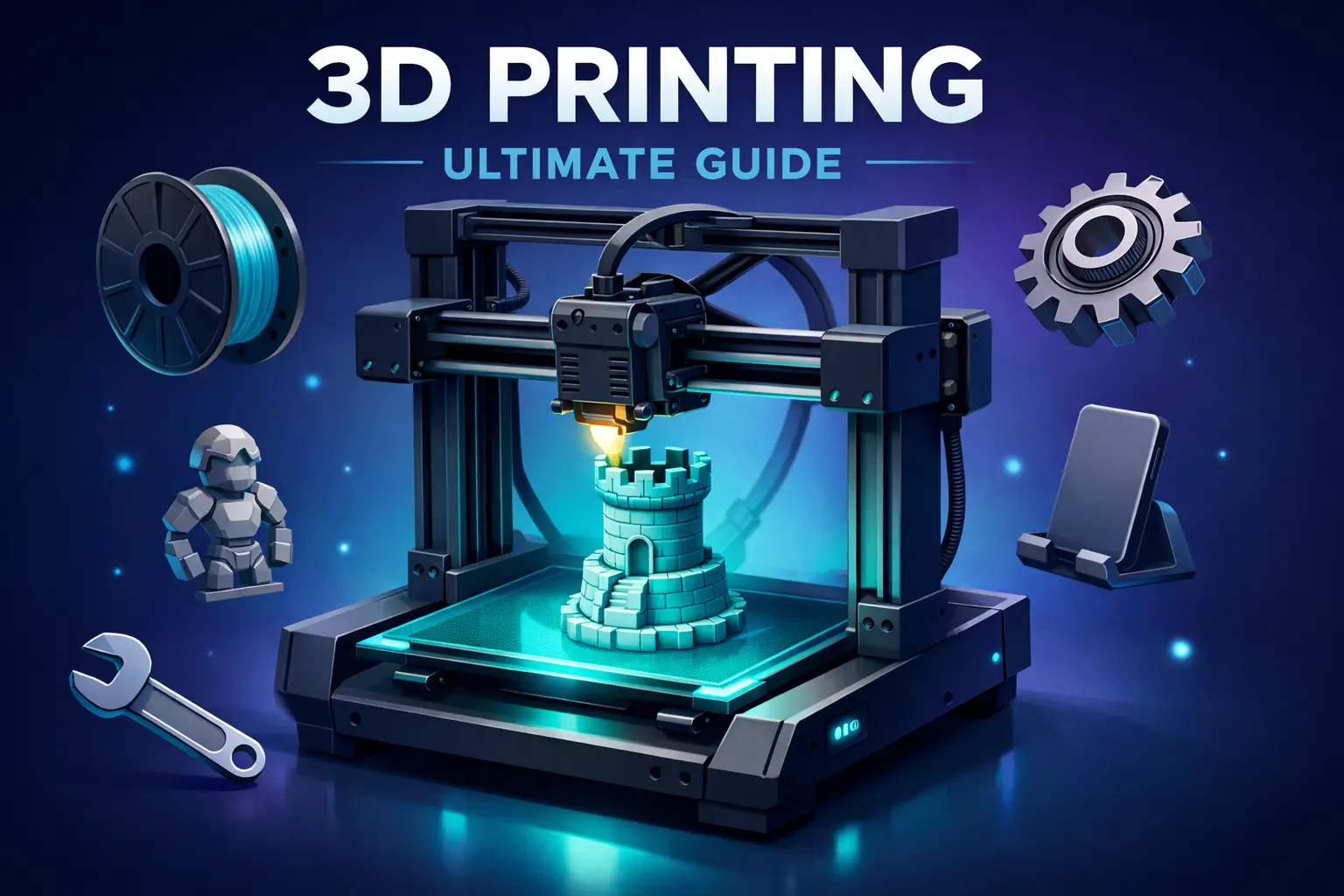
3D printing has gone from expensive industrial tech to an accessible hobby anyone can start. But with hundreds of printers, materials, and conflicting advice online, getting started feels overwhelming.
This guide cuts through the noise. Whether you’re considering your first printer or troubleshooting your hundredth print, you’ll find what you need here.
How to Use This Guide
This is a hub page—a central starting point for everything 3D printing.
If you’re considering buying a printer: Start with Part 1 to understand if it’s right for you.
If you just got a printer: Jump to Part 3 for your first prints and Part 4 for essential settings.
If you’re troubleshooting: Part 5 covers common problems and fixes.
If you want to level up: Part 6 covers selling prints and advanced techniques.
The Big Picture: Your 3D Printing Journey
| Stage | What You’ll Learn | Time Investment |
|---|---|---|
| Research | Is 3D printing right for you? | 1-2 hours |
| Purchase | Choosing the right printer | 1-2 days |
| Setup | Assembling and calibrating | 2-4 hours |
| First Prints | Learning the basics | 1-2 weeks |
| Proficiency | Consistent quality prints | 1-2 months |
| Advanced | Custom designs, selling | Ongoing |
Most people reach comfortable proficiency within a month of regular use.
Part 1: Should You Get a 3D Printer?
Before spending money, let’s make sure 3D printing is right for you.
3D Printing Is For You If…
✅ You enjoy making and fixing things ✅ You have space for a printer (desk-sized) ✅ You’re okay with a learning curve ✅ You want custom household items, gifts, or prototypes ✅ You find the technology genuinely interesting
3D Printing Is NOT For You If…
❌ You just want to print one or two things (use a service) ❌ You expect perfect prints immediately ❌ You want mass production (injection molding is better) ❌ You have no patience for troubleshooting
The Real Costs
| Item | Cost Range |
|---|---|
| Entry-level printer | $150-300 |
| Mid-range printer | $300-600 |
| Filament (1kg spool) | $15-30 |
| Essential accessories | $50-100 |
| Total to start | $300-500 |
Deep dive: Is a 3D Printer Worth It? Honest Cost-Benefit Analysis
Part 2: Choosing Your First Printer
The most important decision. Get this right, and everything else is easier.
FDM vs Resin: Which Technology?
| Factor | FDM | Resin |
|---|---|---|
| Best for | Functional parts, large prints | Miniatures, high detail |
| Cost | Lower ($150-400) | Higher ($200-500) |
| Materials | Easy, safe | Toxic, needs ventilation |
| Learning curve | Moderate | Steeper |
| Maintenance | Easier | Messier |
| Recommended for | Beginners | Second printer |
My recommendation: Start with FDM. It’s more forgiving, safer, and versatile.
Deep dive: FDM vs Resin 3D Printing: Which One Should You Choose?
Best Beginner Printers (2026)
| Printer | Price | Best For | Our Take |
|---|---|---|---|
| Bambu Lab A1 Mini | $199 | Plug-and-play | Best for “just works” |
| Creality Ender 3 V3 | $199 | Learning the craft | Best for tinkerers |
| Anycubic Kobra 2 | $249 | Balance of both | Good middle ground |
| Bambu Lab P1S | ~$450 | Enclosed, quiet | Best enclosed option |
Budget pick: Creality Ender 3 V3—proven workhorse, huge community Convenience pick: Bambu A1 Mini—minimal setup, consistent results
Deep dives:
Part 3: Your First Prints
You’ve got your printer. Now what?
Week 1 Game Plan
Day 1-2: Setup and calibration
- Assemble your printer (follow the manual!)
- Level your bed (critical for success)
- Run the test print that came with your printer
Day 3-4: Calibration prints Print these in order:
- Calibration cube — Check dimensional accuracy
- Benchy — The universal test boat
- Temperature tower — Find optimal temp for your filament
Day 5-7: Useful prints Now print something you’ll actually use:
- Phone stand
- Cable clips
- Drawer organizers
Deep dive: What Should I 3D Print First? 25 Beginner Projects
Where to Find 3D Models
You don’t need to design your own models. Thousands of free ones exist:
| Site | Best For | Cost |
|---|---|---|
| Printables | General purpose, well-organized | Free |
| Thingiverse | Largest library | Free |
| Thangs | Search across sites | Free |
| MyMiniFactory | Curated quality | Free + Paid |
| Cults3D | Designer models | Free + Paid |
Pro tip: Printables has the best quality control. Start there.
Deep dive: Best Sites for Free 3D Models
What to Print After the Basics
Once you’ve got consistent prints, try these progressions:
| Category | Easy Projects | Intermediate Projects |
|---|---|---|
| Home | Hooks, clips, stands | Drawer systems, lamp shades |
| Desk | Pen holders, cable management | Keyboard accessories, monitor stands |
| Tools | Wrenches, scrapers | Custom jigs, tool organizers |
| Fun | Keychains, fidget toys | Board game pieces, cosplay props |
Deep dive: 10 Essential Things to 3D Print First
Part 4: Essential Settings & Materials
Understanding your slicer settings and materials makes the difference between frustration and success.
Slicer Software
Your slicer converts 3D models into printer instructions. The most popular:
| Slicer | Best For | Price |
|---|---|---|
| Cura | Beginners, most printers | Free |
| PrusaSlicer | Prusa owners, advanced users | Free |
| Bambu Studio | Bambu Lab printers | Free |
| OrcaSlicer | Power users | Free |
If you have a Bambu printer, use Bambu Studio. Everyone else: start with Cura. For those looking for more advanced calibration tools, check out our OrcaSlicer Guide.
Deep dive: Cura Settings for Beginners: The Only Guide You Need
Filament Types Explained
| Material | Best For | Difficulty | Price |
|---|---|---|---|
| PLA | Beginners, decorative | Easy | $15-25/kg |
| PETG | Functional parts, durability | Medium | $20-30/kg |
| ABS | Heat resistance, strength | Hard | $20-30/kg |
| TPU | Flexible parts | Medium | $25-40/kg |
Start with PLA. It’s forgiving, prints at low temps, and doesn’t smell. Move to PETG when you need stronger parts.
Deep dive: PLA vs PETG vs ABS: Which Filament Should You Use?
Key Settings to Understand
| Setting | What It Does | Beginner Value |
|---|---|---|
| Layer Height | Print resolution | 0.2mm (balanced) |
| Infill | Internal density | 15-20% (most prints) |
| Print Speed | How fast the nozzle moves | 50mm/s (safe) |
| Bed Temp | Heated bed temperature | 60°C for PLA |
| Nozzle Temp | Melting temperature | 200-210°C for PLA |
Don’t change everything at once. Adjust one setting at a time.
Part 5: Troubleshooting Common Problems
Every 3D printer owner faces these issues. Here’s how to fix them.
Print Not Sticking to Bed
The #1 beginner problem. Causes and fixes:
| Cause | Fix |
|---|---|
| Bed not level | Re-level (the answer 90% of the time) |
| Bed not clean | Clean with IPA (isopropyl alcohol) |
| Nozzle too far | Adjust Z-offset lower |
| Bed too cold | Increase bed temp by 5°C |
| Wrong surface | Try glue stick or painter’s tape |
Deep dive: 3D Print Not Sticking to Bed? Every Fix You Need
Other Common Issues
| Problem | Likely Cause | Quick Fix |
|---|---|---|
| Stringing | Temp too high, retraction | Lower temp, increase retraction |
| Layer shifts | Loose belts | Tighten belts |
| Under-extrusion | Clogged nozzle | Clean or replace nozzle |
| Warping | Bed adhesion, drafts | Enclosure, brim, warmer bed |
| Elephant’s foot | First layer too squished | Raise Z-offset slightly |
Pro tip: 80% of problems are bed leveling or temperature related.
Avoiding Beginner Mistakes
Learn from others’ failures:
- Not leveling the bed — Do it before every print session
- Printing too fast — Slower = better quality
- Skipping calibration — Those test prints exist for a reason
- Cheap filament — Bad filament causes bad prints
- Ignoring ambient temperature — Drafts ruin prints
Deep dive: 10 Most Common 3D Printing Beginner Mistakes
Part 6: Level Up Your Skills
Ready to go beyond the basics?
Design Your Own Models
Free CAD software for beginners:
| Software | Best For | Learning Curve |
|---|---|---|
| TinkerCAD | Absolute beginners | Easy |
| Fusion 360 | Functional parts | Medium |
| Blender | Artistic/organic shapes | Hard |
| OnShape | Browser-based CAD | Medium |
Start with TinkerCAD for simple modifications. Graduate to Fusion 360 for serious design work.
Deep dive: Best CAD Software for 3D Printing
Making Money with 3D Printing
Yes, you can earn money with your printer. Realistic options:
| Method | Income Potential | Difficulty |
|---|---|---|
| Etsy store | $100-500/month | Medium |
| Local print service | $50-300/month | Low |
| Selling STL files | $50-2000/month | High |
| Custom commissions | Varies | Medium |
The smart strategy:
- Start by selling to friends/family
- Open an Etsy shop with 5-10 products
- Find a niche (not generic stuff everyone sells)
- Reinvest profits into better equipment
Deep dive: How to Sell 3D Printed Goods Online
Quick Start Checklist
Before You Buy
- Read: Is 3D Printing Worth It?
- Decide: FDM or Resin? (FDM for beginners)
- Budget: $300-500 for everything
First Week
- Assemble printer, level bed
- Print calibration cube and Benchy
- Print something useful
- Join r/3Dprinting for help
First Month
- Try different filaments
- Learn your slicer settings
- Print 10+ different models
- Fix at least one failed print
Beyond
- Design a simple custom model
- Try PETG or another material
- Consider selling prints
Recommended Learning Path
For Complete Beginners
- Is 3D Printing Worth It? — Make sure it’s for you
- 3D Printing for Beginners Guide — Full walkthrough
- Bambu vs Ender Comparison — Choose your printer
- What to 3D Print First — Starter projects
For New Printer Owners
- Cura Settings Guide — Master your slicer
- PLA vs PETG vs ABS — Understand materials
- 3D Print Not Sticking Fixes — Solve the #1 problem
- Best Sites for Free Models — Find things to print
For Intermediate Users
- CAD Software Guide — Design your own
- FDM vs Resin — Consider a second printer
- Selling 3D Prints — Monetize your hobby
The Bottom Line
3D printing is one of the most rewarding hobbies you can pick up. Yes, there’s a learning curve. Yes, you’ll have failed prints. But within a month, you’ll be creating things that would have been impossible before.
Your next step: If you don’t have a printer yet, read Is 3D Printing Worth It?. If you do, pick something from What to 3D Print First and start printing.
The best way to learn 3D printing is to print things. A lot of things. So go make something.
All 3D Printing Guides
Getting Started:
Choosing a Printer:
Materials & Settings:
What to Print:
Troubleshooting:
Advanced:
This guide is updated regularly as new printers and techniques emerge. Last updated: March 2026.
Have a question not covered here? Let us know.
Related Articles
Photography for Beginners: The Complete Guide (2026)
Your complete guide to photography—from choosing your first camera to taking better photos. Everything beginners need to start their photography journey.
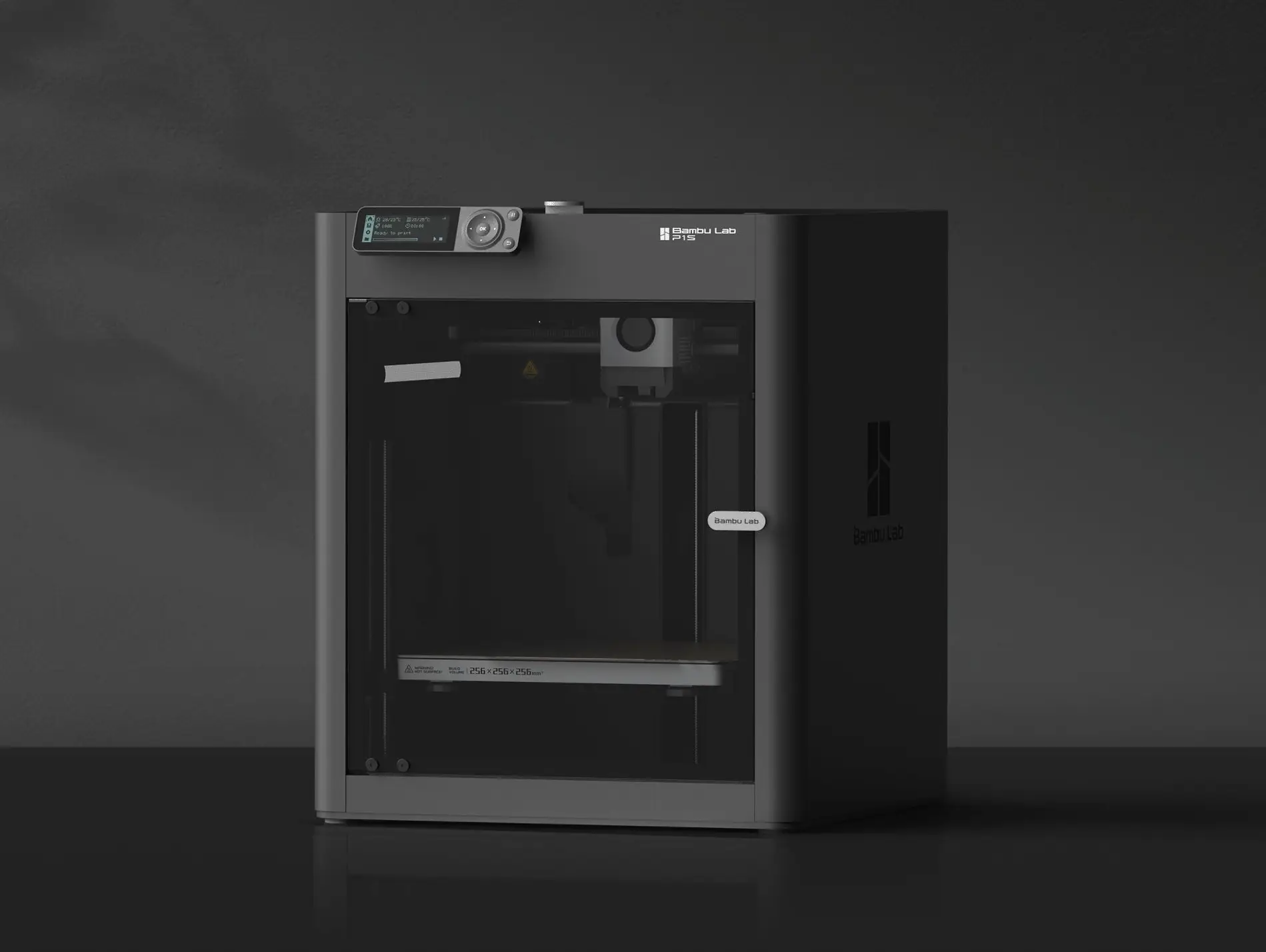
3D Printing for Beginners (2026): From Zero to First Print
Start 3D printing today. Printer recommendations under $300, material guide, and step-by-step to your first successful print.
Photography Buying Guide: Everything You Need to Start in 2026
The complete guide to buying your first camera in 2026. From budget options to the DSLR vs mirrorless debate, we cover everything without the gear-head jargon.