
Perplexity AI: The Search Engine That Actually Answers Your Questions
Complete guide to Perplexity AI: how it works, when to use it over Google, and why it's becoming the go-to research tool for professionals.
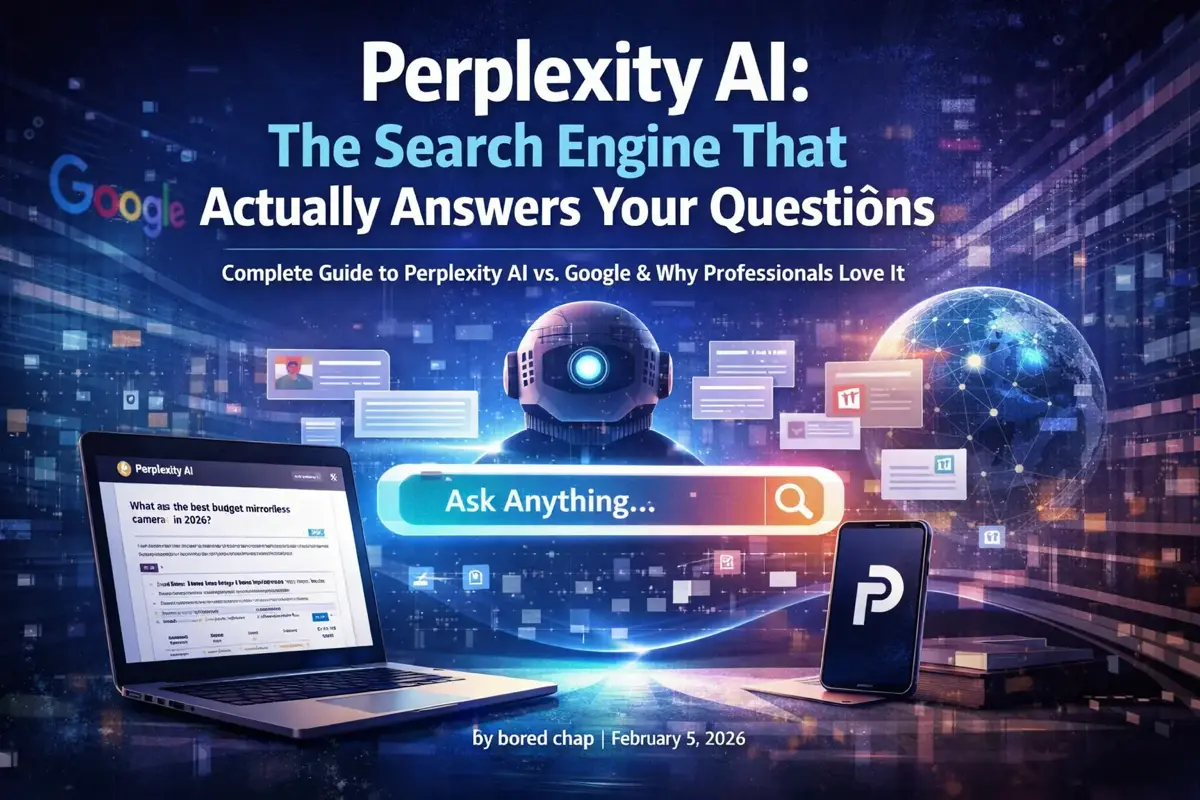
Google gives you links. Perplexity gives you answers.
That’s the simplest way to explain why Perplexity AI has become the secret weapon for researchers, professionals, and anyone tired of clicking through ten blue links to find what they need.
After using Perplexity daily for months, I’m convinced it’s the most underrated productivity tool of 2026. Here’s everything you need to know.
What Is Perplexity AI?
Perplexity is an AI-powered search engine that:
- Searches the web in real-time
- Reads and synthesizes multiple sources
- Gives you a direct answer with citations
- Lets you ask follow-up questions
Think of it as Google + ChatGPT combined, but better than either for research tasks.
Perplexity vs Google: A Real Example
Question: “What are the best budget mirrorless cameras in 2026?”
Google’s Response:
- 10 blue links
- Sponsored results at the top
- You click 3-4 articles
- Each article has different recommendations
- 15 minutes later, you’re still not sure
Perplexity’s Response:
- Direct answer: “The best budget mirrorless cameras in 2026 are…”
- Comparison table with prices and key specs
- Citations to sources like DPReview, TechRadar, and camera forums
- You can ask “Which is best for video?” as a follow-up
Time saved: 10+ minutes per search.
How Perplexity Works
- You ask a question (natural language, like talking to a person)
- Perplexity searches the web (real-time, not cached knowledge)
- AI reads relevant pages (multiple sources, not just the first result)
- You get a synthesized answer (with numbered citations)
- You can ask follow-ups (it remembers context)
The key innovation: Perplexity doesn’t just retrieve information — it understands your question and constructs an answer from multiple sources.
Free vs Pro: What Do You Get?
| Feature | Free | Pro ($20/month) |
|---|---|---|
| Basic searches | Unlimited | Unlimited |
| Pro searches (deeper research) | ~5/day | Unlimited |
| File uploads | No | Yes |
| Image uploads | Limited | Yes |
| AI model choice | Default | GPT-5.2, Claude 4.5, etc. |
| API access | No | Yes |
Is Pro worth it?
If you research anything regularly — work projects, purchasing decisions, learning new topics — Pro pays for itself quickly. The unlimited Pro searches and file analysis alone justify the cost.
For casual use, the free tier is generous enough.
When to Use Perplexity (And When Not To)
Use Perplexity For:
Research questions:
- “What’s the difference between 401k and IRA?”
- “Best practices for React state management in 2026”
- “How does mRNA vaccine technology work?”
Product research:
- “Best mechanical keyboards under $150”
- “Sony A7C II vs Fuji X-T5 for travel photography”
- “Is the M4 MacBook Air worth upgrading from M2?”
Current events:
- “What happened at [recent event]?”
- “Latest developments in [ongoing story]”
- “Current status of [topic]”
Learning new topics:
- “Explain kubernetes like I’m a backend developer”
- “How do large language models actually work?”
- “What is the FIRE movement?”
Fact-checking:
- “Is it true that [claim]?”
- “What do studies say about [topic]?”
Don’t Use Perplexity For:
Quick lookups → Google is faster
- “Weather in Tokyo”
- “Dollar to Euro exchange rate”
- “What time does [store] close”
Local searches → Google Maps is better
- “Restaurants near me”
- “Best coffee shops in [city]”
Shopping → Google Shopping or Amazon
- “Buy iPhone 16 case”
- Price comparisons with purchase intent
Navigation → Google/Apple Maps
- Directions anywhere
Pro Tips for Better Perplexity Results
1. Be Specific
Weak: “Best laptops” Better: “Best laptops for software development under $1500 with good Linux support”
2. Use Focus Modes
Perplexity offers different focus modes:
- All — General web search
- Academic — Scholarly papers and research
- Writing — Help with writing tasks
- Wolfram — Math and computational queries
- YouTube — Video content
- Reddit — Community discussions and opinions
For product research, Reddit focus often gives the most honest opinions.
3. Ask Follow-Up Questions
After getting an initial answer, dig deeper:
- “What are the downsides of option A?”
- “Can you compare the top 3 in a table?”
- “What do Reddit users say about this?“
4. Use Collections
Save related searches into Collections (like folders). Great for:
- Ongoing research projects
- Purchase decisions you’re mulling over
- Topics you’re learning about
5. Upload Files for Analysis
Pro users can upload PDFs, documents, and images:
- “Summarize this research paper”
- “What does this contract actually say?”
- “Analyze this screenshot”
Perplexity vs ChatGPT vs Google
| Task | Best Tool |
|---|---|
| Research with sources | Perplexity |
| Creative writing | ChatGPT/Claude |
| Coding help | ChatGPT/Claude |
| Quick facts | |
| Local/shopping | |
| Current events | Perplexity |
| Deep analysis | Claude |
| Image generation | ChatGPT (DALL-E) |
The ideal setup: Use Perplexity for research, ChatGPT/Claude for creation and coding, Google for quick lookups.
For a deeper comparison of AI assistants, see our Claude vs ChatGPT guide.
Real-World Use Cases
For Work
Before a meeting: “What’s [Company X] doing in AI? Recent news and developments”
Preparing a presentation: “Statistics on remote work productivity in 2026 with sources”
Competitive research: “How does [Competitor] price their enterprise plan?”
For Purchases
Big decisions: “Should I buy or lease a car in 2026? Pros and cons with current rates”
Tech purchases: “Is the [Product] worth it? Common complaints and issues”
Service comparisons: “Best VPN services that actually work with Netflix”
For Learning
New skills: “Roadmap for learning machine learning as a software developer”
Understanding news: “Explain the [recent policy change] and how it affects [group]”
Hobby research: “Best beginner 3D printer in 2026 for someone who wants minimal tinkering”
The Source Citation System
Every Perplexity answer includes numbered citations like [1], [2], [3].
This is crucial because:
- You can verify claims
- You can read deeper on specific points
- You know where the information came from
- You can assess source quality
Click any citation to see the source. If a claim seems questionable, check the source directly.
Limitations to Know
1. Not Always Right
Like all AI, Perplexity can make mistakes. Always verify important information, especially for medical, legal, or financial decisions.
2. Source Quality Varies
Perplexity cites its sources, but those sources aren’t always reliable. Check what sites it’s pulling from.
3. Not Great for Local
Google’s local search, maps integration, and business information are still far superior.
4. Learning Curve
Getting the best results requires learning how to ask good questions and use focus modes effectively.
5. No Memory Across Sessions
Unlike ChatGPT, Perplexity doesn’t remember your preferences across sessions (unless you use Collections).
Mobile Apps
Perplexity has solid mobile apps for iOS and Android:
- Voice search works well
- Quick access for on-the-go research
- Collections sync across devices
- Widget for fast searches
The mobile experience is actually better than Google for research questions because you get answers instead of links that are painful to browse on mobile.
Privacy Considerations
Perplexity’s privacy policy is relatively straightforward:
- Searches are used to improve the service
- Pro users can opt out of data training
- No ads (for now)
- Clear data retention policies
For sensitive research, use an incognito-style approach or consider the privacy implications of any AI search tool.
Is Perplexity Worth Using?
Yes, if you:
- Research topics regularly
- Hate clicking through multiple Google results
- Want answers with sources
- Value your time
Maybe not if you:
- Mostly do quick lookups
- Need local search frequently
- Don’t trust AI-synthesized answers
Getting Started
- Go to perplexity.ai
- Try a research question (no signup required for basic use)
- Notice the citations and follow-up suggestions
- Try different Focus modes
- Consider Pro if you use it more than 5x per day
The free tier is generous enough to evaluate whether it fits your workflow.
The Bottom Line
Perplexity doesn’t replace Google for everything. But for research, learning, and getting real answers to complex questions, it’s become indispensable.
The combination of real-time web search, AI synthesis, and source citations creates something genuinely new — a search engine that actually tries to answer your question instead of just pointing you toward answers.
Give it a try for your next research task. You might find yourself reaching for Perplexity before Google more often than you expected.
Related Articles
- AI Tools Guide — Complete guide to all AI tools for work
- AI PDF Summarizers — Chat with your documents
- ChatGPT Alternatives — 10 options compared including Perplexity
- Google Gemini Review — Another ChatGPT alternative
- How to Learn AI in 2026 — Your complete learning roadmap
Related Articles
Best AI PDF Summarizers (2026): Chat With Your Documents
The best AI tools for summarizing PDFs and long documents. Upload a 100-page report, get key insights in seconds. Free and paid options compared.
AI for Email Writing: Templates, Tools & Prompts That Work
Write better emails faster with AI. Templates, prompts, and tools for every situation—from cold outreach to difficult conversations.
Microsoft Copilot in Word: Complete Tutorial (2026)
Master Copilot in Word. From drafting documents to rewriting sections—everything you need to use AI directly in Microsoft Word.