
AI in Photography: The Complete 2026 Workflow Guide
Master AI in photography: from AI autofocus to post-processing in Lightroom, Photoshop, and Topaz. Take better photos without losing your creative soul.

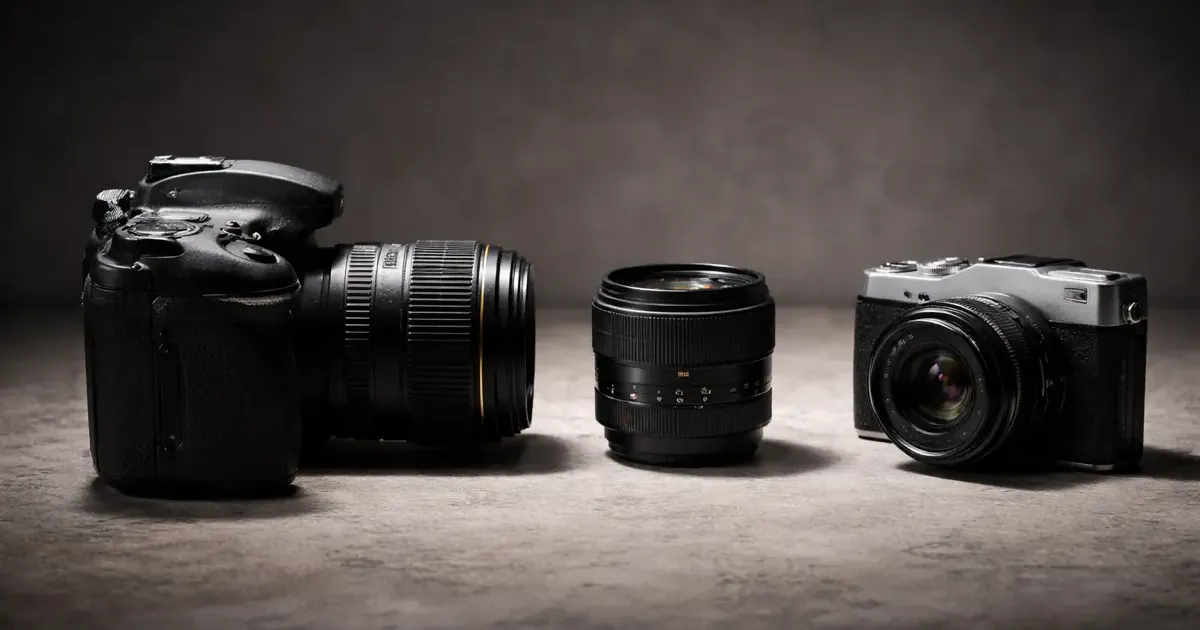
Photography has always been a blend of art and technology. From the darkrooms of the 1900s to the digital revolution of the 2000s, every major shift has been met with both excitement and skepticism. In 2026, we are in the midst of the most significant shift yet: the Artificial Intelligence revolution.
Whether you’re a beginner with a smartphone or a seasoned pro with a $5,000 mirrorless rig, AI is already part of your workflow. It’s in the way your camera tracks a bird’s eye across the frame, how your phone balances a sunset, and how your software removes a distracting power line.
The goal of this guide isn’t to tell you to let AI do everything. It’s to show you how to use these tools to remove the friction from your creative process, allowing you to spend more time shooting and less time staring at a progress bar.
The AI Photography Workflow (2026)
| Stage | AI Application | Key Tools | Time Saved |
|---|---|---|---|
| Capture | Subject tracking, Eye AF, Auto-HDR | Sony, Canon, Nikon, Pixel | Immediate |
| Culling | Sorting, blinking detection, ranking | Narrative Select, Aftershoot | Hours |
| Editing | Masking, denoising, generative fill | Lightroom, Photoshop, Topaz | Minutes per photo |
| Organization | Auto-tagging, facial recognition | Adobe Bridge, Google Photos | Days per year |
| Upscaling | Resolution enhancement, printing | Gigapixel AI, Magnific | Infinite (Quality) |
Part 1: AI Inside the Camera (Capture)
You might not realize it, but your camera is already an AI powerhouse. Modern cameras aren’t just light-tight boxes; they are sophisticated computers with dedicated Neural Processing Units (NPUs).
Real-Time Subject Recognition
Modern mirrorless cameras use deep learning models trained on millions of images to recognize more than just faces.
- Eye AF (Human & Animal): In 2026, cameras from Sony, Canon, and Nikon can track eyes even when the subject is far away or wearing glasses. This has effectively “solved” the problem of missed focus in portraits.
- Bird/Insect Detection: AI now recognizes the erratic movement of birds in flight and the small bodies of insects, locking focus where it matters.
- Vehicle Tracking: From Formula 1 cars to airplanes, AI knows where the “cockpit” is and prioritizes focus there.
- Predictive AF: Using historical movement data, the AI predicts where a subject will be in the next 1/1000th of a second, ensuring the focus is already there when the shutter clicks.
Pro Tip: Don’t just leave your camera on “Auto” subject detection. If you’re shooting birds, set it to “Bird.” It narrows the AI’s search parameters and increases your “hit rate” significantly.
Computational Photography: The Smartphone Lead
Smartphones lack the large sensors and glass of dedicated cameras, so they use AI to cheat the laws of physics.
- Night Sight / Night Mode: This isn’t just a long exposure. The AI takes 10-15 short exposures, aligns them to remove handshake, and merges them to create a clean image with minimal noise.
- Portrait Mode Depth Mapping: Using dual lenses or AI-driven segmentation, phones create a depth map of the scene to simulate “bokeh” (background blur). In 2026, this AI can even handle complex hair and transparent objects with near-perfect accuracy.
- Auto-HDR (High Dynamic Range): The AI analyzes the scene in real-time, underexposing the sky and overexposing the shadows to capture a range of light that exceeds what the sensor could do in a single shot.
Deep Dive: Camera vs Smartphone: The Computational Gap in 2026
Part 2: AI-Powered Editing (Post-Processing)
This is where AI saves you the most time. Tasks that used to require tedious manual labor are now accomplished with a single click.
1. Intelligent Masking (The Lightroom Revolution)
Before 2022, if you wanted to darken the sky or brighten a person, you had to use a brush tool and carefully “paint” your selection. Today, Adobe’s Sensei AI handles this instantly.
- Select Subject: One click to perfectly mask your subject, even with wispy hair.
- Select Sky: Instantly adjust exposure, temperature, or color of the sky without affecting the landscape.
- Select Background: Inverse the subject for easy depth-of-field adjustments or to “pop” the subject.
- Select People (and Parts): AI can now identify individual people in a group and even specific parts of them, skin, teeth, eyes, and hair. You can whiten a group’s teeth in 5 seconds.
2. Generative Fill and Remove (Photoshop)
Adobe’s Firefly AI integration has changed the game for retouching.
- Generative Remove: In Lightroom, you can now circle a distraction (like a trash can or a stranger), and the AI replaces it by generating a new, contextually aware background.
- Generative Expand: If you shot a photo too tight, you can expand the canvas and let the AI “hallucinate” the rest of the landscape. This is incredibly useful for social media crops (changing a horizontal landscape into a vertical reel).
- Object Addition: While controversial for “pure” photography, being able to add a few clouds to a bald sky can save a client shoot.
3. The “Magic” of AI Repair (Topaz Photo AI)
Sometimes, you get the shot, but the technical quality is poor. Topaz Labs has become the leader in “saving” these images.
- Denoise AI: Unlike traditional noise reduction that just blurs everything, AI denoising reconstructs detail while removing grain. You can shoot at ISO 12,800 and have it look like ISO 400.
- Sharpen AI: This can actually fix motion blur or slightly missed focus by identifying the “direction” of the blur and mathematically reversing it.
- Gigapixel AI: Upscaling an old 4MP photo to 40MP for a large print is now possible without it looking like a pixelated mess.
| Tool | Best For | Price | Our Rating |
|---|---|---|---|
| Adobe Lightroom | High-volume editing + Masking | $10/mo | 10/10 |
| Photoshop | Complex retouching + Gen Fill | Included | 9/10 |
| Topaz Photo AI | Repairing blurry or noisy shots | $199 | 9/10 |
| Narrative Select | Fast culling for pros | Free / $15/mo | 8/10 |
| Luminar Neo | Creative AI (Sky, Sunrays) | $149 | 7/10 |
Pro Tip: If you want to avoid the Adobe subscription, check out our guide to RapidRAW, a high-performance open-source alternative that leverages GPU acceleration for fast RAW processing.
Part 3: AI for Culling and Organization
The most “boring” part of photography is the “culling” process, looking at 2,000 photos from a wedding and picking the best 100. AI is a life-saver here.
AI Culling Assistants
Tools like Aftershoot and Narrative Select use AI to scan your entire shoot in minutes. They can:
- Detect Closed Eyes: Instantly flag photos where the subject blinked.
- Missed Focus Detection: Group photos by subject and highlight the sharpest ones.
- Duplicate Grouping: Group 10 shots of the same pose and pick the one with the best smiles/focus.
- Scene Detection: Automatically categorize shots by “Prep,” “Ceremony,” “Portraits,” etc.
Real-world impact: For a wedding photographer, AI culling can turn a 6-hour task into a 20-minute review session.
Auto-Tagging and Search
How do you find that photo of a “red dog at a beach” from three years ago?
- Content-Based Search: Tools like Adobe Bridge, Google Photos, and Apple Photos now use AI to “see” your images. You don’t need to manually tag them anymore; just search for “mountain,” “snow,” or “birthday cake.”
- Facial Recognition: AI learns who your family and friends are, allowing you to find every photo of your daughter in seconds, across a library of 100,000 images.
Part 4: A Day in the Life of an AI-Enhanced Photographer
To see how this all fits together, let’s look at a typical workflow for a landscape photographer in 2026.
- 6:00 AM (The Shoot): Use a mirrorless camera with AI subject tracking to lock onto a deer in the mist. The camera’s AI Metering ensures the highlights of the sunrise aren’t blown out.
- 10:00 AM (Ingest): Plug the SD card into a laptop. Aftershoot automatically culls the 500 shots down to the best 50, flagging any with motion blur.
- 11:00 AM (Editing): Open the best shot in Lightroom. Click “Select Sky” and add a bit of drama. Click “Select Subject” and brighten the deer. Use Denoise AI to clean up the grain from the low-light morning.
- 11:15 AM (Retouching): One distraction, a bright orange hiker’s tent in the corner. Use Generative Remove to delete it and replace it with natural grass.
- 11:30 AM (Export): The photo is perfect but only 24MP. Use Gigapixel AI to upscale it to 100MP for a large gallery print.
Total time spent: Under 45 minutes for a professional-grade result. Without AI, this would have been a 3-4 hour process.
Part 5: The Ethics of AI in Photography (The “Real” Debate)
As AI moves from “enhancing” to “generating,” we have to ask: at what point does a photograph stop being a photograph?
The “Photographic Spectrum”
- Enhancement (OK): Denoising, sharpening, color correction. This is essentially what cameras have always done, just more efficiently.
- Manipulation (Acceptable for Art): Removing a trash can, replacing a sky. This is “darkroom work” updated for the 21st century.
- Generation (Digital Art): Using Generative Fill to add a mountain where none existed. This is where we cross into Digital Illustration.
The C2PA Initiative
In 2026, many cameras (like the Leica M11-P and new Sony models) include “Content Credentials.” This is an AI-powered watermark that tracks every edit made to a photo. If you use Generative Fill, the file’s metadata will permanently reflect that “AI tools were used to modify the scene.”
Our Take: AI is a tool, not a replacement for vision. If the AI helps you realize the image you saw in your mind’s eye, use it. But be honest with your audience about the process.
Part 6: A Glossary of AI Photography Terms
If you want to understand the tech behind the tools, here are the terms you’ll see in 2026:
- NPU (Neural Processing Unit): The specific chip in your camera or phone designed to run AI models without draining the battery.
- Generative AI: AI that “creates” new pixels based on a prompt (e.g., Photoshop Generative Fill).
- Segmentation: The AI’s ability to “see” where one object ends and another begins (the tech behind masking).
- Upscaling: Using AI to fill in missing details when enlarging an image.
- Computational Photography: The use of software and AI to improve an image beyond what the physical hardware (lens/sensor) is capable of alone.
How to Get Started with AI Photography Today
If you’re feeling overwhelmed, don’t try to learn everything at once. Follow this path:
- Master Lightroom Masking: It’s the most powerful non-destructive tool you have. Learn to use “Select Subject” and “Select Sky” first.
- Download a Topaz Trial: Take a “failed” photo (blurry or noisy) and see if the AI can save it.
- Experiment with Gen Fill: Use it for small things first, removing a stray hair or a distracting sign.
- Trust your camera: Turn on “Subject Detection” and see how it changes your shooting style. You can focus more on the moment and less on moving a focus point with your thumb.
Your next steps:
- Photography for Beginners Guide, The foundations of light and composition.
- Best AI Tools for Work in 2026, How AI is changing other creative fields.
- 10 Beginner Photography Mistakes, And how AI can (and can’t) fix them.
The Bottom Line
AI isn’t going to replace the photographer’s eye. It can’t choose the right moment to click the shutter, it can’t understand the emotional connection between two people, and it can’t tell a story.
But what AI can do is make sure that story is told with a sharp, clean, and perfectly balanced image. It takes the “labor” out of photography, leaving only the “art.”
Embrace the tools. Master the tech. But keep your vision human.
This guide is updated regularly to reflect the latest software releases. Last updated: June 2026.
Have a question about a specific AI tool? Let us know.
Top Ranked Frontier AI Models
Empirical rankings sourced from Artificial Analysis, Arena.ai, LLM Stats & BenchLM.
Related Articles
Photography for Beginners: The Complete Guide (2026)
Your complete guide to photography, from choosing your first camera to taking better photos. Everything beginners need to start their photography journey.
10 Mistakes That Ruin Otherwise Good Photos
Blurry shots, flat composition, blown highlights. The ten errors that spoil pictures most often, why they happen, and the practical fix for each of them.

Computational Photography vs. Real Cameras: Is Glass Dead?
Has the smartphone killed the DSLR? We dive into computational photography, comparing the Samsung Galaxy, iPhone, and Pixel against traditional optical cameras.