
Best AI Tools for Job Seekers 2026 (Resume to Offer)
The best AI tools for job seekers in 2026: resume and cover letter help, LinkedIn tips, ATS matching, and interview prep to land more offers, used honestly.

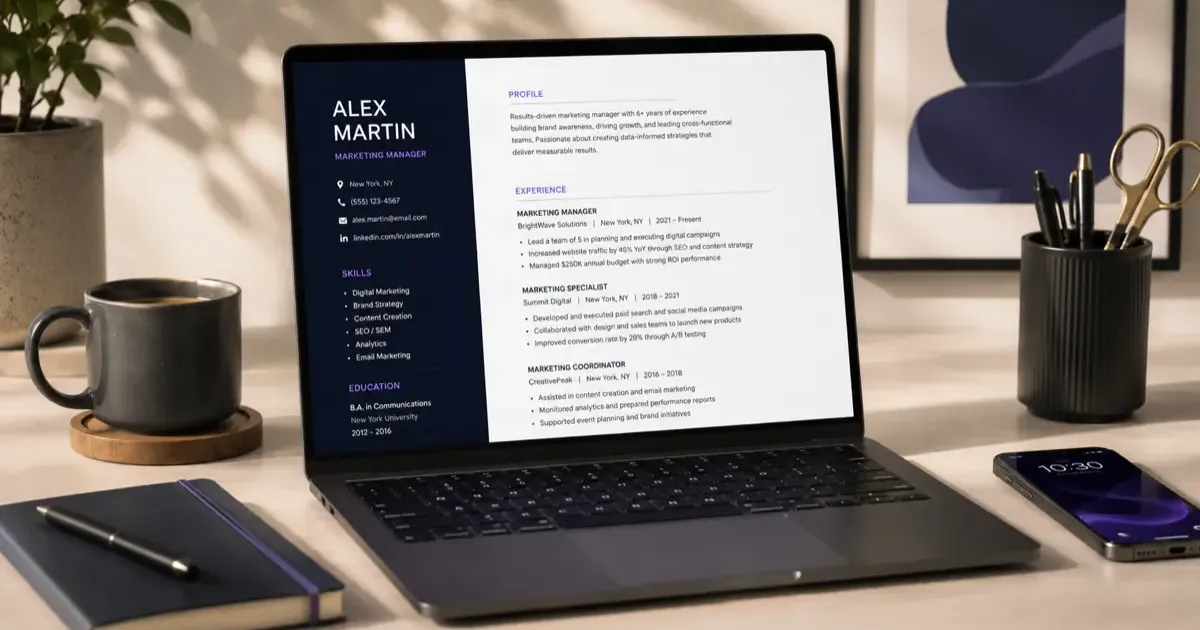
A modern job hunt is a lot of repetitive writing: tailoring your resume for every posting, drafting cover letters, tweaking your LinkedIn profile, and guessing which keywords the applicant tracking system wants. AI is genuinely good at exactly this tedious middle layer, which frees you to focus on the parts that matter. Here are the best AI tools for job seekers in 2026, what they cost (checked on each vendor’s pricing page on October 31, 2026), and how to use them honestly.
(Already at the interview stage? Our AI job interview prep guide covers that part in depth.)
Want a structured roadmap? Check out our comprehensive Guide to Learning AI in 2026 with step-by-step milestones, free courses, and career advice.
Quick Comparison
| Tool | Free tier | Paid price (checked Oct 31, 2026) | Best for |
|---|---|---|---|
| ChatGPT | Free plan with unlimited text chats, limited uploads | Go $8/mo, Plus $20/mo, Pro $100/mo | Drafting and tailoring anything |
| Claude | Free plan with limited usage | Pro $20/mo ($17/mo billed annually), Max $100/mo | Long documents, careful editing |
| Teal | Free Forever plan: resume builder and job tracker | Teal+ $13 per week | Tracking many applications |
| Rezi | 1 resume, 3 PDF downloads, 1 AI interview | Pro $29/mo, Lifetime $149 one-time | ATS-style resume scoring |
| Kickresume | 4 basic resume templates, 4 cover letter templates | Premium from 8 EUR/mo (yearly) to 24 EUR/mo; free for verified students | Design-forward resumes |
| Jobscan | 5 resume scans per month | $49.95/mo, or $89.95 per 3 months ($29.98/mo) after a 7-day trial | Keyword matching against a posting |
General AI Assistants: ChatGPT and Claude
This is where AI saves the most time, and you may not need anything else.
ChatGPT has a free plan with unlimited everyday text chats (subject to abuse guardrails) and limited file uploads, which is enough to paste a job description and a resume and ask for tailored bullet points. The paid tiers are Go at $8 a month, Plus at $20, and Pro at $100. For a job search, Free or Go is plenty; Plus mainly buys you more uploads and more usage when you are churning through ten applications in an afternoon.
Claude also starts free with limited usage. Pro is $20 a month ($17 a month if you pay $200 annually) and adds Projects, which are handy for keeping your master resume, your target job descriptions, and your notes in one workspace so you do not re-paste them every time. Max is $100 a month and aimed at heavy users, not job seekers.
How to use either one well: paste the full posting and your current resume, then ask for three things separately: which requirements you clearly meet, which bullet points should be rewritten to match the posting’s language, and a 150-word cover letter opener. Asking for one thing at a time gets you better output than “rewrite my resume for this job.” Our Claude vs ChatGPT comparison covers where each one is stronger, and ChatGPT Plus vs Free explains what the paid plan actually adds.
The limitation: neither tool knows your work history. They will confidently invent a metric or a responsibility if your input is vague. Who should skip them: nobody, honestly, but if you only need a single polished resume and no cover letters, a dedicated resume tool below gets you a formatted PDF faster.
Dedicated Resume Tools: Teal, Rezi, Kickresume
These exist to turn tailored text into a clean, ATS-friendly document and to manage many versions.
Teal has the most useful free tier of the three: its Free Forever plan covers the AI resume builder and the job tracker, which is all many people need. Teal+ is $13 per week and adds unlimited resumes and templates, unlimited job tracking, keyword matching that highlights which terms from a posting your resume is missing, a match score against each job description, AI-generated summaries, and email templates for each stage of the process. The limitation: weekly billing adds up fast if you forget to cancel; $13 a week is more than the monthly price of most tools here. Who should skip it: anyone applying to two or three roles, who will never need the tracker.
Rezi is built around its Rezi Score, which grades a resume across 23 metrics. The free plan gives you one resume, three PDF downloads, one AI mock interview, standard templates, and a limited version of the score. Pro is $29 a month for unlimited resumes, downloads, interviews, the full score, and one expert review per month; the Lifetime plan is a $149 one-time payment for everything except the expert review. The limitation: $29 a month is steep for what is mostly formatting, so Lifetime only makes sense if you expect to job-hunt more than once. Who should skip it: anyone happy to format in Google Docs after drafting with ChatGPT or Claude.
Kickresume is the design pick: 40 resume templates and 40 matching cover letter templates on Premium, plus an AI writer, an ATS checker, and seven personal website templates. The free plan is limited to 4 basic resume templates and 4 cover letter templates with no AI writer. Pricing is shown in euros: 24 EUR per month, 18 EUR per month billed quarterly (54 EUR), or 8 EUR per month billed yearly (96 EUR). Students with ISIC, ITIC, or UNiDAYS verification get Premium free. The limitation: heavily designed templates can confuse some applicant tracking systems, so use the ATS checker before sending a two-column layout. Who should skip it: anyone applying to large corporations with strict ATS pipelines, who are safer with a plain single-column resume.
The rule for all three: AI drafts, you edit. Rewrite every line in your own voice, check every claim is true, and cut the generic filler that screams “AI wrote this.”
Beating the Applicant Tracking System (ATS): Jobscan
Most large employers screen resumes with software before a human sees them. Jobscan compares your resume against a specific posting and shows which keywords and skills you are missing, along with what it calls ATS and recruiter findings. The free plan includes 5 resume scans per month, which covers a slow week of applications. Premium unlocks unlimited scans, unlimited AI optimizations, an AI cover letter generator, and a LinkedIn optimizer. It costs $49.95 billed monthly or $89.95 every three months (about $29.98 a month), and Jobscan offers a 7-day free trial of Premium.
A general assistant can do a lighter version of the same thing: paste the job description and ask which terms from it your resume should include. It will not give you a percentage score, but it is free and surprisingly good at spotting the obvious gaps.
The limitation: Jobscan optimizes for keyword overlap, and a resume stuffed with every term from the posting reads badly to the human who sees it next. Aim for the terms that genuinely apply to your experience, worded the way the posting words them. Who should skip it: anyone applying mainly through referrals or to small companies, where a human reads every resume and the ATS score is irrelevant.
Polishing Your LinkedIn Profile
Recruiters search LinkedIn by keywords, so the same logic applies, but the writing should sound more like a person.
- Ask an AI assistant to rewrite your headline and About section to be clearer and more results-focused. Give it your current text plus three sentences about what you actually want next; without that, you will get a generic “passionate professional” paragraph.
- Have it turn vague duties into accomplishment-driven bullet points (“cut onboarding time 30%” beats “responsible for onboarding”). Only keep numbers you can back up in an interview.
- Use it to brainstorm post ideas if you want to build visibility in your field. Three posts a month about problems you have solved beats daily motivational filler.
- Jobscan’s LinkedIn optimizer (Premium only) automates parts of this, but the free route through ChatGPT or Claude works fine.
Job Search and Organization
- Matching and discovery: LinkedIn’s own tools and job boards increasingly surface roles based on your profile. A general assistant can also help you translate your skills into adjacent job titles you might not have searched for. Ask it for ten titles that use the same skills as your current role, then search those.
- Application tracking: Teal’s free job tracker, or even a simple spreadsheet, keeps you on top of where you applied, when to follow up, and what you tailored for each role. The tracker matters more than it sounds: by application twenty, you will not remember which resume version went where.
- Prompting habits: a reusable prompt for each stage (tailor, cover letter, follow-up email) saves more time than any paid plan. Our prompt engineering afternoon guide shows how to build and refine those.
Interview Preparation
Once you land interviews, AI shines at practice: generating likely questions for a specific role, helping you structure STAR-method answers, and letting you rehearse. Rezi’s free plan includes one AI mock interview, and ChatGPT or Claude can run an unlimited number if you paste the posting and ask them to interview you one question at a time. We cover this fully in our AI job interview prep guide, so start there when you get to that stage.
What to Look For in a Job Search AI Tool
- A usable free tier. Every tool here has one. Pay only when you hit a wall, and prefer monthly or quarterly billing over weekly.
- Keyword matching against a real posting, not a generic “ATS score.” A score with no job description attached is marketing.
- Export to plain PDF and DOCX. Many ATS pipelines still parse Word files more reliably than designed PDFs.
- Version management if you are applying to more than five roles. Teal does this for free; the rest charge for it.
- No lock-in. Your master resume should live in a document you own, not only inside a tool you might cancel.
Use AI Honestly (This Matters)
A few ground rules that protect you:
- Never fabricate. AI will happily invent skills, metrics, or jobs. Everything on your resume must be true and defensible in an interview.
- Keep your voice. Over-polished, generic text is a red flag to recruiters. Make it sound like you.
- Mind confidentiality. Do not paste your current employer’s confidential figures or client names into public AI tools to “beef up” a bullet point. Our how to use AI at work safely guide covers the boundaries.
- Disclose when asked. Some employers now ask whether AI was used in an application. Using it for editing is normal; say so plainly if the form asks.
The Bottom Line
The best AI tools for job seekers are the ones that remove busywork: a general assistant (ChatGPT or Claude) for tailoring resumes and cover letters, a resume tool like Teal or Rezi for formatting and version management at scale, and an ATS checker like Jobscan so your application actually reaches a human. The free tiers cover most of a normal job search; pay only for the week or month you are applying in volume. Use them to move faster, then make every word true and your own.
Want to build the underlying skills too? Our AI tools guide and AI skills for promotion go further, and if you are worried about where your field is heading, AI’s threat to jobs looks at which roles are actually changing.
Cost-Effective AI Models for Workflows & Automation
Empirical rankings sourced from Artificial Analysis, Arena.ai, LLM Stats & BenchLM.
Related Articles

Best AI Tools for Small Business 2026 (Do More With Less)
The best AI tools for small business in 2026: marketing, customer service, bookkeeping, and admin helpers that let a small team punch well above its weight.

How to Use AI for Job Interview Prep: Full Guide
Use ChatGPT or Claude to research companies, craft STAR answers, run mock interviews, and write follow-up emails. Copy-paste prompt templates included.

Free AI Tools for Budget Travel Planning (2026)
You don't need premium subscriptions to plan great trips. These free AI tools help budget travelers create itineraries, find deals, and save money.