
ChatGPT for Email: 9 Templates That Actually Work in 2026
Stop writing emails from scratch. Nine proven ChatGPT prompts for cold outreach, replies, follow-ups, apologies, and negotiations. Copy and adapt.
 Mehdi
Mehdi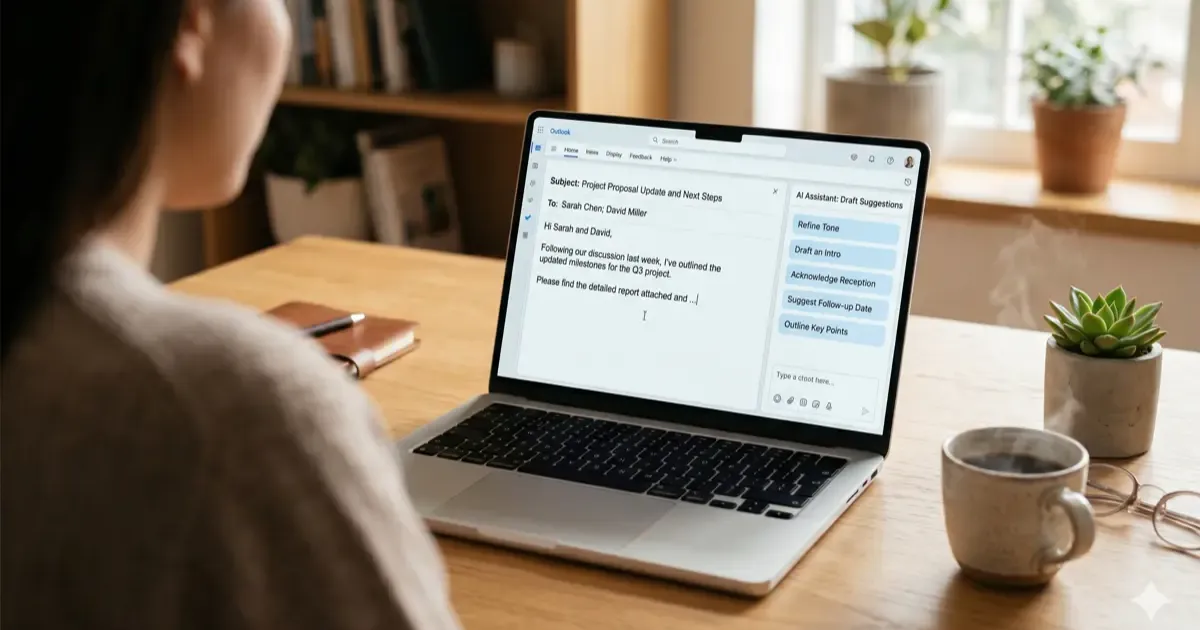
Email eats ~30% of the average knowledge worker’s day. ChatGPT, used right, cuts that in half. Used wrong, it makes you sound like every other LinkedIn motivational post.
The difference is templates: structured prompts that produce specific email types instead of generic “professional” output. Here are nine that I use regularly, with the actual prompt text you can copy.
Level up your prompt workflow: Explore our complete ChatGPT Guide covering essential workflows, prompt frameworks, and productivity hacks.
Why Templates Beat Just Asking ChatGPT
The default ChatGPT response to “write me an email” produces forgettable corporate-speak. Templates work because they give ChatGPT:
- A specific goal (cold outreach vs reply vs apology produces different outputs)
- Tone constraints (warm vs direct vs formal)
- Length targets (short vs detailed)
- Context placeholders (so you can fill in your specifics)
Each template below has a copy-paste prompt plus notes on what to edit.
1. Cold Outreach (Networking / Sales)
Use case: First-touch email to someone you’ve never met.
Prompt:
Write a cold outreach email from me to [recipient name, role, company]. My goal: [specific outcome, meeting, intro, response, etc.]. Context: [why I’m reaching out, saw their post, mutual contact, relevant problem]. Tone: warm but professional, not salesy. Length: under 100 words. End with a specific, low-commitment ask.
Why it works: “Under 100 words” forces ChatGPT to cut filler. “Low-commitment ask” prevents the closing “would love 15 minutes of your time” that gets ignored.
What to edit: Always edit the opening line. ChatGPT defaults to “I hope this finds you well” or “I came across your work”. Replace with something specific to the recipient.
2. Polite Decline
Use case: Saying no without burning the relationship.
Prompt:
Draft a polite decline email. I was asked to [what they wanted]. I can’t because [your real reason, generalized if needed]. Tone: appreciative of the ask, firm but warm in the decline, no over-explaining. Keep it under 75 words. Suggest a future possibility only if genuine.
Why it works: “No over-explaining” is the magic phrase. ChatGPT loves to justify; this prompt prevents the paragraph of reasons that makes you sound guilty.
What to edit: The reason. Be honest in your prompt to ChatGPT but check that the email version is appropriately generalized for the recipient.
3. Apology / Mistake Acknowledgment
Use case: Owning a screw-up without making it worse.
Prompt:
Draft an apology email for [specific mistake]. Recipient: [who they are and the relationship]. Tone: direct, accountable, not over-the-top. Structure: 1) Acknowledge the specific mistake without excuses, 2) State what I’m doing to fix it, 3) Brief commitment to do better. No ‘I hope this email finds you well’. Keep under 120 words.
Why it works: The structure prevents apology emails from becoming a wall of self-flagellation. People appreciate brief, accountable apologies; they distrust long ones.
What to edit: The action plan. ChatGPT will guess what you’ll do to fix it. Replace with your specific commitment.
4. Follow-Up After No Reply
Use case: Resurrecting a thread that went silent.
Prompt:
Write a follow-up email. Original email was about [topic] sent [time ago]. I want to [restate the original ask but make it easier to say yes to]. Tone: light, not pushy, no guilt-tripping. Maximum 60 words. Include a way for them to easily say ‘no, not interested’ to close the loop.
Why it works: The “easy out” closer is counterintuitive but increases response rates. People who would have ignored you respond to say no, which at least closes the thread.
What to edit: Verify the easy-out language doesn’t sound passive-aggressive. “No worries if not a fit” is better than “I’ll take silence as a no” (the latter feels accusatory).
5. Project Update (Status Email)
Use case: Weekly or monthly stakeholder updates.
Prompt:
Write a project update email for [stakeholders]. Project: [name and one-line goal]. Status: [on track / behind / blocked, with brief reason]. Wins this period: [list specifics]. Risks/needs: [list specifics]. Next steps: [list 2-3]. Tone: confident, direct, no padding. Format: short paragraphs with section labels. Under 250 words total.
Why it works: Section labels prevent the “wall of text” status email that nobody reads. Decision-makers scan; the structure makes scanning useful.
What to edit: Add 1-2 sentences of nuance where ChatGPT generalizes. The “risks/needs” section in particular benefits from specific human context.
6. Meeting Request
Use case: Scheduling a call without the back-and-forth.
Prompt:
Draft a meeting request email to [recipient]. Goal of meeting: [specific outcome]. Why now: [brief context]. Duration: [exact time, like 20 min]. My availability: [3 specific time options in the next 7 days]. Tone: direct and efficient. Length: under 80 words.
Why it works: Three time options eliminates the calendar Tetris. Adding “or suggest a different time” tacked onto the end avoids the awkwardness of mandating only your slots.
What to edit: The time options. ChatGPT can generate placeholder times; verify they’re real and add buffer for prep.
7. Salary Negotiation
Use case: Responding to an offer with a counter.
Prompt:
Write a salary negotiation response to a job offer. Position: [title]. Initial offer: [amount]. Target: [your counter amount]. Justification points: [2-3 specific reasons: market data, your value-add, comparable offers]. Tone: collaborative not confrontational, confident not apologetic. Avoid ‘I deserve’ framing; use value-creation framing. Length: 150 words.
Why it works: “Value-creation framing” produces emails that justify the higher number by what you’ll deliver, not by what you think you deserve. Hiring managers respond to the former, ignore the latter.
What to edit: Tone calibration. Some industries (finance, tech) reward directness; others (academia, nonprofits) reward warmth. Adjust accordingly.
8. Refund / Customer Service Request
Use case: Getting a problem resolved with a vendor.
Prompt:
Write a customer service email for [issue]. Product/service: [name]. What went wrong: [specific facts]. What I want: [refund / replacement / fix]. Order number / reference: [include if you have it]. Tone: firm but reasonable, not angry. Reference any applicable policy or warranty. Length: under 150 words.
Why it works: “Firm but reasonable” outperforms angry every time. Customer service reps prioritize cases that won’t escalate; angry emails escalate.
What to edit: Verify any policy references are accurate. ChatGPT will sometimes invent policy details. Cross-check before sending.
9. Networking Reply (Replying to Outreach)
Use case: Someone reached out to you; respond well.
Prompt:
Draft a reply to a networking message. They asked: [what they wanted]. My take: [your honest answer, yes, no, partial, redirect]. Tone: warm, helpful, not curt. If saying yes, propose specifics. If saying no, soften with an alternative or referral. Length: under 80 words.
Why it works: The “alternative or referral” closer is the difference between rude no and helpful no. It costs nothing and builds reciprocity.
What to edit: The opening. ChatGPT defaults to “Thanks for reaching out!”, replace with something specific to their message.
Building Your Own Email Custom GPT
If you write the same email types repeatedly, build a Custom GPT with your style baked in. Takes 15 minutes:
- Open ChatGPT, click your profile, “My GPTs”, “Create”
- Use the Configure tab (skip the conversational wizard)
- Add system instructions: your tone, common contexts, prohibited phrases (mine bans “I hope this finds you well” and excessive em dashes)
- Upload your 5-10 best past emails as Knowledge files for style reference
- Test with real scenarios; iterate
I covered the broader Custom GPT landscape in our ChatGPT plugins → Custom GPTs guide.
What ChatGPT Can’t Do With Email
ChatGPT writes; it doesn’t understand context. Three failure modes to watch:
Tone mismatch: ChatGPT defaults to American business email tone. If you’re in a different culture (German formal, Japanese keigo, British understatement), edit aggressively or instruct ChatGPT explicitly.
Inaccuracy: ChatGPT will confidently invent details if your prompt is vague. Always verify dates, prices, names, and policy claims.
Missing context: ChatGPT doesn’t know your relationship with the recipient. A founder you’ve known for 5 years gets a different email than a stranger; ChatGPT writes both the same way unless you tell it the difference.
Productivity Math
A typical professional sends 20-40 emails per day. If each one takes 3 minutes to write from scratch and ChatGPT cuts that to 1 minute (with editing), you save 40-80 minutes per day. That’s 200-400 hours per year of pure writing time.
Plus the quality usually improves; rushed emails are usually worse than ChatGPT-drafted ones.
For broader AI productivity workflows, see our AI tools for office work guide and how to use AI at work safely.
Verdict
Use ChatGPT for the structure and first draft, then edit for voice, specifics, and accuracy. The templates above remove the “blank page” problem; they don’t remove the need to think.
The biggest mistake people make: copying ChatGPT output directly. Edit. Even 30 seconds of personalization transforms generic AI output into something that feels human.
Related Reading
Related Articles
AI for Email Writing: Templates, Tools & Prompts That Work
Write better emails faster with AI. Templates, prompts, and tools for every situation, from cold outreach to difficult conversations.
15 ChatGPT Custom Instructions Templates You Can Copy
15 copy-paste ChatGPT custom instructions templates for work, writing, coding, and more. Grab a template, paste it in, and get better responses instantly.
Best ChatGPT Plugins in 2026 Are Now Custom GPTs (Top 12)
ChatGPT Plugins are gone. Custom GPTs replaced them. Here are the 12 best Custom GPTs for productivity, research, coding, and writing in 2026.