
How to Get Free Books on Kindle: 7 Legit Ways in 2026
Seven legal ways to get free ebooks on your Kindle — from Libby and Project Gutenberg to Amazon First Reads, Prime Reading, and Standard Ebooks.
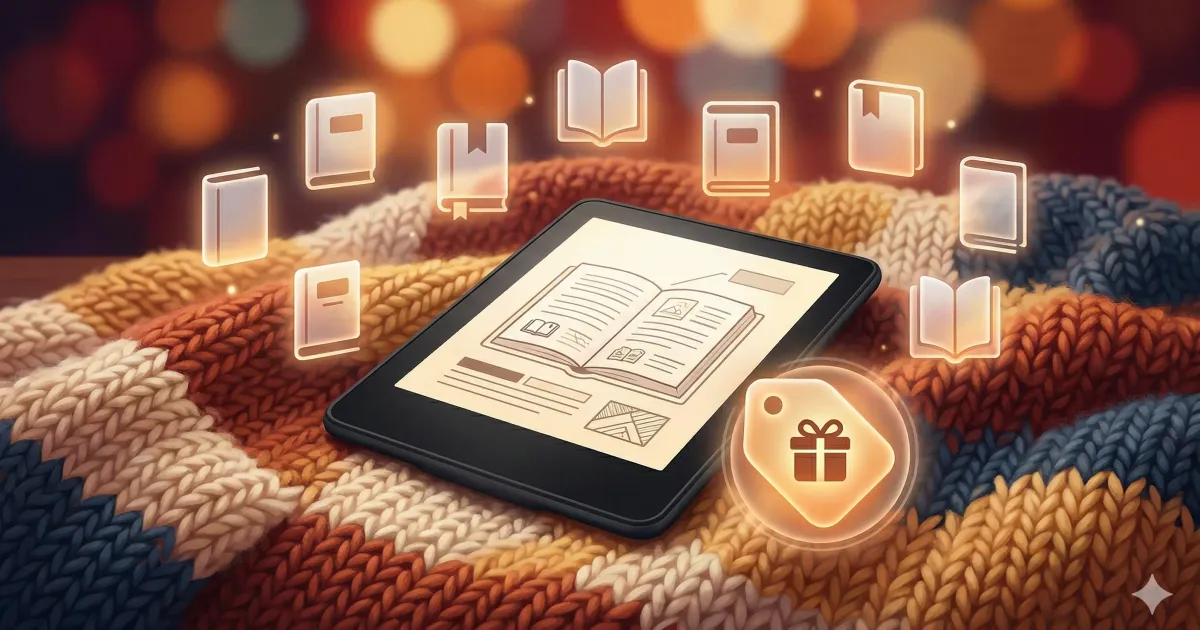
One of the best things about owning a Kindle is that you never have to pay full price for books if you don’t want to. Between library apps, public domain archives, and Amazon’s own free programs, there’s more free reading material than you could finish in a lifetime.
Here are seven legit ways to fill your Kindle without spending a dime. (Still deciding on an e-reader? Check our Kindle vs Kobo comparison first.)
Quick Comparison
| Source | Cost | Catalog Size | Kindle Compatible |
|---|---|---|---|
| Libby/OverDrive | Free (library card) | Varies by library | ✅ Direct send |
| Project Gutenberg | Free | ~70,000 | ✅ Via Send to Kindle |
| Amazon First Reads | Free (Prime) | 2/month | ✅ Native |
| Prime Reading | Free (Prime) | ~1,000 rotating | ✅ Native |
| Kindle Daily Deals | $1–3 | 5–10/day | ✅ Native |
| Standard Ebooks | Free | ~900 | ✅ Via Send to Kindle |
| ManyBooks | Free | ~50,000 | ✅ Via Send to Kindle |
1. Libby / OverDrive
What it is: A free app that lets you borrow ebooks from your local public library and send them directly to your Kindle.
How to set it up: Download the Libby app on your phone, sign in with your library card, find a book, and choose “Send to Kindle.” It shows up on your device within minutes. When the loan expires, the book just disappears — no late fees.
The good: Completely free, huge selection (depending on your library), and the borrowing experience is seamless. Popular titles might have a waitlist, but you can place holds and get notified.
The catch: You need a library card, and selection varies wildly by library system. Big city libraries (New York, LA, Toronto) have enormous catalogs. Smaller systems might be more limited.
Catalog size: Depends on your library — large systems have 100,000+ ebook titles.
This is hands down the best free book source for Kindle owners. If you’re not using Libby, you’re leaving money on the table. (Kobo users have it slightly easier with built-in OverDrive — see our Kindle vs Kobo breakdown for details.)
2. Project Gutenberg
What it is: A volunteer-run archive of 70,000+ public domain books. Think classics: Jane Austen, Mark Twain, Shakespeare, H.G. Wells, and thousands more.
How to set it up: Go to gutenberg.org, download the EPUB version of any book, and email it to your Kindle’s Send to Kindle address. Amazon converts it automatically. You can find your Send to Kindle email in Settings > Your Account on your Kindle.
The good: Massive selection of classics, completely free, no sign-up needed.
The catch: Only public domain works (mostly pre-1928). Formatting quality varies — some books look great, others need cleanup. If a book looks rough, run it through Calibre to reformat it before sending.
Catalog size: ~70,000 books.
3. Amazon First Reads
What it is: Amazon gives Prime members early access to select new books before their official release date. You pick up to two per month for free.
How to set it up: Visit Amazon’s First Reads page at the beginning of each month. Choose from 6–10 editors’ picks across different genres. The book gets added to your Kindle library instantly.
The good: These are actual new releases, not obscure titles. You get to keep them forever — they don’t expire like library loans.
The catch: Limited selection (6–10 choices per month). Not every month has something you’ll love. Non-Prime members can buy them for ~$2.
Catalog size: 2 free books per month (Prime members).
4. Prime Reading
What it is: A rotating catalog of about 1,000 books, magazines, and comics included with your Amazon Prime membership. Think of it as Kindle Unlimited’s smaller, free sibling.
How to set it up: On your Kindle, go to the store and filter by “Prime Reading.” Or browse the Prime Reading section on Amazon’s website. Borrow up to 10 titles at a time.
The good: No extra cost if you have Prime. Includes some popular titles, magazines (like Wired, People), and comics.
The catch: Small, rotating catalog. The best titles come and go. You can only borrow 10 at a time — you have to return one to borrow another. Not the same as Kindle Unlimited ($11.99/month), which has 4+ million titles.
Catalog size: ~1,000 rotating titles.
5. Kindle Daily Deals
What it is: Not technically free, but close. Amazon discounts a handful of Kindle books to $1–3 every single day. Some days you’ll find bestsellers at 90% off.
How to set it up: Check the Kindle Daily Deals page on Amazon each morning, or subscribe to their daily deal email. The deals change at midnight Pacific time.
The good: Occasionally incredible deals on books that normally cost $10–15. Great for building a library cheaply over time.
The catch: It’s not free — but at $1–2 per book, it’s close enough. The selection is random, so you might go weeks without seeing something you want.
Catalog size: 5–10 deals per day.
6. Standard Ebooks
What it is: A volunteer project that takes public domain books from Project Gutenberg and gives them a serious quality upgrade — professional typography, modern formatting, corrected text, and beautiful cover art.
How to set it up: Visit standardebooks.org, download the EPUB, and send it to your Kindle via email. These books look significantly better than raw Gutenberg files.
The good: The best-formatted free ebooks you’ll find anywhere. These genuinely look like professionally published books on your Kindle.
The catch: Much smaller catalog than Gutenberg since each book is manually reformatted. Only classics and public domain works.
Catalog size: ~900 books (growing).
7. ManyBooks
What it is: An aggregator that collects free ebooks from multiple sources, including self-published authors who offer books for free to build an audience.
How to set it up: Browse manybooks.net, download in EPUB format, and send to your Kindle via email. You’ll need a free account to download.
The good: Mix of classics and contemporary indie books. Good way to discover new authors. Some genre fiction (romance, sci-fi, mystery) that you won’t find on Gutenberg.
The catch: Quality varies widely, especially with the indie titles. Some are great, some are rough drafts that should have stayed as drafts. Read the ratings before downloading.
Catalog size: ~50,000 books.
A Note on Send to Kindle
For sources #2, #6, and #7, you’ll be downloading files and sending them to your Kindle. The easiest way:
- Find your Send to Kindle email address (Settings > Your Account on your Kindle)
- Email the EPUB file to that address
- The book appears on your Kindle within minutes
Amazon accepts EPUB, PDF, DOC, and TXT files. EPUB works best for ebooks. If you need to convert formats or clean up formatting, Calibre is your best friend.
My Setup
Here’s what I actually use:
- Libby for new releases and popular titles — this covers 80% of my reading
- Standard Ebooks for classics — the formatting is just too good to ignore
- Kindle Daily Deals — I check it a few times a week and grab anything interesting under $2
- Amazon First Reads — I pick my two free books each month, even if I don’t read them immediately
Between these four sources, I spend maybe $5/month on books total. Not bad for a hobby that used to cost me $30–50/month in paperbacks.
The Kindle pays for itself within a few months. If you’re still on the fence, here’s our honest take on whether a Kindle is worth it.
Related Articles
Is a Kindle Worth It in 2026? (Honest Answer After 3 Years)
After 3 years with a Kindle, here's my honest take. Pros, cons, and exactly who should (and shouldn't) buy one in 2026.
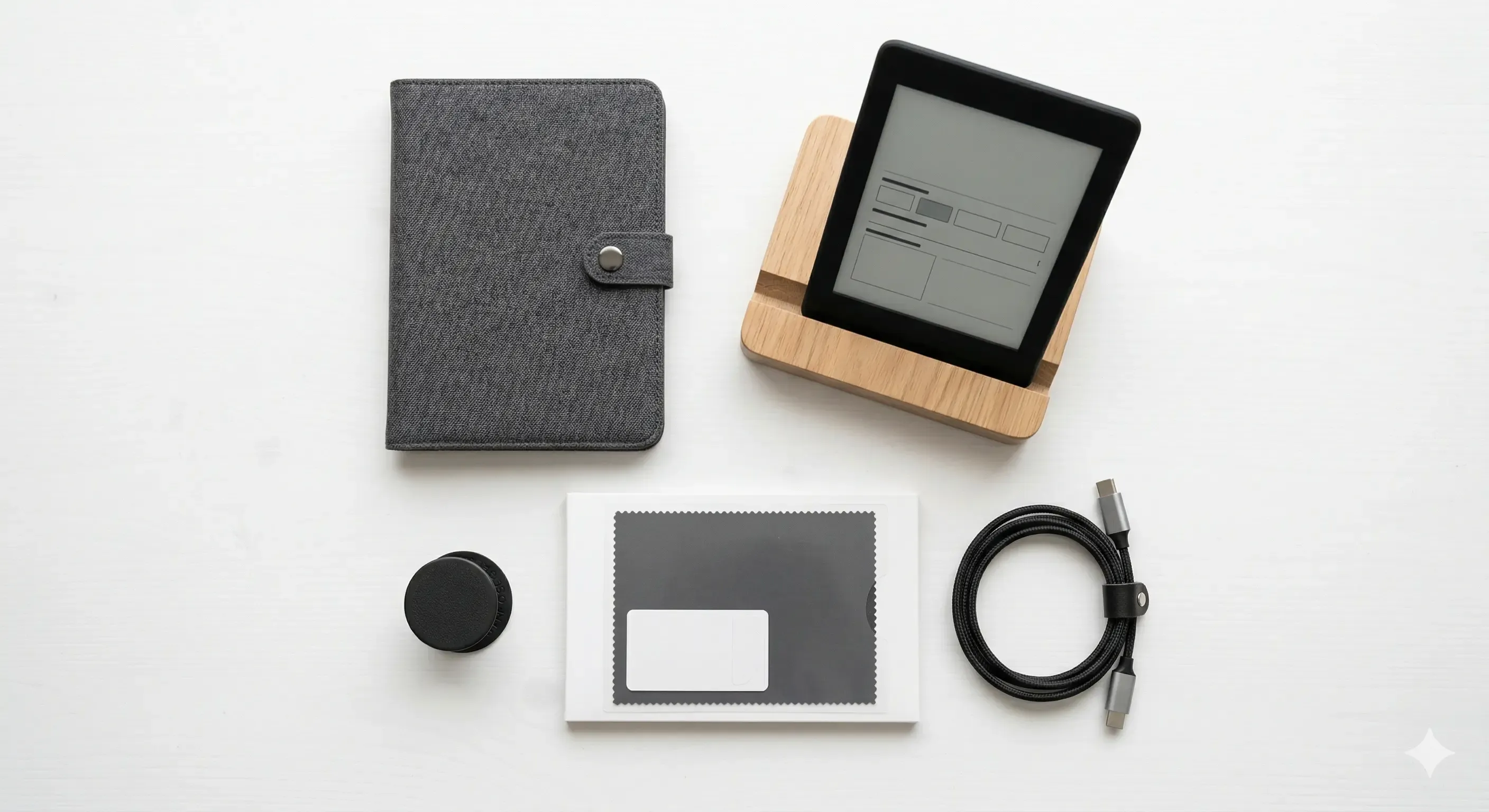
Best Kindle Accessories Worth Buying in 2026
The best Kindle accessories from cases to stands and screen protectors. Only the ones actually worth your money.
Unlock Your E-Reader: The Ultimate Kindle Modding Guide (2026)
Ready to take your Kindle to the next level? From jailbreaking to installing KOReader, here is everything you need to know about Kindle modding.