
Best E-Readers in 2026: Every Major Option Compared
The best e-readers in 2026 compared — Kindle, Kobo, Boox, and reMarkable. Specs, prices, and a clear recommendation for every type of reader.
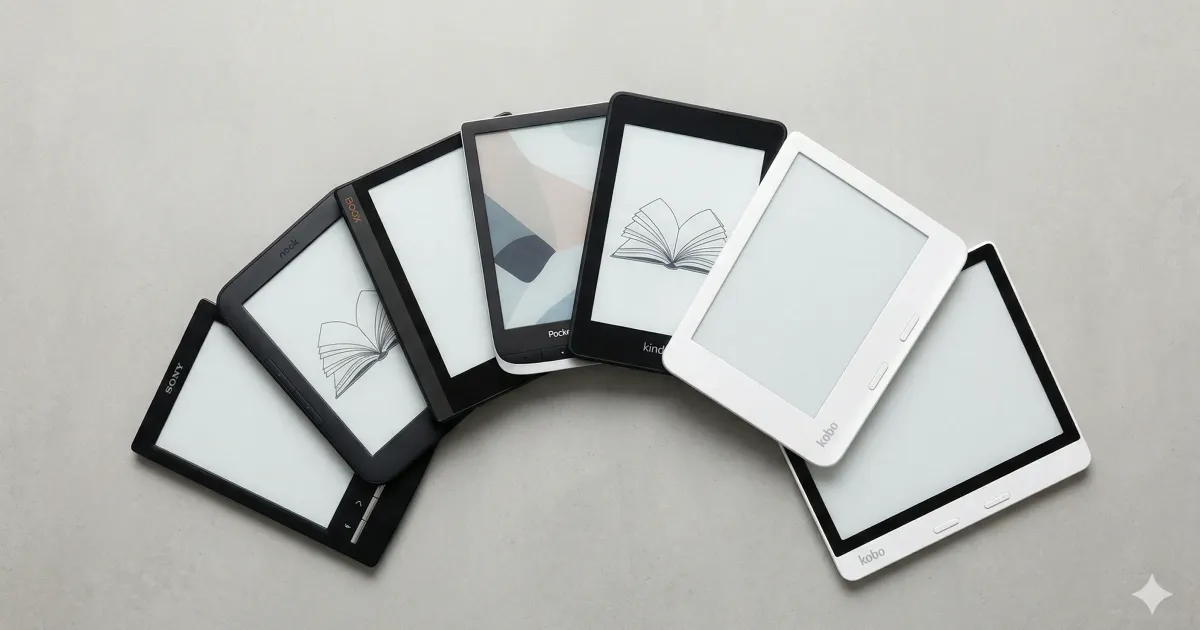
The e-reader market in 2026 has more options than ever — but the decision doesn’t have to be complicated. Whether you want the cheapest decent reader or a premium device with color and note-taking, there’s a clear best pick for each category.
Here’s every major e-reader worth considering, with a recommendation for each type of reader. (Not sure if you even need one? Start with is a Kindle worth it.)
Master Comparison
| Model | Screen | PPI | Color | Waterproof | Storage | Price |
|---|---|---|---|---|---|---|
| Kindle (2024) | 6” | 300 | No | No | 16 GB | ~$110 |
| Kindle Paperwhite (2024) | 7” | 300 | No | IPX8 | 16 GB | ~$160 |
| Kindle Paperwhite Signature | 7” | 300 | No | IPX8 | 32 GB | ~$200 |
| Kindle Scribe | 10.2” | 300 | No | No | 16–64 GB | ~$400 |
| Kobo Clara BW | 6” | 300 | No | IPX8 | 16 GB | ~$130 |
| Kobo Libra Colour | 7” | 300 | Yes (Kaleido 3) | IPX8 | 32 GB | ~$220 |
| Kobo Sage | 8” | 300 | No | IPX8 | 32 GB | ~$260 |
| Kindle Colorsoft Signature | 7” | 300 | Yes (custom) | IPX8 | 32 GB | ~$280 |
| Boox Tab Ultra C | 10.3” | 300 | Yes (Kaleido 3) | No | 128 GB | ~$600 |
| reMarkable 2 | 10.3” | 226 | No | No | 8 GB | ~$299 |
Best Overall: Kindle Paperwhite (2024)
~$160 — The best e-reader for most people.
The 2024 Paperwhite is the sweet spot of the entire market. A sharp 7-inch 300 PPI screen, IPX8 waterproofing, USB-C, weeks of battery life, and access to the largest ebookstore in the world. It added Bluetooth for Audible audiobooks, so one device handles both reading and listening.
The screen is noticeably bigger than the previous generation (6.8” → 7”), and the adjustable warm-light frontlight makes it comfortable to read any time of day.
If you’re buying one e-reader and want the least amount of hassle, this is it.
For a detailed head-to-head with its closest rival, see our Kindle Paperwhite vs Kobo Clara comparison.
Best Budget: Kindle (2024)
~$110 — The cheapest good e-reader.
The basic Kindle got a major upgrade in 2024: 300 PPI screen (up from 167), USB-C, and a faster processor. It’s no longer the blurry budget option — text looks sharp and reading feels snappy.
What you give up: no waterproofing, no warm light (only cold white), and the 6-inch screen feels small after you’ve used a Paperwhite. But at $110, it’s the cheapest way into e-ink reading that doesn’t feel like a compromise.
Great first e-reader, especially if you’re not sure it’s worth it yet.
Best for Library Users: Kobo Clara BW
~$130 — Built-in library integration.
The Kobo Clara BW’s killer feature is native OverDrive support. Link your library card in settings, browse your library’s catalog directly on the device, and borrow with one tap. No phone app needed, no extra steps.
It also reads EPUB natively, has a 300 PPI screen, and is IPX8 waterproof. At $30 less than the Paperwhite, it’s a legitimate alternative — especially for heavy library users.
The trade-off: smaller 6-inch screen, shorter battery life, and a smaller bookstore. But if free library books are your primary reading source, nothing else comes close. Check our guide to getting free books on Kindle if you want to replicate this on Amazon’s side.
Best for Comics and Color: Kobo Libra Colour
~$220 — The first color e-reader worth recommending.
Kobo’s Libra Colour uses a Kaleido 3 E Ink display — monochrome text at full 300 PPI sharpness, with muted but functional color for covers, comics, and illustrations. It’s not iPad-vivid, but it’s a massive step up from pure black-and-white.
The 7-inch screen, physical page-turn buttons, and ergonomic asymmetric design make it comfortable for long sessions. It’s waterproof, has stylus support for annotations, and maintains Kobo’s excellent library integration.
For manga, comics, or illustrated non-fiction, this is the best e-reader under $250.
Also worth considering: The Kindle Colorsoft Signature Edition (~$280) is Amazon’s first color Kindle. It uses a custom oxide-based color E Ink panel with 7-inch screen, IPX8 waterproofing, 32 GB storage, and wireless charging. Colors are slightly more vivid than Kaleido 3, but you lose Kobo’s library integration and EPUB support. If you’re already in the Kindle ecosystem and want color, it’s the easier pick.
Best for Note-Taking: Kindle Scribe
~$400 — An e-reader that doubles as a notebook.
The Scribe has a large 10.2-inch screen and comes with a stylus for handwriting directly on the device. You can annotate books, write in notebooks, and export your notes. The writing experience is surprisingly natural — there’s a slight texture to the screen that gives pen-on-paper feel.
As a pure e-reader, the Scribe is overkill. It’s big, not waterproof, and expensive. But if you want one device for reading and note-taking (meeting notes, journal, study notes), it earns its price.
The reMarkable 2 (~$299) is better for pure note-taking — the writing feel is unmatched — but worse as an e-reader (no backlight, no bookstore, 226 PPI). Choose based on your primary use case.
Best Premium: Kobo Sage
~$260 — Premium features without premium pricing.
The Sage sits between the Clara and the Scribe-class devices. Its 8-inch screen is large enough for comfortable reading and occasional PDF work, with physical page-turn buttons and Bluetooth audiobook support (through Kobo’s own service).
It’s waterproof, has optional stylus support for annotations, and includes all of Kobo’s ecosystem benefits (OverDrive, Pocket, EPUB support). If you want something bigger than a Paperwhite but don’t need the Scribe’s note-taking focus, the Sage is the sweet spot.
Best for Power Users: Boox Tab Ultra C
~$600 — An Android tablet with an E Ink screen.
The Boox Tab Ultra C runs full Android, which means you can install any app — Kindle, Kobo, Libby, Pocket, even a web browser. It has a 10.3-inch color E Ink screen, 128 GB storage, and a rear camera for document scanning.
This is for people who want maximum flexibility and don’t mind paying for it. The color display is functional but muted (Kaleido 3 E Ink technology). The software can feel sluggish compared to a purpose-built e-reader.
If you want one device that does everything — and you’re willing to tinker — the Boox is the most capable option on the market. For everyone else, it’s overkill. Our Kindle modding guide shows how to get some of this flexibility on a Kindle for free.
How to Choose
Ask yourself these questions:
What’s your budget?
- Under $120 → Kindle Basic
- $130–160 → Kobo Clara BW or Kindle Paperwhite
- $200–280 → Kobo Libra Colour, Kobo Sage, or Kindle Colorsoft
- $400+ → Kindle Scribe, reMarkable 2, or Boox
Where do you get your books?
- Amazon purchases → Kindle
- Library borrowing → Kobo
- Mixed / sideloading → Kobo or Boox
Do you want color?
- Yes (comics, manga) → Kobo Libra Colour or Kindle Colorsoft
- Yes (maximum) → Boox Tab Ultra C
- No (just books) → Kindle Paperwhite
Do you need waterproofing?
- Yes → Kindle Paperwhite, Kobo Clara, Kobo Libra, or Kobo Sage
- No → Any of the above
Do you want to take notes?
- Yes → Kindle Scribe or reMarkable 2
- No → Save the money, get a Paperwhite
For most people, the Kindle Paperwhite remains the best overall e-reader in 2026. It’s the right balance of price, features, and ecosystem. But there’s never been a better time to be a Kobo user, either.
Whichever you pick, check our best Kindle accessories guide and tips and tricks to get the most out of your device.
Related Articles
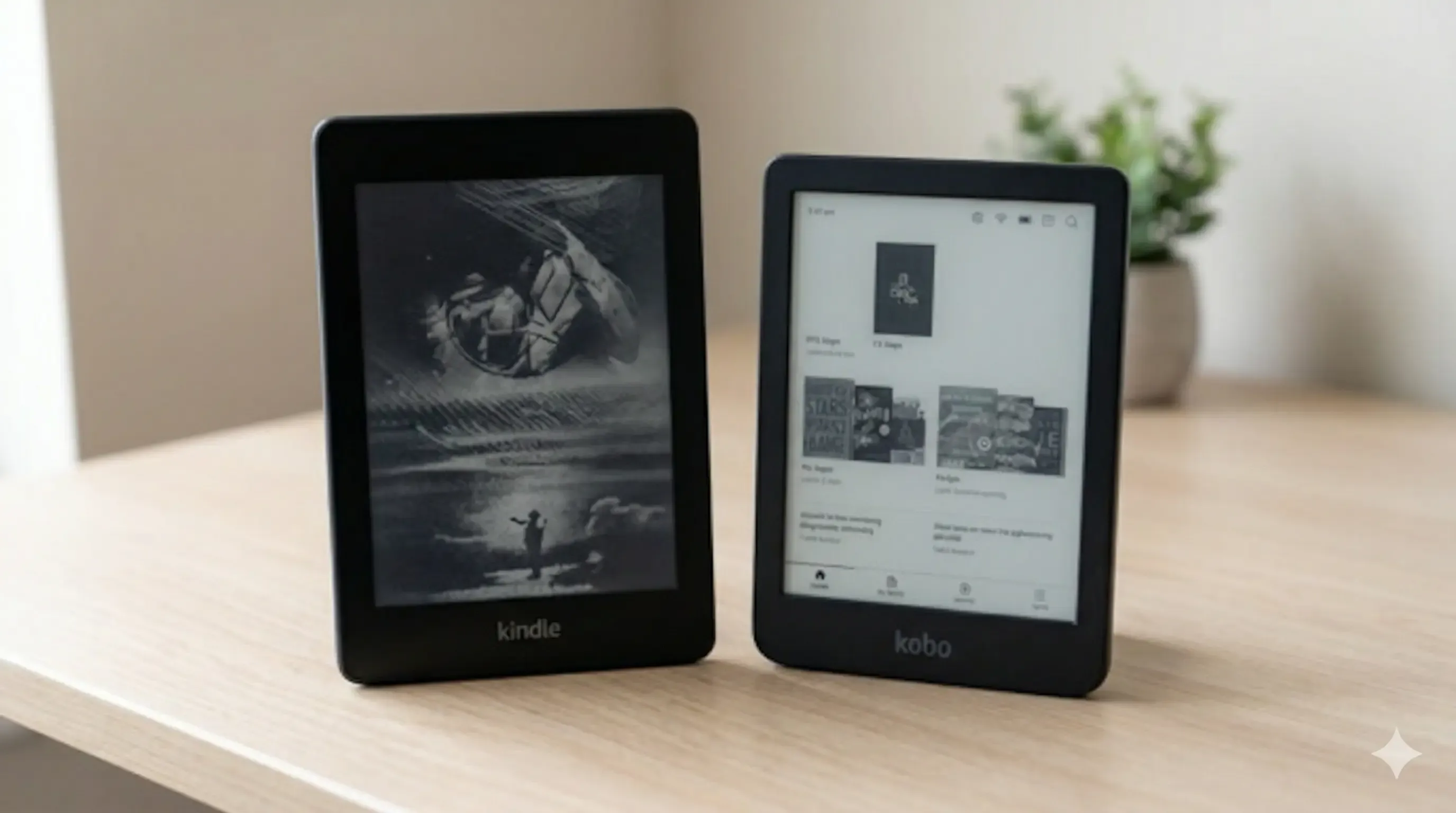
Kindle Paperwhite vs Kobo Clara BW: Which One to Buy?
Kindle Paperwhite vs Kobo Clara BW compared — specs, display, ecosystem, library support, and value. A clear recommendation for each type of reader.
Kindle vs Kobo (2026): I Own Both — Here's Which to Buy
After using both Kindle and Kobo daily, here's the honest truth. Features, prices, and ecosystem compared — with a clear winner.
How to Get Free Books on Kindle: 7 Legit Ways in 2026
Seven legal ways to get free ebooks on your Kindle — from Libby and Project Gutenberg to Amazon First Reads, Prime Reading, and Standard Ebooks.